
Tavily alternative
ScrapingBee vs Tavily
ScrapingBee is a Tavily alternative for developers who need search API capabilities alongside direct page extraction. It gives AI agents and RAG pipelines more control over web data collection, letting you search the web, render JavaScript, route requests through proxies, and extract structured content through a set of APIs.
 Sign up with Google
 based on 28 G2 reviews


(*) API throughput: ScrapingBee limits are based on concurrent requests, while Tavily publishes requests-per-minute (RPM) limits. These metrics are not directly equivalent and are shown to indicate the available API capacity for each service.
(**) Structured JSON output: Both services support structured output, but implementation differs. ScrapingBee supports structured data extraction, while Tavily provides structured output through supported APIs and schema-based workflows.
Comparison based on publicly available pricing and product information as of August 2026. Plan limits, features, and pricing may change over time.

Mike Ritchie
CEO @ SeekWell

ScrapingBee simplified our day-to-day marketing and engineering operations a lot. We no longer have to worry about managing our own fleet of headless browsers, and we no longer have to spend days sourcing the right proxy provider
Trusted by web scraping teams
based on 28 G2 reviews

Built for
Why teams evaluate Tavily alternatives
Compare AI search and web data APIs based on your agent workflow.
Tavily focuses on AI search and retrieval, but some applications also need direct control over page access, rendering, and extraction. When comparing Tavily alternatives, consider how each service fits into the broader process of collecting and processing web data.
The best Tavily alternative depends on how your application uses the web: through AI search and retrieval, direct page access, or a combination of both.
ScrapingBee supports real-time search and direct web access, with rendering, proxies, browser actions, screenshots, and extraction APIs for agent and data workflows.
Common factors to consider
Direct access to live web pages alongside search results
Proxy rotation and country-level proxy geotargeting
JavaScript rendering for dynamic websites
Browser actions such as clicking, scrolling, and waiting for page elements
Screenshot capture
HTML, Markdown, and structured JSON outputs
APIs for specific platforms such as Google, Amazon, Walmart, YouTube, ChatGPT, and Gemini
Pricing and scaling requirements for high-volume search and web scraping
Search, access, and extract web data with a few lines of code
See how ScrapingBee works in practice, from basic page requests and real-time search to AI extraction, Auto Mode, and browser interactions. Each example uses the single ScrapingBee endpoint and fits directly into your existing workflow.
Request
# pip install requests beautifulsoup4
import json
import os

import requests
from bs4 import BeautifulSoup

response = requests.get(
    "https://app.scrapingbee.com/api/v1/",
    params={
        "url": "https://news.ycombinator.com/",
        "render_js": "false",
    },
    headers={
        "Authorization": f"Bearer {os.environ['SCRAPINGBEE_API_KEY']}",
    },
    timeout=60,
)

response.raise_for_status()

soup = BeautifulSoup(response.text, "html.parser")

stories = [
    {
        "title": link.get_text(strip=True),
        "url": link.get("href"),
    }
    for link in soup.select(".titleline > a")[:10]
]

print(json.dumps(stories, indent=2))
Response
[
  {
    "title": "Gpiozero Flow",
    "url": "https://bennuttall.com/blog/2026/07/gpiozero-flow/"
  },
  {
    "title": "Azulejo",
    "url": "https://en.wikipedia.org/wiki/Azulejo"
  },
  {
    "title": "AI's top startups are barely publishing their research",
    "url": "https://www.science.org/content/article/ai-s-top-startups-are-barely-publishing-their-research"
  },
  {
    "title": "Carolina Cloud pays SOFR on unused prepaid credits",
    "url": "https://docs.carolinacloud.io/organizations/prepaid-interest/"
  },
  {
    "title": "The coolest use for the Vision Pro",
    "url": "https://christianselig.com/2026/07/vision-pro-house/"
  }
]
Fetch a static Hacker News page without browser rendering, then parse the first ten story titles and links from the returned HTML
Input parameters
Target URL
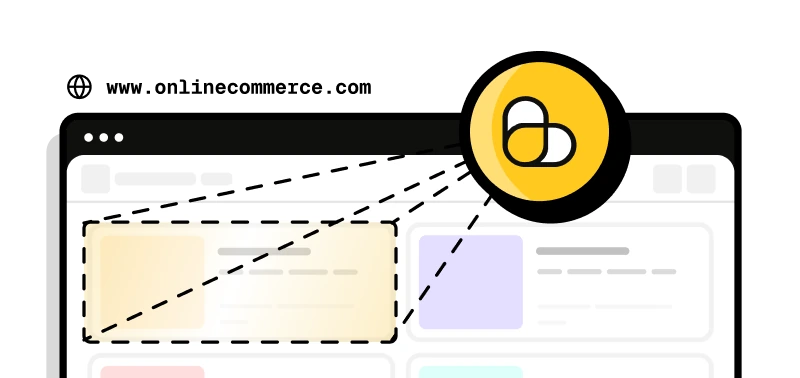
The webpage you want ScrapingBee to retrieve.
JavaScript rendering
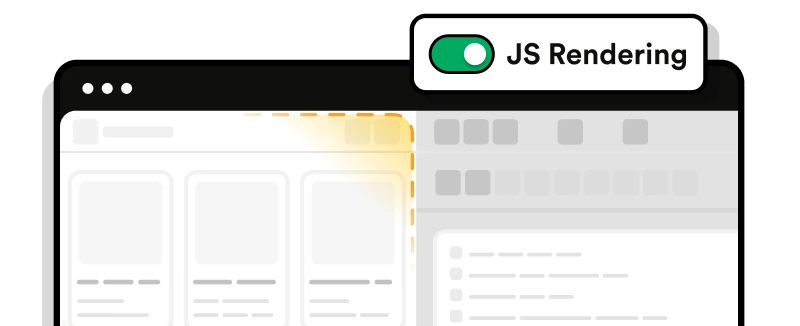
Enable or disable browser rendering for dynamic, JavaScript-heavy websites.
Proxy type
Use the default rotating proxy, or enable premium or stealth proxies for more difficult targets.

Data extraction
Extract structured data with CSS or XPath selectors, use a natural-language query, or define fields with AI extraction rules.

Proxy geotargeting
Send the request through a proxy in a selected country using a two-letter country code.

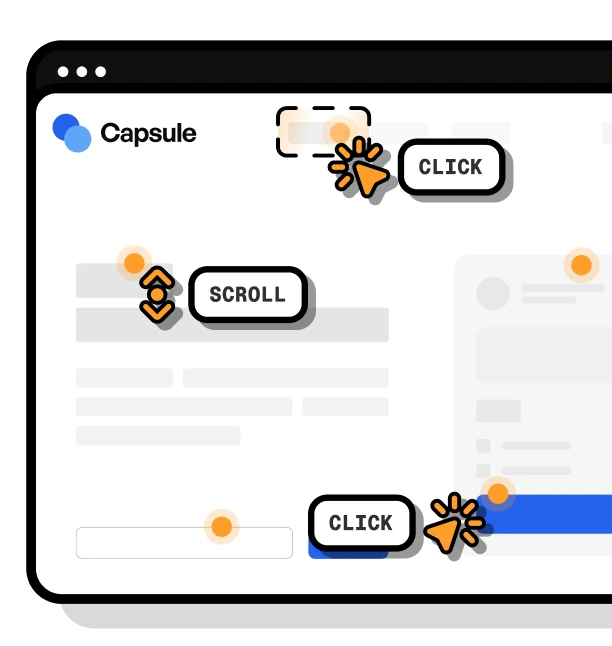
Browser actions
Click elements, fill forms, scroll, wait for content, or execute custom JavaScript before returning the response.
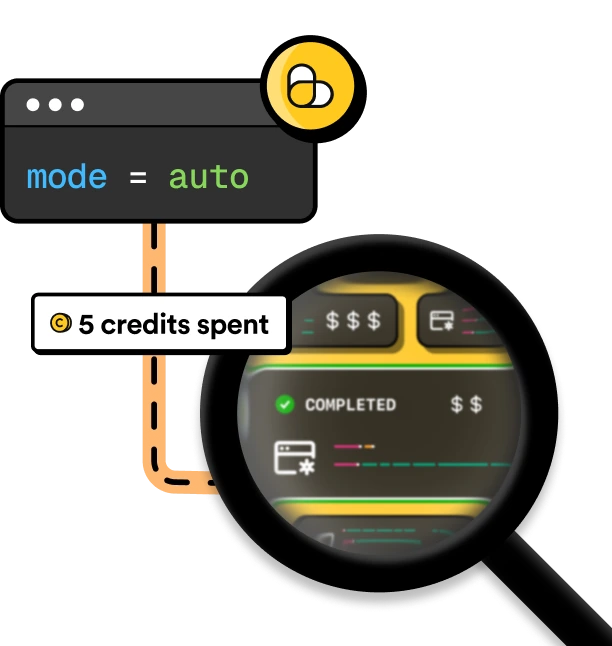
Auto Mode
Let ScrapingBee automatically choose the lowest-cost combination of JavaScript rendering and proxy type that successfully retrieves the page. Use max_cost to limit how many credits Auto Mode can spend on a request.
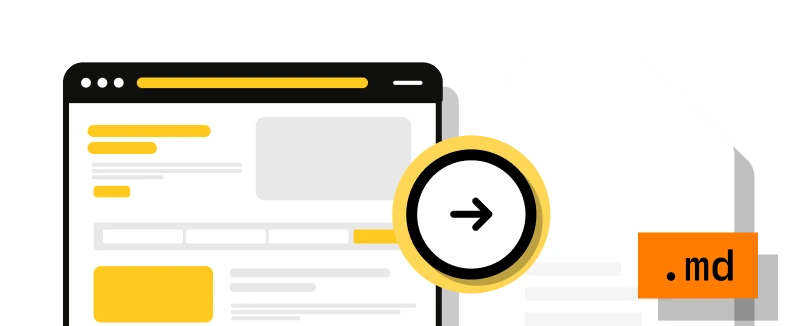
Markdown output
Return the main page content as Markdown, with HTML tags and unnecessary page elements removed for easier use in LLM and agent workflows.
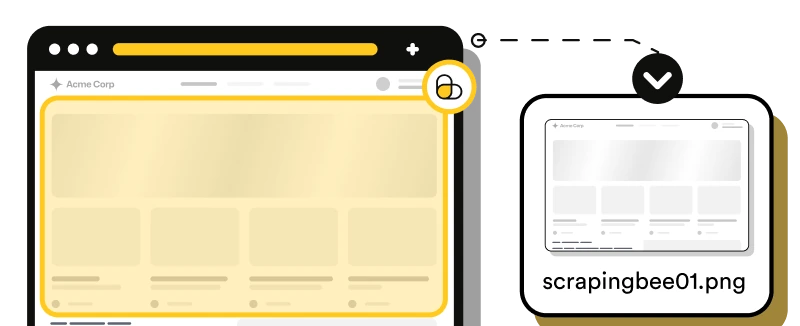
Screenshots
Capture the visible viewport, the full page, or a specific page element as an image.
Everything else
Select a device, forward custom headers, wait for specific elements, configure sessions and cookies, control browser behavior, and use other request options.
Full HTML API DocumentationTry ScrapingBee
as a Tavily alternative
Claim 1,000 free API credits and test ScrapingBee for web search, scraping, and extraction workflows. No credit card required.

How it works
How to start scraping
with ScrapingBee
Use ScrapingBee as a Tavily alternative when your workflow needs web search alongside direct page access, configurable rendering, proxy controls, and flexible extraction through a standard HTTP API.
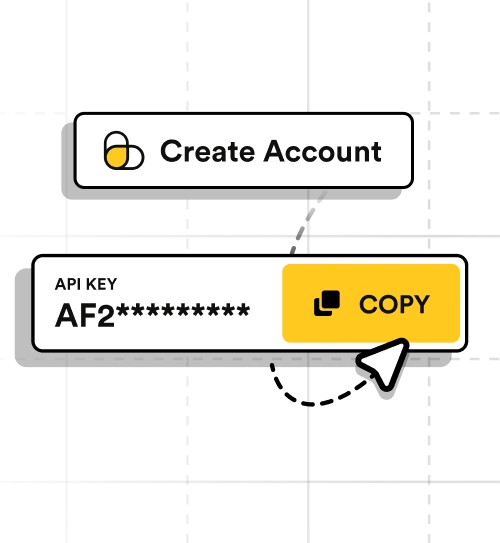
Create your account
Get instant access to your API key and 1,000 free credits. No credit card is required.
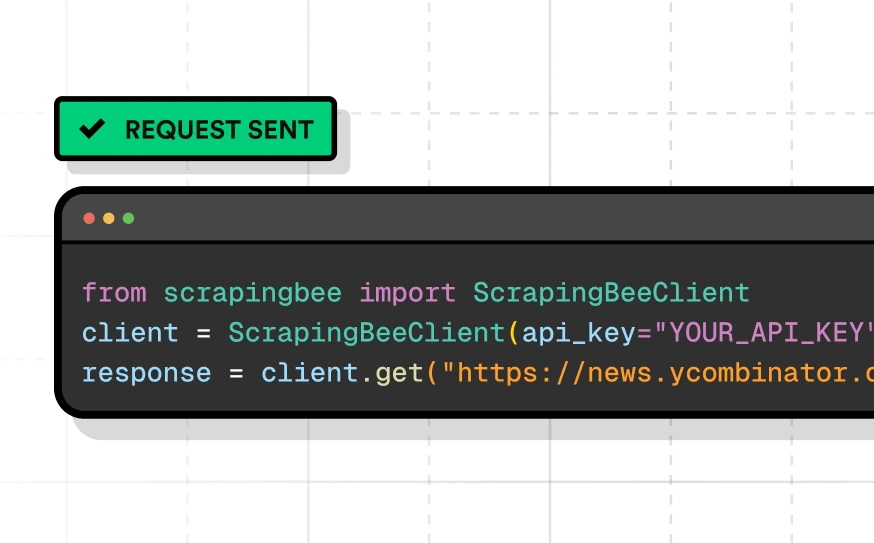
Send your first request
Call ScrapingBee from any language or tool that can send HTTP requests, test requests in the dashboard, or connect the API to tools such as Make and n8n. ScrapingBee handles proxy rotation, browser rendering, and retries for you.
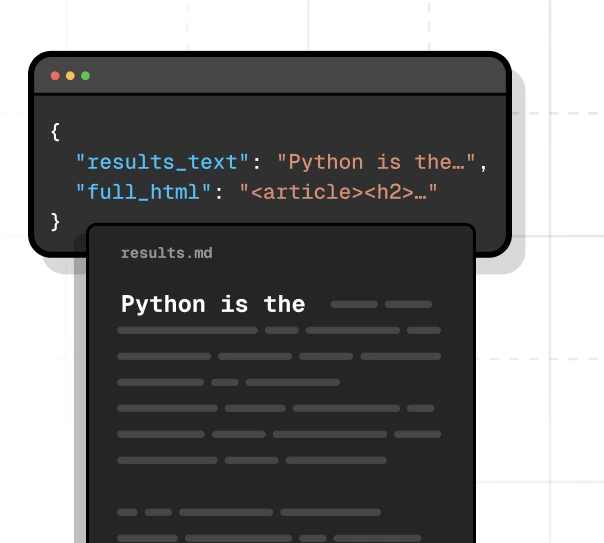
Return the data you need
Retrieve page content as HTML or Markdown, define extraction rules for structured JSON, or use AI extraction to identify the fields you need.
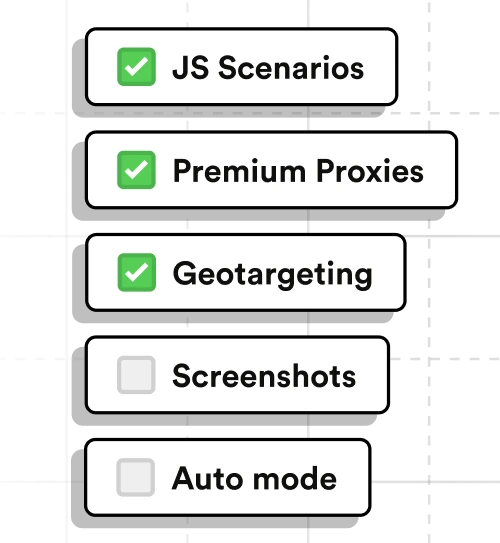
Customize your requests
Add JavaScript scenarios, premium or stealth proxies, proxy geotargeting, screenshots, custom headers, and Auto Mode when your targets require more control.
Our solution
More control over search and web access
For teams comparing Tavily alternatives, ScrapingBee combines real-time search with direct access to web pages, configurable browser rendering, proxy controls, and extraction through standard HTTP APIs.
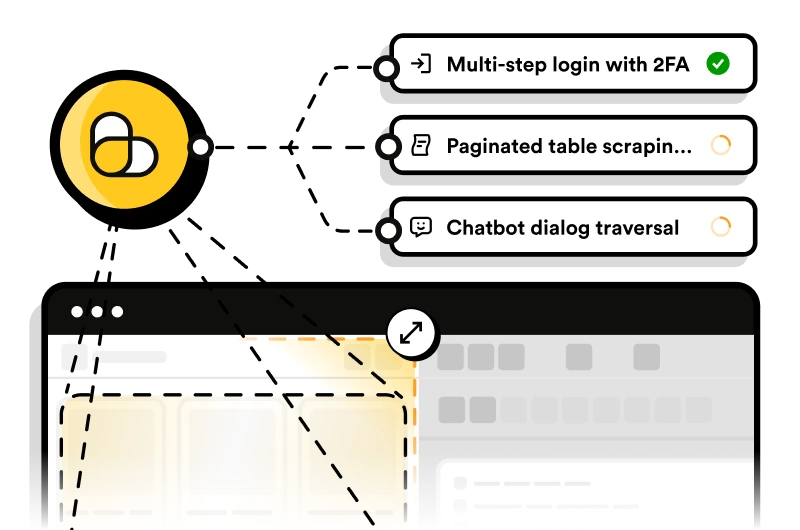
Interact with dynamic pages
Click buttons, fill forms, scroll, wait for elements, and run custom JavaScript before ScrapingBee returns the page content or captures a screenshot.
Explore JavaScript scenarios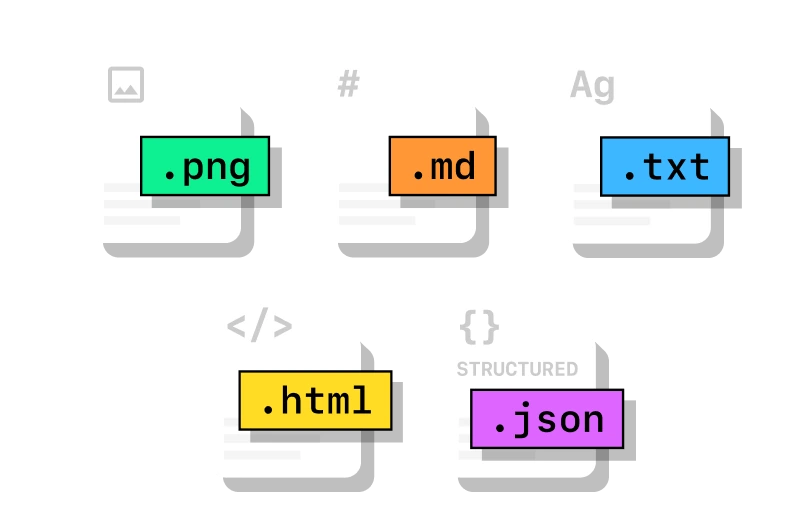
Access websites from specific countries
Send requests through proxies in selected countries to retrieve localized prices, availability, search results, and other region-dependent content.
Explore proxy geotargeting
Use APIs for search and specific platforms
Get real-time organic search results and news through the Fast Search API, or use dedicated APIs for Google, Amazon, Walmart, YouTube, ChatGPT, and Gemini when your workflow targets specific platforms.
Explore ScrapingBee APIsBuild your own scraping stack or use ScrapingBee
Evaluating Tavily alternatives can also mean deciding how much scraping infrastructure you want to manage yourself. Compare an in-house stack of headless browsers, proxies, retries, and request logic with ScrapingBee's managed API.
Initial setup

Build and maintain proxies, browsers, retries, and request logic

Send target URLs through a single API
JavaScript rendering
Run and scale your own headless browsers
Enable browser rendering with a request parameter
Proxy management
Source, rotate, and monitor proxy pools yourself
Use managed rotating, premium, or stealth proxies
Browser actions
Build automation for clicks, scrolling, forms, and waits
Define browser actions with JavaScript scenarios
Data extraction
Parse and transform page content in your own pipeline
Return HTML, Markdown, structured JSON, or screenshots
Proxy geotargeting
Source and manage proxies for each target country
Select a country with a two-letter country code
Maintenance
Monitor blocks, browser failures, proxy quality, and retries
Use managed retries, proxy options, and Auto Mode as targets change
Developer experience
Documentation, examples, and integrations for AI and web data workflows
When comparing Tavily alternatives, integration effort matters too. ScrapingBee provides API documentation, working code examples, developer tools, and integrations for search, scraping, extraction, agents, and automation workflows.
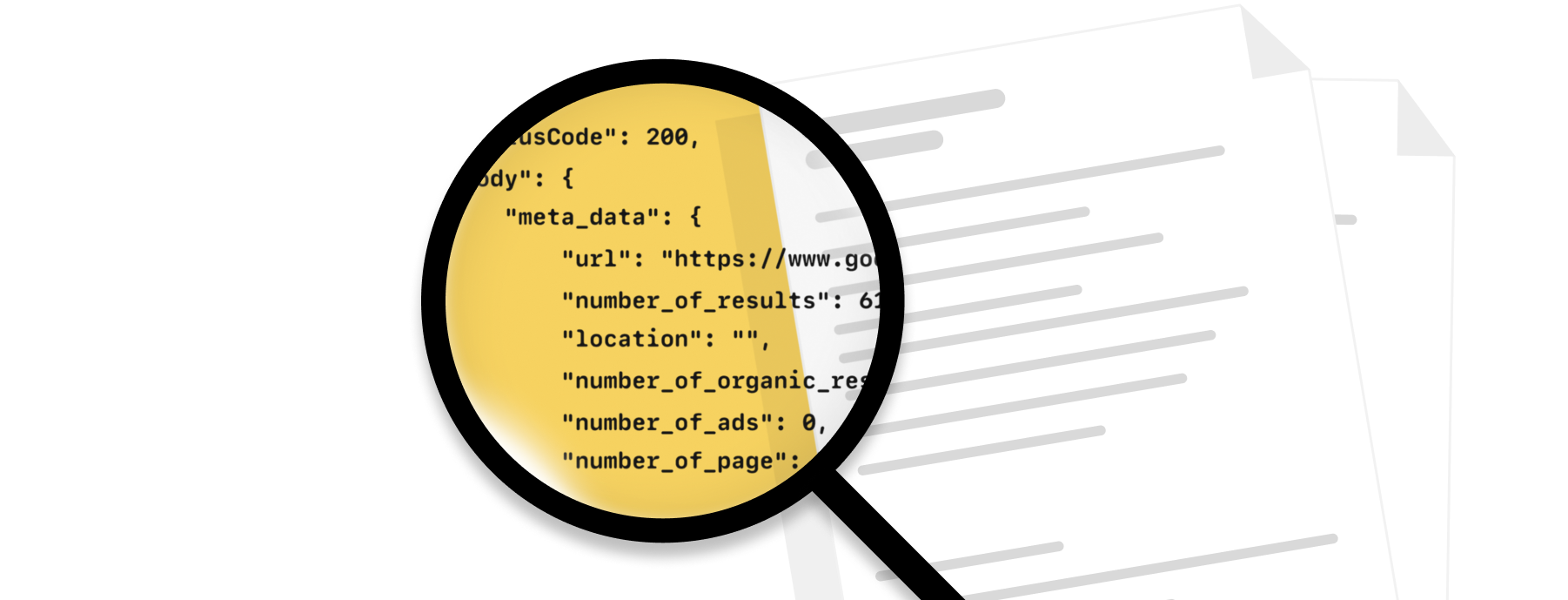
API documentation
Find request parameters, response formats, authentication details, and examples across ScrapingBee APIs, or explore available endpoints through the Postman collection.
Ready-to-use code examples
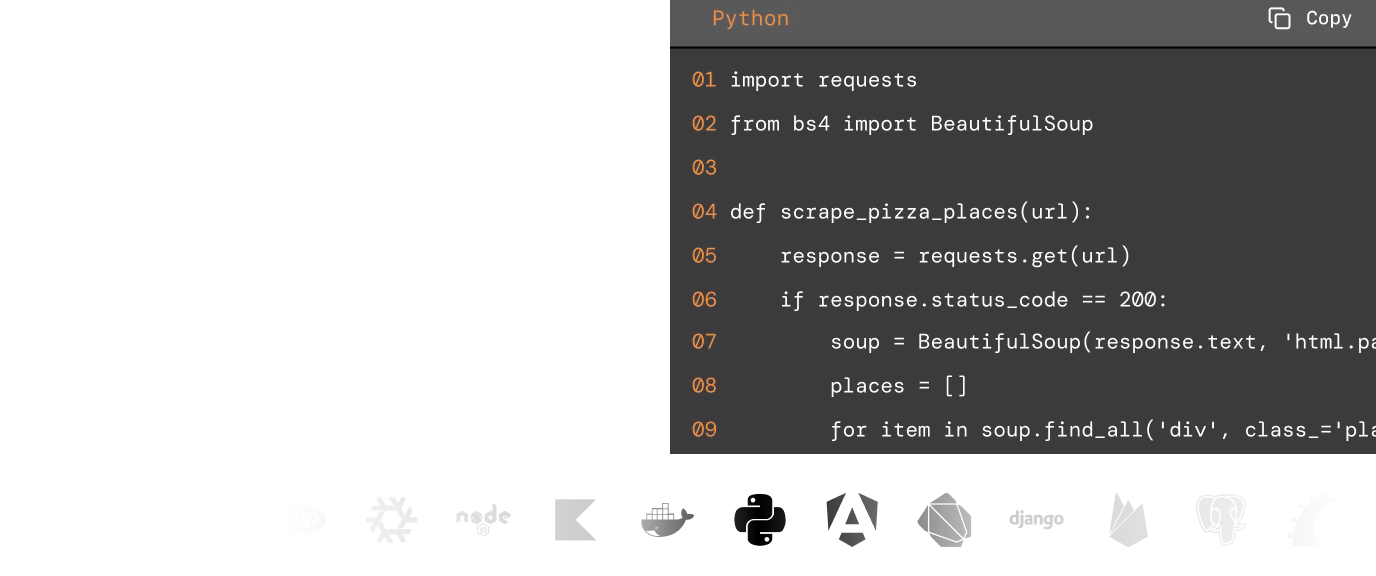
Start with examples for Python, Node.js, PHP, Ruby, Java, Go, cURL, and the ScrapingBee CLI, then adapt requests to your existing application.
Tools for AI agents and automation
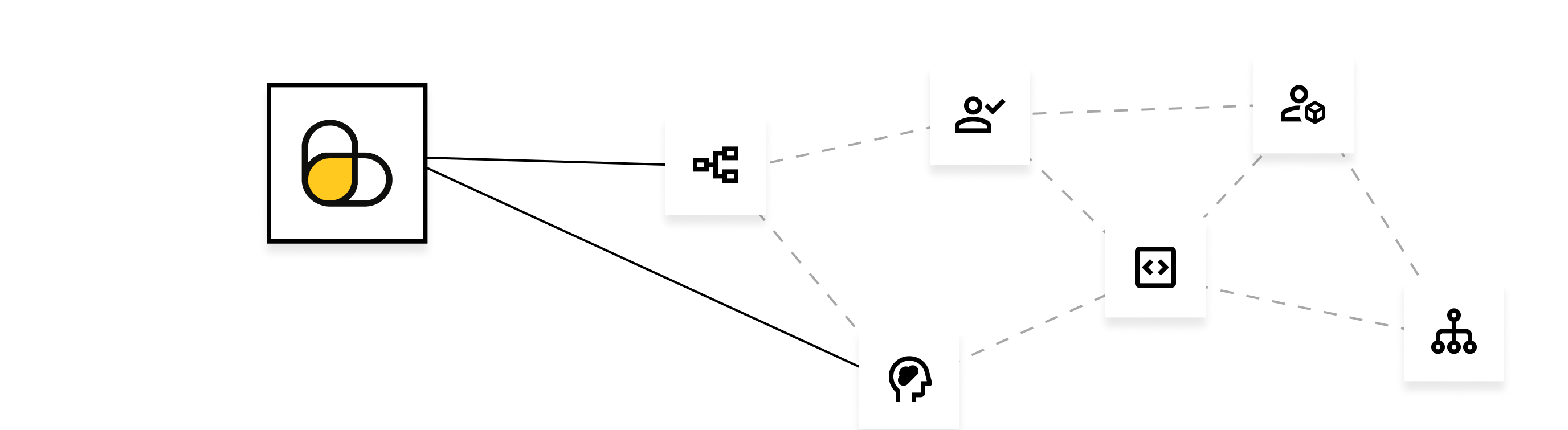
Connect ScrapingBee through Remote MCP or integrations with tools such as n8n, Make, Zapier, and LangChain when search results or web data need to feed agents, RAG pipelines, and automated workflows.

Developer support
Contact the ScrapingBee support team through live chat or email when you need help configuring requests, integrating an API, or troubleshooting a scraping workflow.
Why choose ScrapingBee for web scraping?
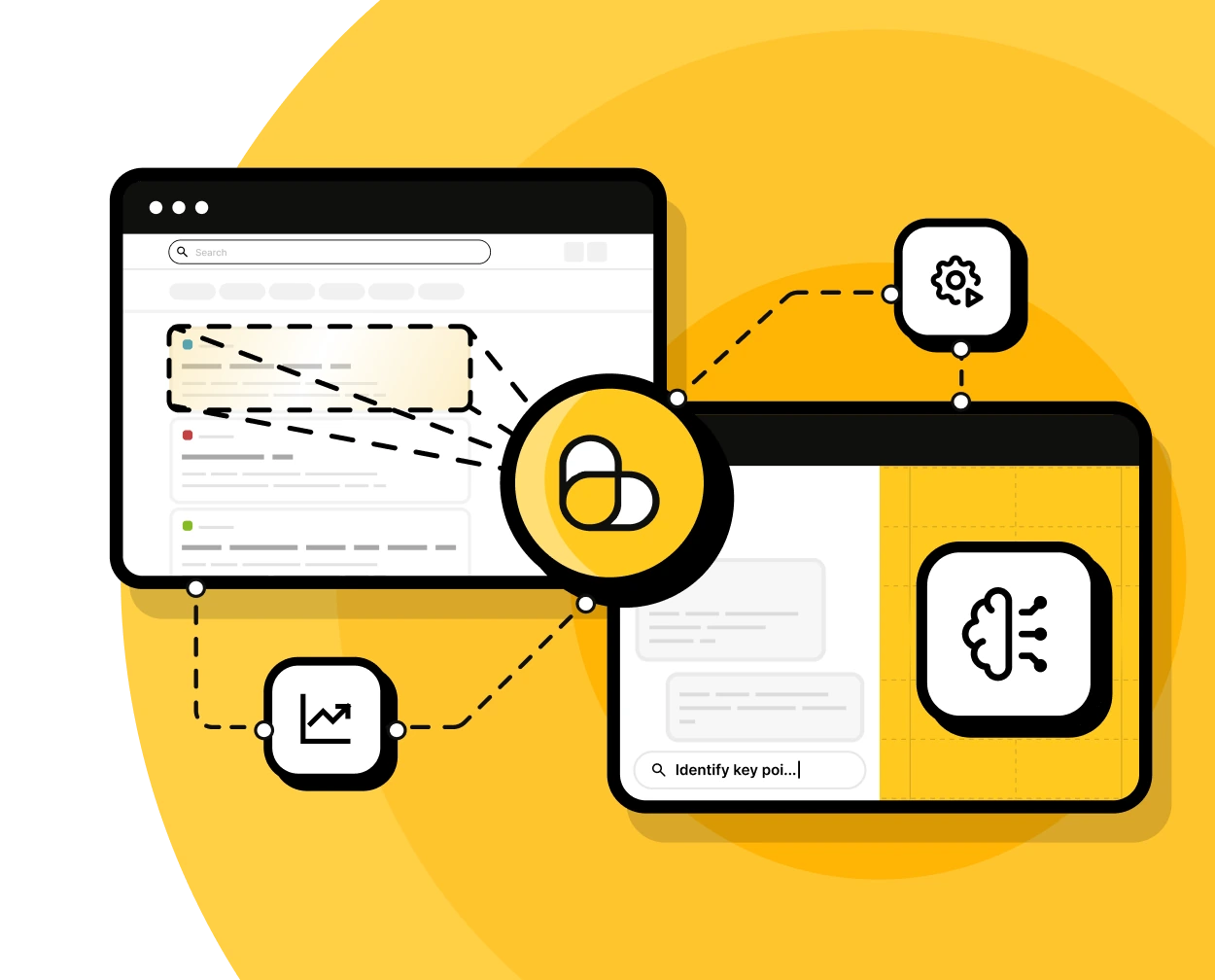
Use ScrapingBee when your application needs more than a basic page fetch: from search results and rendered content to structured data, screenshots, and automated browser interactions.
Managed proxy and browser infrastructure
ScrapingBee handles proxy rotation, JavaScript rendering, retries, and browser configuration so you can collect web data without maintaining that infrastructure yourself.
Flexible data extraction and outputs
Retrieve HTML, Markdown, screenshots, or structured data. Use CSS or XPath extraction rules, natural-language queries, or AI extraction when you need specific fields.
Built for growing workloads
Run requests in parallel with plan-based concurrency, use premium or stealth proxies for more difficult targets, and enable Auto Mode to automatically select a working rendering and proxy configuration.
Security and compliance
ScrapingBee provides a Data Processing Agreement and acts as a data processor for personal data handled through customer-directed scraping requests, with GDPR safeguards for data processing and international transfers.
Flexible plans for search and web scraping
Choose a ScrapingBee plan based on the credits, concurrency, and web access capabilities your workflow needs. Start small and upgrade, downgrade, or cancel as your usage changes.
Standard plans
Hobby
$19/mo- API Credits: 75,000
- Concurrent requests: 25
- JavaScript rendering: Included
- Rotating & Premium Proxies: Included
- Geotargeting: Included
- Screenshots & Extraction Rules: Included
- Dedicated Scraping APIs: Included
- Priority Email Support: Not included
- Dedicated Account Manager: Not included
- Team Management: Not included
Freelance
$49/mo- API Credits: 250,000
- Concurrent requests: 50
- JavaScript rendering: Included
- Rotating & Premium Proxies: Included
- Geotargeting: Included
- Screenshots & Extraction Rules: Included
- Dedicated Scraping APIs: Included
- Priority Email Support: Not included
- Dedicated Account Manager: Not included
- Team Management: Not included
Startup (Recommended)
$99/mo- API Credits: 1,000,000
- Concurrent requests: 100
- JavaScript rendering: Included
- Rotating & Premium Proxies: Included
- Geotargeting: Included
- Screenshots & Extraction Rules: Included
- Dedicated Scraping APIs: Included
- Priority Email Support: Not included
- Dedicated Account Manager: Not included
- Team Management: Not included
Business
$249/mo- API Credits: 3,000,000
- Concurrent requests: 200
- JavaScript rendering: Included
- Rotating & Premium Proxies: Included
- Geotargeting: Included
- Screenshots & Extraction Rules: Included
- Dedicated Scraping APIs: Included
- Priority Email Support: Included
- Dedicated Account Manager: Included
- Team Management: Included
Business +
$599/mo- API Credits: 8,000,000
- Concurrent requests: 400
- JavaScript rendering: Included
- Rotating & Premium Proxies: Included
- Geotargeting: Included
- Screenshots & Extraction Rules: Included
- Dedicated Scraping APIs: Included
- Priority Email Support: Included
- Dedicated Account Manager: Included
- Team Management: Included
Enterprise plans
Enterprise 14
$999/mo- API Credits: 14,000,000
- Concurrent requests: 500
- JavaScript rendering: Included
- Rotating & Premium Proxies: Included
- Geotargeting: Included
- Screenshots & Extraction Rules: Included
- Dedicated Scraping APIs: Included
- Priority Email Support: Included
- Dedicated Account Manager: Included
- Team Management: Included
Enterprise 24
$1,599/mo- API Credits: 24,000,000
- Concurrent requests: 600
- JavaScript rendering: Included
- Rotating & Premium Proxies: Included
- Geotargeting: Included
- Screenshots & Extraction Rules: Included
- Dedicated Scraping APIs: Included
- Priority Email Support: Included
- Dedicated Account Manager: Included
- Team Management: Included
Enterprise 41 (Recommended)
$2,399/mo- API Credits: 41,000,000
- Concurrent requests: 700
- JavaScript rendering: Included
- Rotating & Premium Proxies: Included
- Geotargeting: Included
- Screenshots & Extraction Rules: Included
- Dedicated Scraping APIs: Included
- Priority Email Support: Included
- Dedicated Account Manager: Included
- Team Management: Included
Enterprise 69
$3,599/mo- API Credits: 69,000,000
- Concurrent requests: 800
- JavaScript rendering: Included
- Rotating & Premium Proxies: Included
- Geotargeting: Included
- Screenshots & Extraction Rules: Included
- Dedicated Scraping APIs: Included
- Priority Email Support: Included
- Dedicated Account Manager: Included
- Team Management: Included
Enterprise 120
$5,799/mo- API Credits: 120,000,000
- Concurrent requests: 900
- JavaScript rendering: Included
- Rotating & Premium Proxies: Included
- Geotargeting: Included
- Screenshots & Extraction Rules: Included
- Dedicated Scraping APIs: Included
- Priority Email Support: Included
- Dedicated Account Manager: Included
- Team Management: Included

Need more credits or higher concurrency?
Try a Tavily alternative on your own workflow
"A reliable scraping backbone for multilingual market analysis."


"ScrapingBee really grew on us! Very good so far and we'll continue using it for a large project coming up as it just provides the consistency we need."


ScrapingBee has filled the void and allowed me to use an API to scrape instead of learning other libraries. "It has helped speed up our route towards complete competitive intelligence.


Web data infrastructure used by 4,500+ customers
ScrapingBee supports teams building AI agents, automation, analytics, and data products that need reliable access to live web content.





Compare ScrapingBee with Tavily on real tasks
Test the websites, search queries, and extraction workflows your agents already use, and see which approach fits your stack better. Get 1,000 free API credits.
Frequently asked questions
Yes, ScrapingBee is a Tavily alternative, depending on what your application needs from the web. Both services can provide fresh web content for AI and data applications, but Tavily is centered on search and retrieval for AI agents, while ScrapingBee combines search with configurable web scraping infrastructure.
ScrapingBee is particularly relevant when you need to work with specific websites, dynamic pages, location-dependent content, or browser interactions.
ScrapingBee and Tavily overlap around search and content extraction, but are optimized for different types of web access.
Tavily focuses heavily on search, retrieval, and research for AI agents. Its APIs can discover relevant sources, extract content from URLs, crawl websites, map site structure, and perform broader research tasks.
ScrapingBee focuses more on controllable web access. In addition to real-time search, it lets developers configure rendering, proxy type, proxy location, browser interactions, screenshots, headers, extraction rules, and other request-level behavior.
It can be, depending on what the agent needs to do.
For agents that primarily need ranked web search results and AI-oriented retrieval, Tavily provides a purpose-built search and research stack. For agents that also need to visit specific websites, interact with dynamic pages, retrieve location-dependent content, take screenshots, or access platform-specific data, ScrapingBee provides those capabilities through its APIs and Remote MCP server.
ScrapingBee's Fast Search API can also supply real-time search results before an agent fetches or extracts data from selected pages.
You can test ScrapingBee for free with 1,000 API credits and no credit card required. These credits can be used to try web scraping, search, extraction, and other supported APIs.
This differs from Tavily's Researcher plan, which currently includes 1,000 API credits each month. ScrapingBee does not provide an ongoing free monthly allowance, so compare the paid usage model as well if you are evaluating free alternatives to Tavily for a production workflow.
The cost depends heavily on the type of request.
For basic page requests, ScrapingBee pricing works out to approximately $0.07–$0.27 per 1,000 basic page requests. Features such as JavaScript rendering, premium or stealth proxies, and other advanced options consume additional credits.
Tavily prices Basic Extract by successful URL extraction. Based on its current paid monthly and pay-as-you-go credit rates, 1,000 successful Basic Extract operations cost approximately $1.00–$1.60.
These are not direct equivalents, so it is better to compare the cost of the complete workflow rather than only the headline price per request.
Yes, especially when scraping specific websites is the primary requirement.
ScrapingBee lets you request arbitrary URLs, render JavaScript, rotate proxies, select proxy countries, interact with pages through JavaScript scenarios, capture screenshots, and extract structured content. Auto Mode can also select a rendering and proxy configuration automatically when a target is difficult to retrieve.
Tavily Extract and Crawl can also retrieve content from known URLs and websites, so both services cover parts of this workflow. ScrapingBee provides more request-level control when scraping behavior itself is important.
Yes. ScrapingBee provides a hosted Remote MCP server that gives compatible AI clients access to web search, page scraping, structured extraction, screenshots, and dedicated APIs for services such as Google, Amazon, Walmart, YouTube, ChatGPT, and Gemini.
MCP requests use the same ScrapingBee credits as the API operations they call, with no additional MCP surcharge.
Tavily also provides its own MCP server for connecting AI agents to its search and web retrieval tools.
Yes, but ScrapingBee is not a drop-in replacement for the Tavily API. Your application will need to use ScrapingBee endpoints, authentication, parameters, and response formats.
The amount of work depends on the existing workflow. Applications that already work with known URLs may map naturally to ScrapingBee's HTML and extraction APIs. Search-first agent workflows can use the Fast Search API before fetching selected pages, but the search and ranking behavior will differ from Tavily.
There is no single best Tavily alternative for every AI agent or web data workflow. Useful criteria include search quality, direct page access, extraction options, JavaScript rendering, proxy support, geotargeting, browser automation, screenshots, rate limits or concurrency, MCP support, and overall cost at your expected volume.
ScrapingBee is a strong fit for applications that combine search with hands-on page retrieval, browser automation, location-specific requests, or high-volume data collection.
Notice Regarding Third-Party Specifications & Trademarks: All feature comparisons, pricing details, and technical specifications concerning Tavily, including search, extraction, crawling, research, API capabilities, and usage limits, are based on publicly available documentation accessible as of August 2026. Product specifications and features are subject to change by their respective owners over time.
Tavily is a trademark of its respective owner.
ScrapingBee and Tavily are separate, independent companies with no corporate relationship, common ownership, partnership, or other affiliation between them. ScrapingBee is not affiliated with, endorsed by, or sponsored by Tavily.
All third-party product names and trademarks referenced on this page remain the exclusive property of their respective owners and are used solely for identification purposes under nominative fair use, to describe and compare publicly available product capabilities.
Purpose and Accuracy Statement: This comparison is intended to provide an objective, factual overview of publicly documented product capabilities to help readers evaluate available options. It is not intended to disparage, discredit, or misrepresent Tavily or its products in any way. We recognise Tavily as a capable platform serving its own use cases, and we encourage readers to consult Tavily's official website for the most current information.
Comparisons reflect publicly available information as of August 2026 and are made in good faith. If you believe any statement on this page is inaccurate or outdated, please contact us by email contact@scrapingbee.com and we will review and correct it promptly.