YouTube Metatag Scraper API
Scrape YouTube metadata quickly using the ScrapingBee YouTube Metatag Scraper API. Extract titles, descriptions, tags, and more from videos. Automate data collection without managing proxies, CAPTCHAs, or JavaScript rendering. Discover insights with our reliable scraping solutions tailored for developer teams.
Key Benefits:
 Sign up with Google
 based on 100+ reviews.


Mike Ritchie
CEO @ SeekWell

ScrapingBee simplified our day-to-day marketing and engineering operations a lot. We no longer have to worry about managing our own fleet of headless browsers, and we no longer have to spend days sourcing the right proxy provider
Extract Valuable Metadata from Various Online Services
Explore how our YouTube metatag scraper can help you extract valuable metadata from multiple online sources. In this section, we will delve into three key use cases that demonstrate its powerful capabilities for enhancing data insights, streamlining workflows, and automating tedious tasks.



Extract video metadata
Extract video metadata to enhance competitor analysis by obtaining critical insights on view counts, engagement metrics, and trending topics.
Extract channel subscriber counts
Extract video thumbnails to enhance strategic positioning by visually identifying content trends and optimizing your business's media strategy.
Extract comment data
Leverage comment data to identify audience sentiment and feedback trends, enabling targeted strategies for market positioning and product development.
Transparent YouTube Metatag scraper API pricing
Cancel anytime, no questions asked!
Need more credits and concurrency per month?
(No credit card required)
How ScrapingBee works
Manually collecting Metatag data from Youtube is slow, limited and hard to scale. That’s why more and more teams choose ScrapingBee.
Create an account - get instant access to API key and 1,000 free credits to get started
Quickly add our official Python library to your project. This makes it easy to send scraping requests without worrying about proxies or browsers.
Use your Youtube Metatag API key to fetch any detail programmatically. We do all the heavy lifting, you get ready-to-use, rendered HTML for parsing and analysis.
Use our advanced features to handle complex pages with dynamic elements while maintaining full control over your scraping workflows.
YouTube Metadata Scraper - Built for Speed. Designed for Fast Data Collection
Accelerate your projects with a tool designed for swift data extraction from video platforms. Gain comprehensive insights by effortlessly acquiring essential metadata to inform strategic decisions and enhance data-driven initiatives.

Leverage AI Web Scraping functionality to effortlessly gather YouTube data, enhancing strategic analysis and decision-making.
AI Web Scraping
Effortlessly capture full or partial page visuals YouTube Metatag instantly. Bypass bot blocks by loading the page in a real browser environment.
Screenshot API
Extract YouTube Metatag data from Google Search results at scale with our API. No rate limits. No complexity. Just pure search intelligence.
Explore Google Search API
Click, scroll, wait for dynamic content to appear, or just run some custom JavaScript code. Our JavaScript scenarios simulate real user behavior. Seamlessly.
JavaScript Scraping API
Acquire structured data from video platforms in Markdown or plain text, ensuring seamless integration into analytics frameworks while enhancing your strategic initiatives.
Markdown Scraper
Skip the messy HTML. With our easy-to-use extraction rules, get perfectly structured JSON with just the data you care about. Connect ScrapingBee with Zapier to build no-code scraping workflows.
Zapier Integration
Trusted by 3,000+ developers and data teams
Scraping is 50% dealing with ever-changing HTML files and 50% massaging data into a useable format. ScrapingBee’s incredible AI feature can do both much better than I ever could. Now I can spend 100% of my time on what matters most; my business.

Arvid Kahl,
Founder at Podscan
ScrapingBee helps us to retrieve information from sites that use very sophisticated mechanism to block unwanted traffic, we were struggling with those sites for some time now and I'm very glad that we found ScrapingBee.

Anton R,
CTO

ScrapingBee clear documentation, easy-to-use API, and great success rate made it a no-brainer.

Dominic Phillips,
Co-Founder at CodeSubmit
I'm a PhD candidate with absolutely no web scraping experience and needed to scrape some data for a dissertation project. ScrapingBee helped me get the job done quickly and easily. Excellent customer support too. Couldn't be happier!
Sam,
PhD candidate
So easy to set-up, straightforward and performance. They are reachable and kind, they introduced us properly their tool and offered the best solution for our need.

Maxime Y,
Product Manager @ NordFolk
Great SaaS tool for legitimate scraping and data extraction. ScrapingBee makes it easy to automatically pull down data from the sites that publish periodic data in a human-readable format.

Andy Hawkes,
Founder at Loadster
Good experience. I found this proxy service more effective compared to previous ones that were being used. It is fast and efficient.
Aayushi,
Senior analyst
Fantastic service: works flawlessly, best support I've experienced. It just works: and its parsing meta-language is wonderfully powerful. Most importantly, the support I've received has been superlative.
Mike P.,
VP
Excellent service, glad we made the switch! We could always dedicate resources and build our own systems for everything... or we could simply call the scrapingBee API and focus on the data. It makes our work so much easier.
Daniel L,
Lead dev
Recognized for excellence
in web scraping


You're in great company
2,500+ customers all around the globe use ScrapingBee to solve their web scraping needs.






Unmatched Accuracy for YouTube Metatag Scraping
ScrapingBee enables precise extraction of unique insights from YouTube, facilitating in-depth analysis and strategic enhancements.
Designed for Seamless Insights.
Scraping YouTube metadata is challenging due to blocking, bot detection, and strict limits. The YouTube Metatag Scraper API alleviates these issues, freeing your team from managing unreliable infrastructure.
Talk to SalesBeyond YouTube Data API
Collect data across platforms using the same scraper - from YouTube to Google Search, Bing, and Yahoo, along with various e-commerce marketplaces, business directories, and real estate listings. Access a wealth of information with one powerful API designed for efficient web scraping across diverse sources.
Web Scraping API
ScrapingBee in numbers
Developer Experience
Top-rated support &
documentation
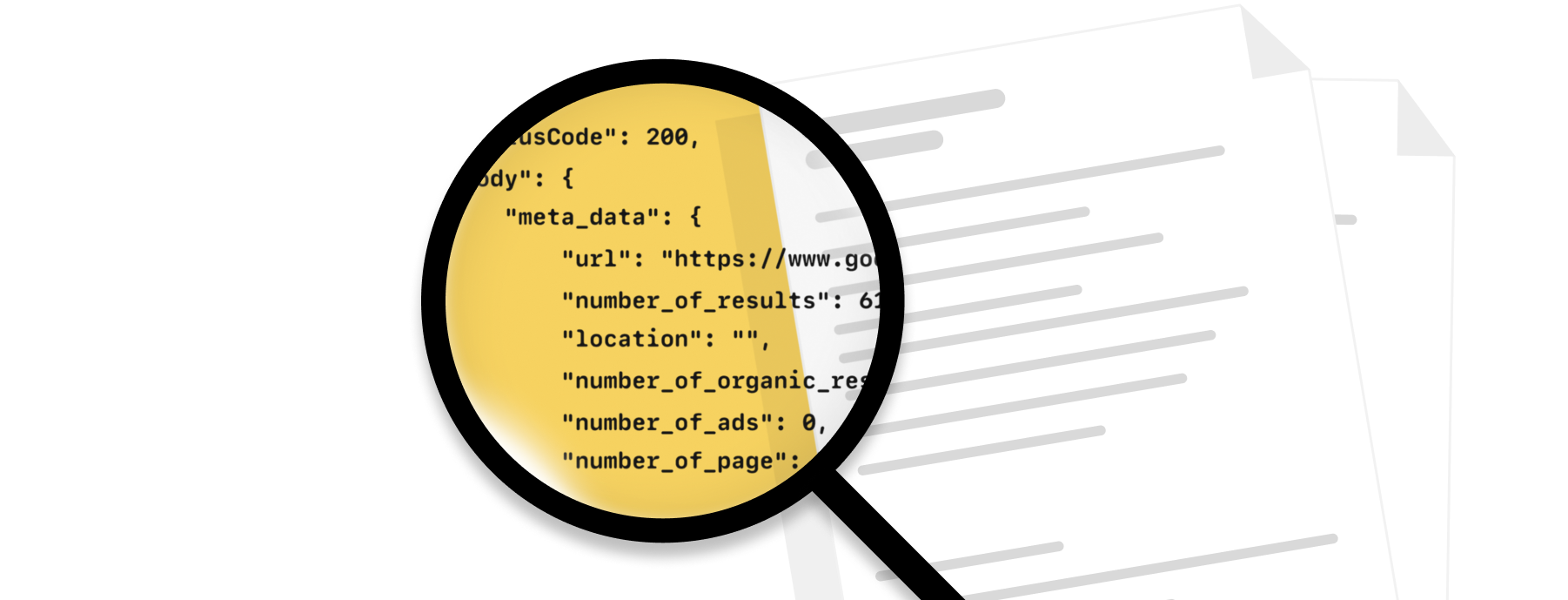
Our team is here to guide you when you need the extra assistance. And we're constantly working on new features to make your life easier.
Fantastic documentation
Take a look at our documentation and get started in minutes!
Code samples
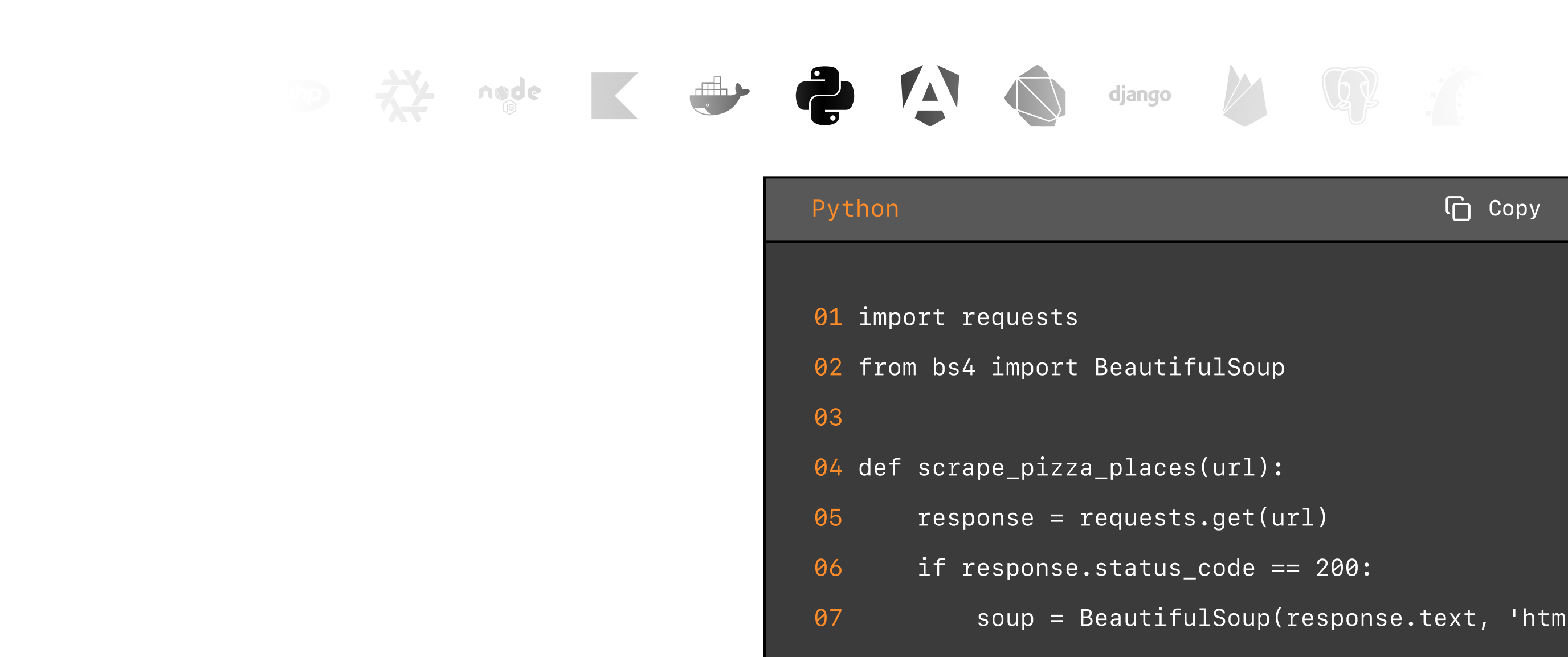
Whatever the programming language you enjoy, we have written code samples ready.
Knowledge base
Our extensive knowledge base covers the most frequent use cases with code samples.

Exceptional support
Fast, engineer-led support via live chat or email
Explore web scraping insights
Check out our documentation to find out more on how to utilise our API for your scraping needs.
AI Data Extraction
JS Rendering
Stealth Proxy
Screenshots
Custom Cookies
Download Images
More markets. More opportunities.
Expand your data collection beyond this scraper.
Why ScrapingBee?
The most reliable web scraping API, trusted by 3,000+ developers worldwide.
- Data analysts
- Growth teams
- Developers
- E-commerce businesses
GDPR and CCPA compliant
ScrapingBee does not collect or store personal data from scraped sites unless their user explicitly requests it.
CAPTCHA bypass capacity
We handle proxy rotation to avoid IP-based blocking. With headless browser rendering, we mimic real user browsing behaviour and reduce the blocking risk.
Scalable
The platform scales smoothly with thousands of headless browsers and rotating proxies, ensuring fast, reliable performance even during traffic spikes.
Speed and accuracy
We deliver fast, reliable results in 1-5 seconds with high accuracy across most sites, even JavaScript-heavy ones.
YouTube Metatag Scraper FAQs
YouTube metatags are snippets of HTML code that provide metadata about a YouTube video, such as its title, description, and keywords. These tags help search engines understand the content of the video, improving its visibility and relevance in search results. Utilizing YouTube metatags effectively can enhance discoverability and engagement for content creators.