
Scrape YouTube Captions, Subtitles, and Timing Data
Build searchable video archives, translation pipelines, and accessibility tools without fighting YouTube's caption-track delivery format or hitting Data API quotas. Our YouTube Caption Scraper pulls timed caption text in any available language through one HTTP call.
Key Benefits:
 Sign up with Google
 based on 100+ reviews.


Mike Ritchie
CEO @ SeekWell

ScrapingBee simplified our day-to-day marketing and engineering operations a lot. We no longer have to worry about managing our own fleet of headless browsers, and we no longer have to spend days sourcing the right proxy provider
What Developers Build with YouTube Captions
YouTube caption tracks give you clean, time-aligned transcripts without running audio through speech-to-text. Teams use them three ways: in-video search, subtitle-translation pipelines, and AI training corpora.


Power in-video search
Build searchable video archives where users jump to the exact second a keyword appears. Used by media-research tools, corporate learning libraries, and legal e-discovery workflows that need to locate moments inside long-form video.
Run subtitle-translation pipelines
Pull source captions, route them through your translation stack (DeepL, GPT, NLLB, or in-house), and output SRT or VTT files for multilingual republishing. Skips the manual export-translate-import loop creators run today.
Generate AI training corpora
Feed time-aligned transcripts into LLM fine-tuning, ASR model training, or domain-specific embedding sets. Caption tracks give clean text plus timing data without running audio through speech-to-text yourself.
Transparent YouTube Caption Scraper API pricing
Pay only for successful requests, cancel anytime, no questions asked!
Need more credits and concurrency per month?
(No credit card required)
How it works
Manually collecting YouTube caption data is slow, limited and hard to scale. That's why more and more teams choose our API.
Create an account - get instant access to API key and 1,000 free credits to get started
Install our Python SDK (or Node, Go, PHP, Ruby - pick your stack). Pulling YouTube caption tracks becomes a single function call per video. No proxy rotation, no headless Chrome to manage.
Send the YouTube video URL with your API key as a parameter. Our renderer executes the page in a real browser, rotates the IP, and returns caption tracks and subtitle text ready for your scraper to consume.
When scraping YouTube captions needs more, gain advanced parameters. render_js for JavaScript, stealth_proxy for CAPTCHAs, country_code for geo-targeting, ai_extract_rules for natural-language data extraction.
YouTube Caption Scraper API - Tuned for YouTube's Caption Tracks
Pull YouTube caption data at scale. Caption text, subtitle language code, per-line timestamps, auto-generated flag, speaker labels, and track URLs all parse in one call.
Send a natural-language spec via ai_extract_rules and get structured JSON of YouTube caption tracks back, no selectors required.
AI Web Scraping
Capture full-page YouTube video screenshots through our Screenshot API. Useful for visual records of caption-display states.
Screenshot API
Pull YouTube video references from Google SERPs with our Google Search API. Useful for tracking caption-content discovery.
Explore Google Search API
Click, scroll, wait for dynamic content to appear, or just run some custom JavaScript code. Our JavaScript scenarios simulate real user behavior.
JavaScript Scraping API
Pull YouTube caption tracks as clean Markdown transcripts, ready to feed into an LLM for summarization, translation, or content-search workflows.
Data Scraping Tool
Scrape YouTube captions by automating transcript and subtitle-extraction workflows with n8n and our API. No scraper code required.
n8n Scraper
Trusted by 4,500+ developers and data teams
Scraping is 50% dealing with ever-changing HTML files and 50% massaging data into a useable format. ScrapingBee’s incredible AI feature can do both much better than I ever could. Now I can spend 100% of my time on what matters most; my business.

Arvid Kahl,
Founder at Podscan
ScrapingBee helps us to retrieve information from sites that use very sophisticated mechanism to block unwanted traffic, we were struggling with those sites for some time now and I'm very glad that we found ScrapingBee.

Anton R,
CTO

ScrapingBee clear documentation, easy-to-use API, and great success rate made it a no-brainer.

Dominic Phillips,
Co-Founder at CodeSubmit
I'm a PhD candidate with absolutely no web scraping experience and needed to scrape some data for a dissertation project. ScrapingBee helped me get the job done quickly and easily. Excellent customer support too. Couldn't be happier!
Sam,
PhD candidate
So easy to set-up, straightforward and performance. They are reachable and kind, they introduced us properly their tool and offered the best solution for our need.

Maxime Y,
Product Manager @ NordFolk
Great SaaS tool for legitimate scraping and data extraction. ScrapingBee makes it easy to automatically pull down data from the sites that publish periodic data in a human-readable format.

Andy Hawkes,
Founder at Loadster
Good experience. I found this proxy service more effective compared to previous ones that were being used. It is fast and efficient.
Aayushi,
Senior analyst
Fantastic service: works flawlessly, best support I've experienced. It just works: and its parsing meta-language is wonderfully powerful. Most importantly, the support I've received has been superlative.
Mike P.,
VP
Excellent service, glad we made the switch! We could always dedicate resources and build our own systems for everything... or we could simply call the scrapingBee API and focus on the data. It makes our work so much easier.
Daniel L,
Lead dev
Recognized for excellence
in web scraping


You're in great company
4,500+ developers use ScrapingBee to handle proxies, browsers, and anti-bot bypass.






The YouTube Caption Surface. Mapped
Every caption track returns the field set used by transcript and subtitle tooling: caption text, per-line start/end/duration timestamps, BCP-47 language code, auto-generated flag, speaker labels where YouTube exposes them, and track URLs (for the underlying timedtext payload).
Setup in Under Five Minutes
Clear examples in Python, Node.js, cURL, and the request builder. Copy the snippet, swap in your API key, send the request.
DocumentationYouTube Video URL In. Caption Tracks Out
Hand us a YouTube video URL. We render, parse, and return caption text, per-line timestamps, subtitle language code, auto-generated flag, and track URLs, no HTML parsing on your side.
Web Scraper API
ScrapingBee in numbers

Developer Experience
Top-rated support &
documentation
Our team is here to guide you when you need the extra assistance. And we're constantly working on new features to make your life easier.
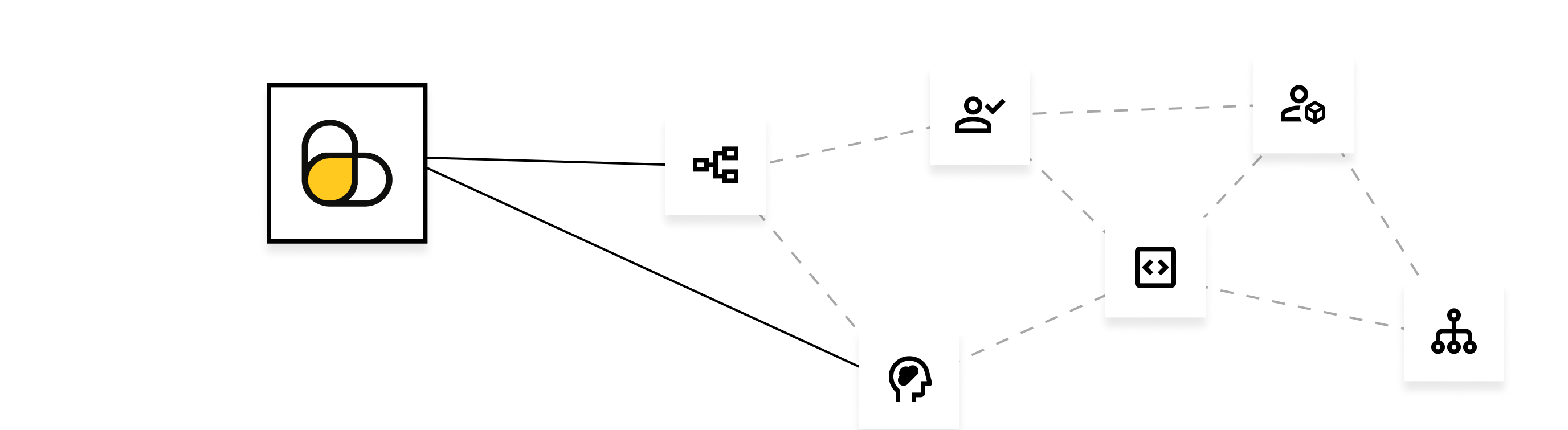
Fantastic documentation
Take a look at our documentation and get started in minutes!
Code samples
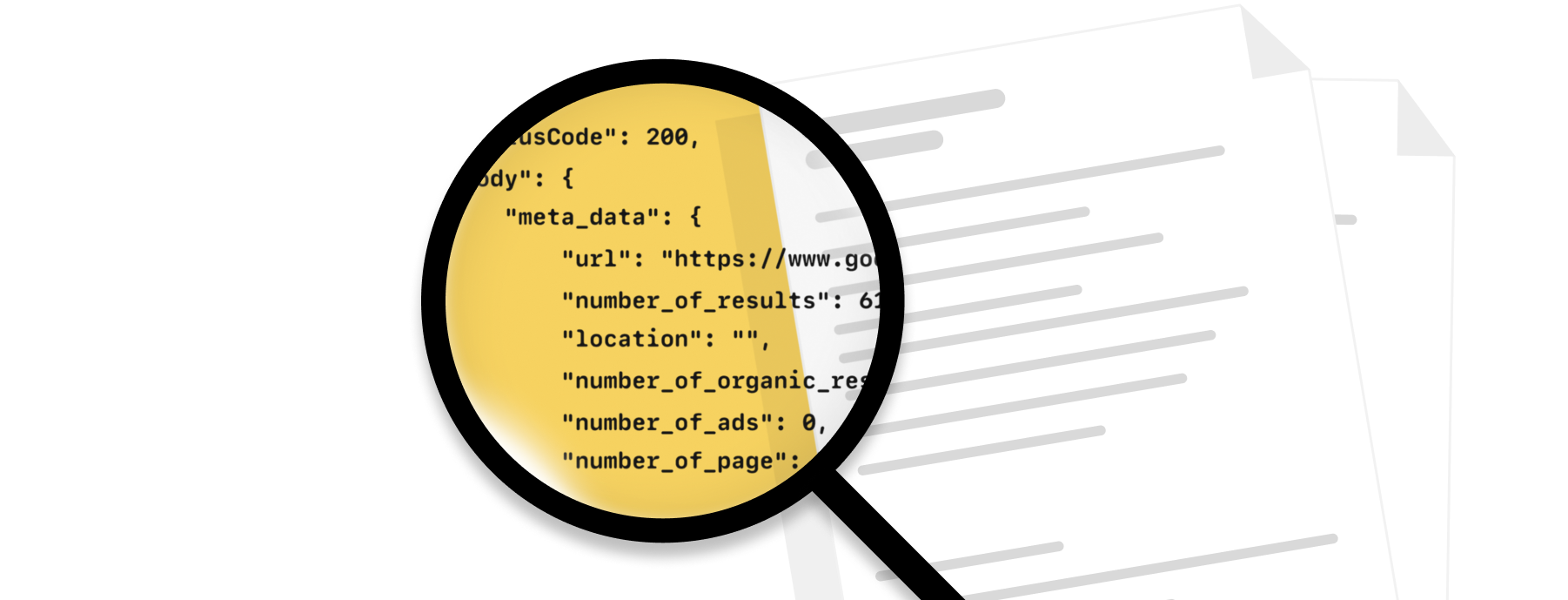
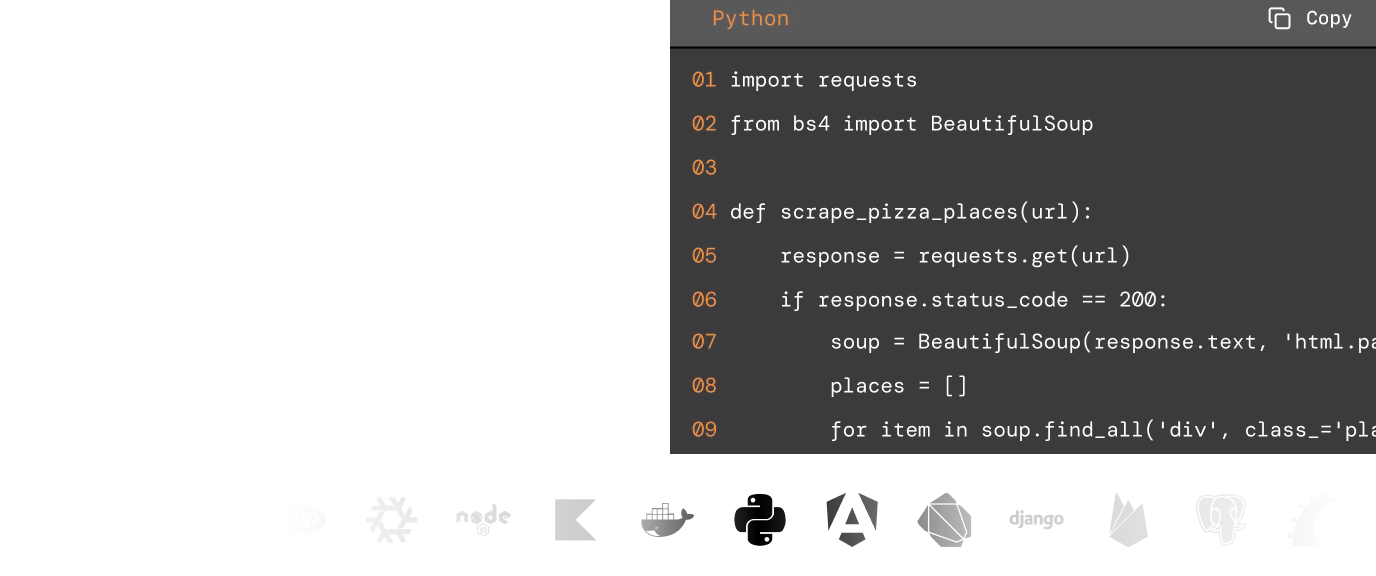
Whatever the programming language you enjoy, we have written code examples in Java, Python, Go, PHP, cURL and JavaScript.
Knowledge base
Our extensive knowledge base covers the most frequent use cases with code samples.
Exceptional support
Fast, engineer-led support via live chat or email
Explore web scraping insights
Check out our documentation to find out more on how to utilise our API for your scraping needs.
AI Data Extraction
JS Rendering
Stealth Proxy
Screenshots
Custom Cookies
Download Images
More markets. More opportunities.
Expand your data collection beyond this scraper.
Why ScrapingBee?
The most reliable web scraping API, trusted by 4,500+ developers worldwide.
- Data analysts
- Growth teams
- Developers
- E-commerce businesses
GDPR and CCPA compliant
ScrapingBee does not collect or store personal data from scraped sites unless their user explicitly requests it.
CAPTCHA bypass capacity
We handle proxy rotation to avoid IP-based blocking. With headless browser rendering, we mimic real user browsing behaviour and reduce the blocking risk.
Scalable
The platform scales smoothly with thousands of headless browsers and rotating proxies, ensuring fast, reliable performance even during traffic spikes.
Speed and accuracy
We deliver fast, reliable results in 1-5 seconds with high accuracy across most sites, even JavaScript-heavy ones.
YouTube Caption API FAQs
No external account required. Sign up for one of our API keys (1,000 free credits, no card), send the URL, and we handle the rest.