
DuckDuckGo News API
Scrape DuckDuckGo News results with a simple ScrapingBee API request. Collect headlines, links, sources, and publish dates for news monitoring, trend tracking, or content aggregation without managing proxies or browsers.
Key Benefits:
 Sign up with Google
 based on 100+ reviews.


Mike Ritchie
CEO @ SeekWell

ScrapingBee simplified our day-to-day marketing and engineering operations a lot. We no longer have to worry about managing our own fleet of headless browsers, and we no longer have to spend days sourcing the right proxy provider
Scrape DuckDuckGo News results for common workflows
Watch brand mentions, compare competitor coverage, follow industry topics, or power custom news feeds. ScrapingBee takes care of the scraping infrastructure, so your team can focus on storing, analyzing, and using the results.



Watch brand and topic coverage
See when companies, competitors, products, or keywords appear in DuckDuckGo News results. Use the data for alerts, reports, and media monitoring workflows.
Follow stories as they develop
Collect news results for specific queries over time to understand which stories gain coverage, which sources publish them, and how visibility changes.
Feed news data into apps or AI systems
Route structured news data into dashboards, databases, alerting systems, AI pipelines, or internal reporting tools.
Simple DuckDuckGo News API pricing
Start with 1,000 free credits, then choose a plan that fits your volume. Cancel anytime.
Standard plans
Hobby
$19/mo- API Credits: 75,000
- Concurrent requests: 25
- JavaScript rendering: Included
- Rotating & Premium Proxies: Included
- Geotargeting: Included
- Screenshots & Extraction Rules: Included
- Priority Email Support: Not included
- Dedicated Account Manager: Not included
- Team Management: Not included
Freelance
$49/mo- API Credits: 250,000
- Concurrent requests: 50
- JavaScript rendering: Included
- Rotating & Premium Proxies: Included
- Geotargeting: Included
- Screenshots & Extraction Rules: Included
- Priority Email Support: Not included
- Dedicated Account Manager: Not included
- Team Management: Not included
Startup (Recommended)
$99/mo- API Credits: 1,000,000
- Concurrent requests: 100
- JavaScript rendering: Included
- Rotating & Premium Proxies: Included
- Geotargeting: Included
- Screenshots & Extraction Rules: Included
- Priority Email Support: Not included
- Dedicated Account Manager: Not included
- Team Management: Not included
Business
$249/mo- API Credits: 3,000,000
- Concurrent requests: 200
- JavaScript rendering: Included
- Rotating & Premium Proxies: Included
- Geotargeting: Included
- Screenshots & Extraction Rules: Included
- Priority Email Support: Included
- Dedicated Account Manager: Included
- Team Management: Included
Business +
$599/mo- API Credits: 8,000,000
- Concurrent requests: 400
- JavaScript rendering: Included
- Rotating & Premium Proxies: Included
- Geotargeting: Included
- Screenshots & Extraction Rules: Included
- Priority Email Support: Included
- Dedicated Account Manager: Included
- Team Management: Included
Enterprise plans
Enterprise 14
$999/mo- API Credits: 14,000,000
- Concurrent requests: 500
- JavaScript rendering: Included
- Rotating & Premium Proxies: Included
- Geotargeting: Included
- Screenshots & Extraction Rules: Included
- Priority Email Support: Included
- Dedicated Account Manager: Included
- Team Management: Included
Enterprise 24
$1,599/mo- API Credits: 24,000,000
- Concurrent requests: 600
- JavaScript rendering: Included
- Rotating & Premium Proxies: Included
- Geotargeting: Included
- Screenshots & Extraction Rules: Included
- Priority Email Support: Included
- Dedicated Account Manager: Included
- Team Management: Included
Enterprise 41 (Recommended)
$2,399/mo- API Credits: 41,000,000
- Concurrent requests: 700
- JavaScript rendering: Included
- Rotating & Premium Proxies: Included
- Geotargeting: Included
- Screenshots & Extraction Rules: Included
- Priority Email Support: Included
- Dedicated Account Manager: Included
- Team Management: Included
Enterprise 69
$3,599/mo- API Credits: 69,000,000
- Concurrent requests: 800
- JavaScript rendering: Included
- Rotating & Premium Proxies: Included
- Geotargeting: Included
- Screenshots & Extraction Rules: Included
- Priority Email Support: Included
- Dedicated Account Manager: Included
- Team Management: Included
Enterprise 120
$5,799/mo- API Credits: 120,000,000
- Concurrent requests: 900
- JavaScript rendering: Included
- Rotating & Premium Proxies: Included
- Geotargeting: Included
- Screenshots & Extraction Rules: Included
- Priority Email Support: Included
- Dedicated Account Manager: Included
- Team Management: Included
Need more credits or higher concurrency?
(No credit card required)
How to scrape DuckDuckGo News with ScrapingBee
Send a DuckDuckGo News URL to ScrapingBee, extract the fields you need, and scale the process without managing proxies, browsers, or retries yourself.
Get instant access to your API key and 1,000 free credits to start testing.
Call ScrapingBee from your code, test a request in the dashboard, or connect it to no-code tools like Make or n8n. ScrapingBee handles proxies, browsers, and blocking issues for you.
Collect the fields your workflow needs, such as headlines, article links, sources, dates, and snippets. Return the full page content or use extraction rules to get structured JSON.
Add AI extraction, JavaScript scenarios, premium proxies, geotargeting, screenshots, or Markdown output. Use these when you need cleaner data, dynamic page handling, or more control.
More ways to scrape DuckDuckGo News results
Use ScrapingBee features like AI extraction, JavaScript scenarios, screenshots, custom outputs, and other search scrapers to build a more complete data collection process.

Describe the fields you want, and let ScrapingBee extract structured data from DuckDuckGo News pages without writing fragile selectors.
AI Web Scraping
Combine DuckDuckGo News results with Google News data to compare sources, regions, headlines, and story visibility for cross-platform monitoring.
Explore Google News Scraper API
Extract headlines, links, sources, dates, and snippets with CSS or XPath rules instead of parsing the full page manually.
Data Scraping Tool
Take full-page or custom screenshots of DuckDuckGo News pages to verify layouts, debug scraping issues, or keep visual records of results.
Screenshot API
Run JavaScript scenarios to click, scroll, wait for elements, fill forms, or load more content before extracting data from dynamic pages.
JavaScript Scraping API
Use the Make integration to schedule scraping jobs and send results to Google Sheets, emails, webhooks, or other automation tools.
No Code Scraper
Trusted by 4,500+ developers and data teams
Scraping is 50% dealing with ever-changing HTML files and 50% massaging data into a useable format. ScrapingBee’s incredible AI feature can do both much better than I ever could. Now I can spend 100% of my time on what matters most; my business.

Arvid Kahl,
Founder at Podscan
ScrapingBee helps us to retrieve information from sites that use very sophisticated mechanism to block unwanted traffic, we were struggling with those sites for some time now and I'm very glad that we found ScrapingBee.

Anton R,
CTO

ScrapingBee clear documentation, easy-to-use API, and great success rate made it a no-brainer.

Dominic Phillips,
Co-Founder at CodeSubmit
I'm a PhD candidate with absolutely no web scraping experience and needed to scrape some data for a dissertation project. ScrapingBee helped me get the job done quickly and easily. Excellent customer support too. Couldn't be happier!
Sam,
PhD candidate
So easy to set-up, straightforward and performance. They are reachable and kind, they introduced us properly their tool and offered the best solution for our need.

Maxime Y,
Product Manager @ NordFolk
Great SaaS tool for legitimate scraping and data extraction. ScrapingBee makes it easy to automatically pull down data from the sites that publish periodic data in a human-readable format.

Andy Hawkes,
Founder at Loadster
Good experience. I found this proxy service more effective compared to previous ones that were being used. It is fast and efficient.
Aayushi,
Senior analyst
Fantastic service: works flawlessly, best support I've experienced. It just works: and its parsing meta-language is wonderfully powerful. Most importantly, the support I've received has been superlative.
Mike P.,
VP
Excellent service, glad we made the switch! We could always dedicate resources and build our own systems for everything... or we could simply call the scrapingBee API and focus on the data. It makes our work so much easier.
Daniel L,
Lead dev
Recognized for excellence
in web scraping




You're in great company
4,500+ developers use ScrapingBee to handle proxies, browsers, and anti-bot bypass.





ScrapingBee in numbers
Build your DuckDuckGo News scraper with ScrapingBee
Access the API documentation and web scraping resources you need to send requests, extract data, and move from testing to production.
API documentation
Set up your API key, send requests, configure JavaScript rendering, use extraction rules, and choose the output format for your DuckDuckGo News pipeline.
Documentation
Data extraction guide
Learn how to use CSS and XPath extraction rules to turn scraped DuckDuckGo News pages into structured JSON your app can store, analyze, or send to other tools.
Data Extraction


Developer experience
Docs, examples, and support when you need them
Use ScrapingBee's documentation, guides, and code examples to get your DuckDuckGo News setup running faster. When something gets tricky, the support team can help you debug requests, configure extraction, and scale your setup.
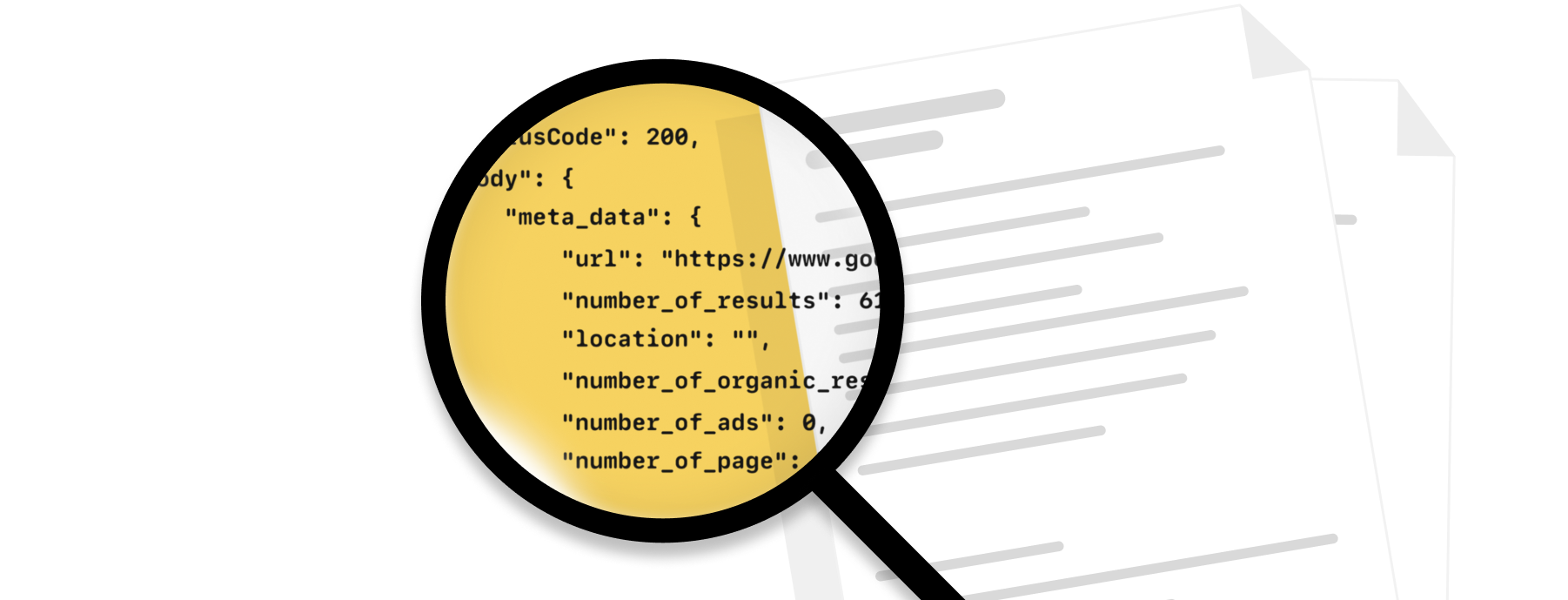
Practical documentation
Find the parameters, examples, and setup steps you need to send your first ScrapingBee request.
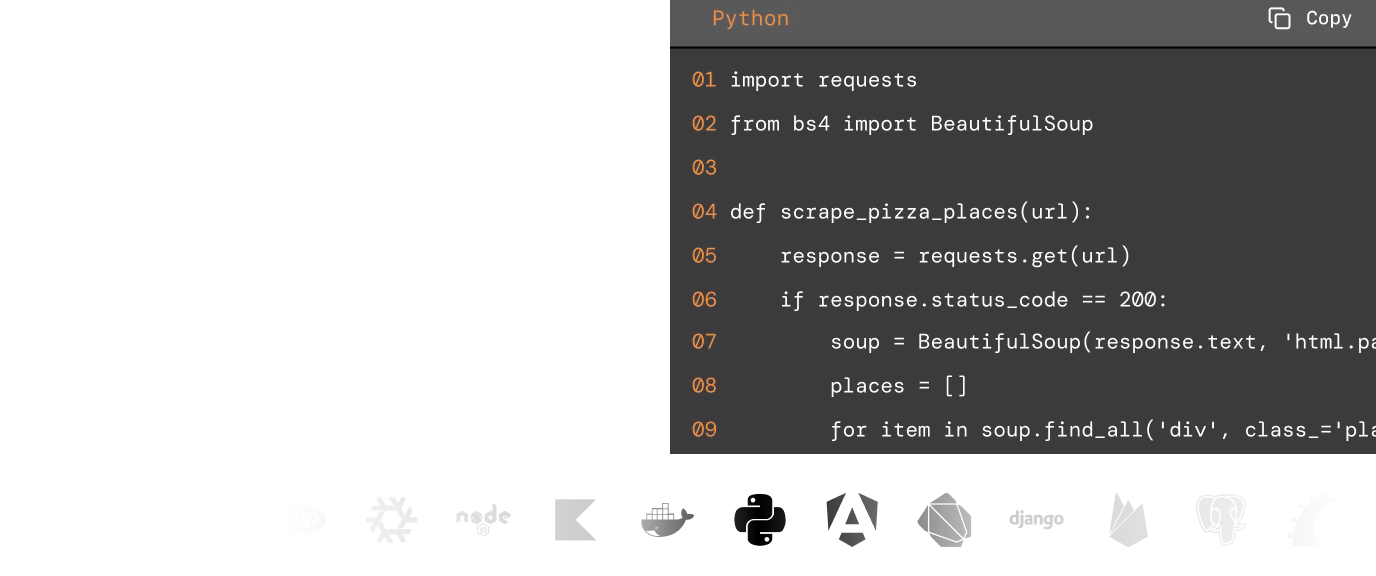
Code samples
Use ready-made examples in popular languages to send requests, configure options, and parse responses faster.
Knowledge base
Browse guides and tutorials for common scraping tasks, from handling dynamic pages to extracting structured data.

Engineer-led support
Get fast help from people who understand scraping, whether you reach out through live chat or email.
Features for your DuckDuckGo News scraper
Use ScrapingBee features to handle dynamic pages, extract cleaner data, target locations, capture screenshots, and prepare results for dashboards, databases, or AI pipelines.
AI Data Extraction
JavaScript Rendering
Premium & Stealth Proxies
Geotargeting
Screenshots
Markdown & Text Output
More markets. More opportunities.
Expand your data collection beyond this scraper.
Why use ScrapingBee for DuckDuckGo News?
ScrapingBee handles proxies, browsers, rendering, and retries so your team can focus on collecting and using the data, not maintaining scraping infrastructure.
- Developers building news or monitoring tools
- Data analysts tracking coverage and trends
- Growth and SEO teams watching brand visibility
- Market intelligence teams monitoring competitors
- AI teams feeding fresh news data into workflows
GDPR and CCPA compliant
ScrapingBee does not collect or store personal data from scraped pages unless you explicitly request it as part of your scraping setup.

Lower blocking risk
ScrapingBee handles proxy rotation, browser rendering, and request configuration to reduce IP-based blocks and make scraping requests look less brittle.
Built to scale
Run scraping jobs with concurrent requests, rotating proxies, and browser rendering without maintaining your own scraping infrastructure.
Fast results, cleaner extraction
Collect pages quickly and use rendering, extraction rules, or AI extraction to get more reliable outputs from complex pages.

DuckDuckGo News results API FAQs
DuckDuckGo News results are news listings shown for a search query, typically including headlines, publishers, links, snippets, and publish dates. Teams scrape them to monitor topics, track mentions, and collect news data for reports or internal tools.
Ready to scrape DuckDuckGo News?
Start with 1,000 free ScrapingBee credits. No credit card required.
Try ScrapingBee for Free