Collect complete ChatGPT search responses with organic results, ads, and citations using one simple API endpoint. Mike Ritchie CEO @
SeekWell ScrapingBee simplified our day-to-day marketing and engineering operations a lot. We no longer have to worry about managing our own fleet of headless browsers, and we no longer have to spend days sourcing the right proxy providerChatGPT Scraper API
 based on 100+ reviews.


 Sign up with Google
Designed specifically for
How it works
How to scrape ChatGPT responses with one API call
You can scrape ChatGPT programmatically without running a browser or parsing the page yourself.
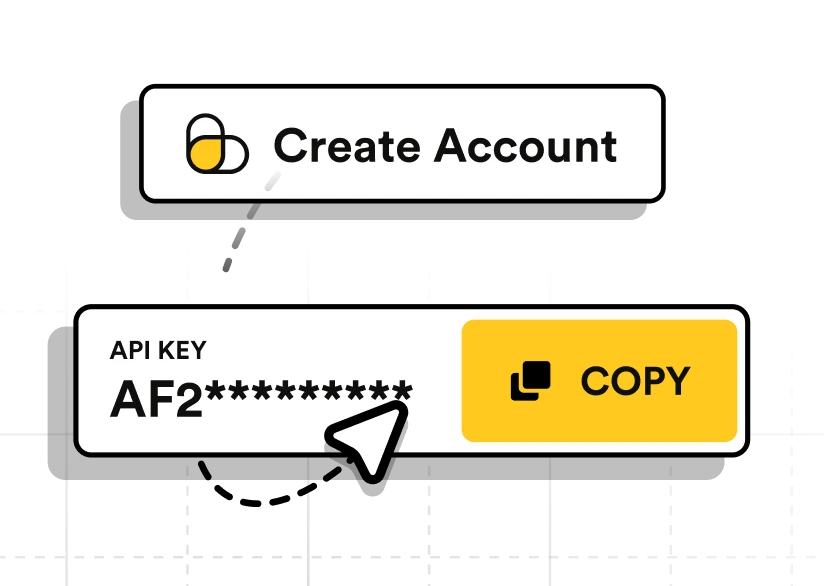
Create an account
Create an account, confirm your email, and copy your API key from the ScrapingBee dashboard.
Send your prompt
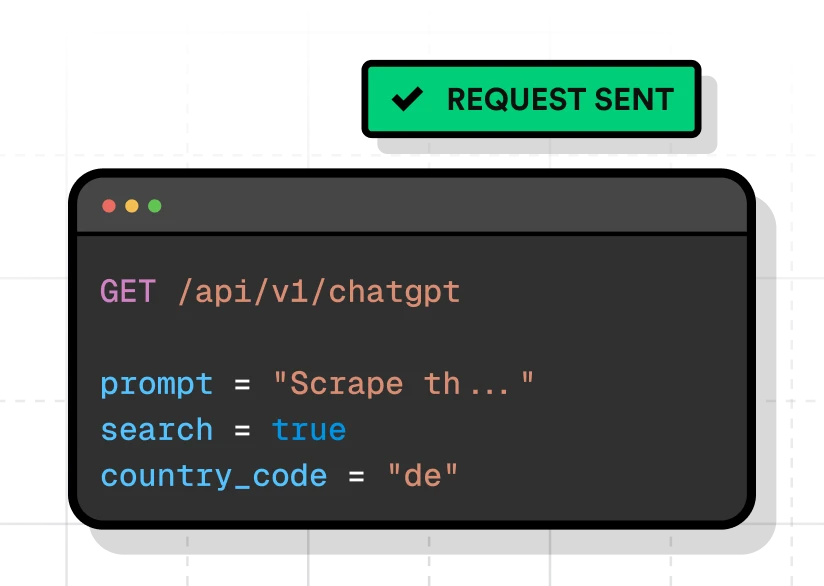
Send an authenticated request to /api/v1/chatgpt with the prompt you want ChatGPT to answer. You can also enable web search or set a country code when needed.
Read the response
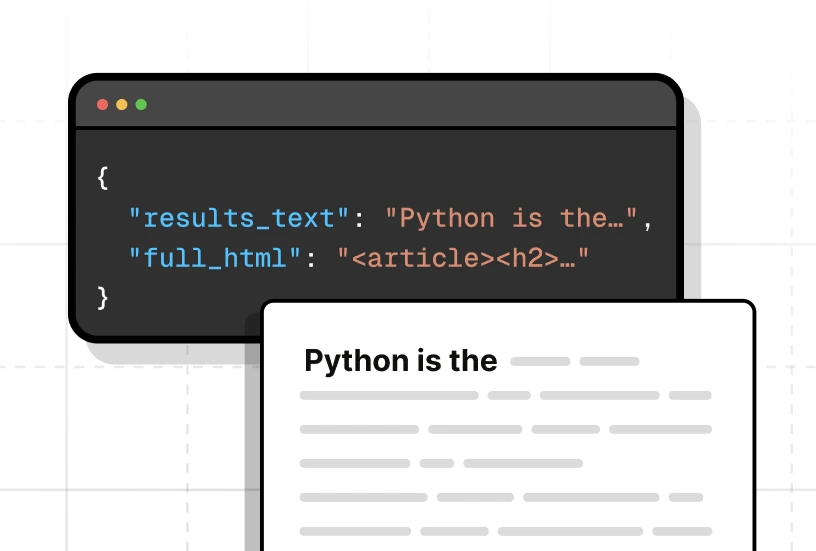
Use results_text for plain text, results_markdown for formatted Markdown, or results_json for a parsed representation of the response. Enable add_html=true when you also need the original HTML.
See it in action
One endpoint, multiple response formats
Pick the workflow, then the language. Same endpoint throughout.
Request
Response

{
  "full_html": "",
  "llm_model": "gpt-5-5",
  "prompt": "Recommend three types of pizza to try for dinner in the Williamsburg neighborhood of Brooklyn. Explain each choice briefly.",
  "results_json": [
    {
      "attrs": { "depth": 0, "ordered": true },
      "children": [
        {
          "children": [
            {
              "children": [
                { "raw": "Ultra-thin New York slice — burrata slice or classic cheese at L'Industrie Pizzeria", "type": "text" }
              ],
              "type": "strong"
            },
            { "type": "linebreak" },
            { "raw": "Go here for the quintessential Williamsburg pizza experience: a very thin, crisp-yet-chewy crust with high-quality toppings.", "type": "text" }
          ],
          "type": "list_item"
        },
        {
          "children": [
            {
              "children": [
                { "raw": "Detroit-style square pizza — pepperoni or a specialty pan pie at Ace's Pizza", "type": "text" }
              ],
              "type": "strong"
            },
            { "type": "linebreak" },
            { "raw": "Thick, airy crust baked in a pan with crispy caramelized cheese edges; richer and more dinner-like than a quick slice.", "type": "text" }
          ],
          "type": "list_item"
        },
        {
          "children": [
            {
              "children": [
                { "raw": "Neapolitan-style wood-fired pizza — Margherita at Oregano", "type": "text" }
              ],
              "type": "strong"
            },
            { "type": "linebreak" },
            { "raw": "A softer, blistered crust, fresh mozzarella, tomato, and basil — the classic sit-down dinner choice.", "type": "text" }
          ],
          "type": "list_item"
        }
      ],
      "tight": true,
      "type": "list"
    }
  ],
  "results_markdown": "For a dinner pizza crawl in **Williamsburg, Brooklyn**, I'd try these three styles:\n\n1. **Ultra-thin New York slice — burrata slice or classic cheese at L'Industrie Pizzeria** ...",
  "results_text": "For a dinner pizza crawl in Williamsburg, Brooklyn, I'd try these three styles: 1. Ultra-thin New York slice — burrata slice or classic cheese at L'Industrie Pizzeria ..."
}
Input Parameters
prompt
Prompt
The instruction or question you want to send to ChatGPT. This parameter is required.
And more ...
Check our full documentation for all available parameters.
Dev-friendly Control
Configure each request with a small set of parameters
Start with a required prompt, then add optional parameters for web search, localization, HTML output, or request tracking.
prompt
RequiredThe instruction or question you want to send to ChatGPT.
search
Set search=true to let ChatGPT search the web before generating its response. The result is still returned through the same text, Markdown, JSON, and optional HTML fields.
country_code
Set a two-letter country code to localize web-enhanced responses and influence the search results ChatGPT uses.
add_html
Set add_html=true to include the complete HTML response alongside the text, Markdown, and parsed JSON output.
tag
Attach a custom identifier to a request and retrieve it from the response headers for tracking or reporting.
Documentation
Every parameter, response field, and code sample in one place.
See Full DocumentationTest the API with your own prompts
Try the ChatGPT Scraper API with 1,000 free credits and test it with your own prompts.
Output
ChatGPT data scraping output formats
ScrapingBee returns each ChatGPT response in several formats, so you can use the same result in applications, data pipelines, publishing workflows, or further AI processing.
| Output | Response field | Best for |
|---|---|---|
| Plain text | results_text | Search, classification, storage, and text analysis. |
| Markdown | results_markdown | Publishing, documentation, and LLM workflows. |
| Parsed JSON | results_json | Applications, automation, and data pipelines. |
| Full HTML | full_html | Preserving rendered formatting and response elements. |
Features
Why developers use a ChatGPT scraper API
Send prompts, retrieve consistent response data, and add ChatGPT output to applications and automated workflows without operating a browser session.
One request, prompt to response
Send a prompt to one endpoint and receive the generated ChatGPT response through a standard HTTP request.
Optional web search
Enable web search when a question requires current information rather than relying only on the model's existing knowledge.
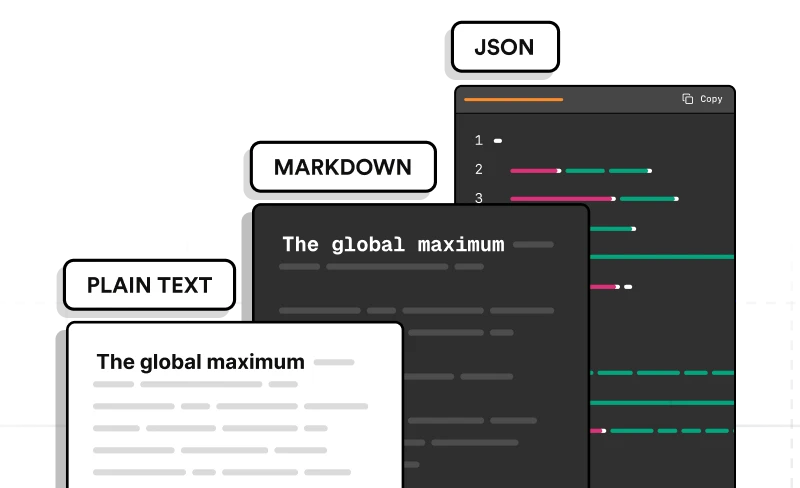
Consistent response fields
Read every response as plain text, Markdown, parsed JSON, or optional HTML using predictable field names.
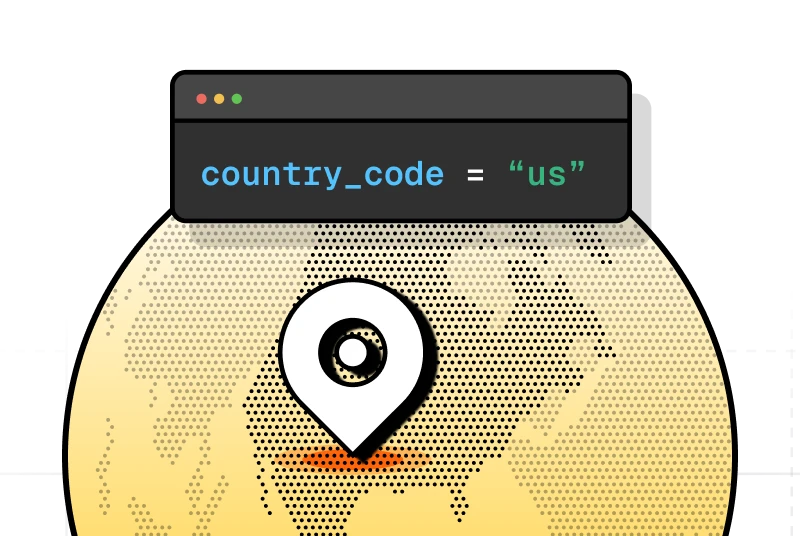
Country-level targeting
Set a country code to influence the search results used for web-enhanced responses.
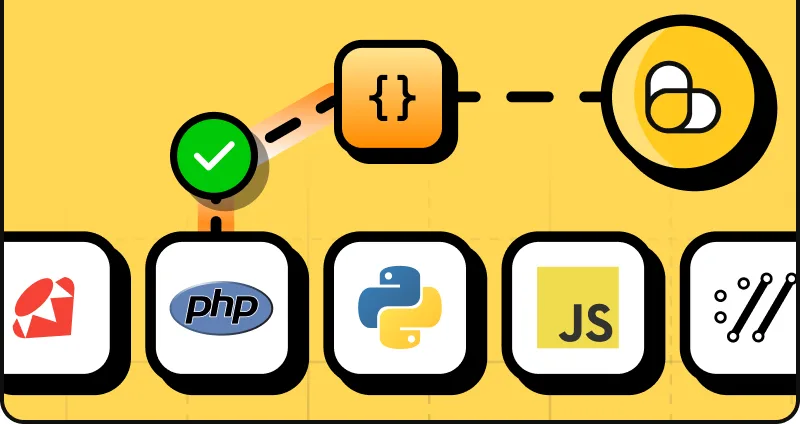
Fits existing developer workflows
Call the endpoint from any language or tool that supports HTTP requests, and use request tags to track calls across scripts, backend services, and CLIs.
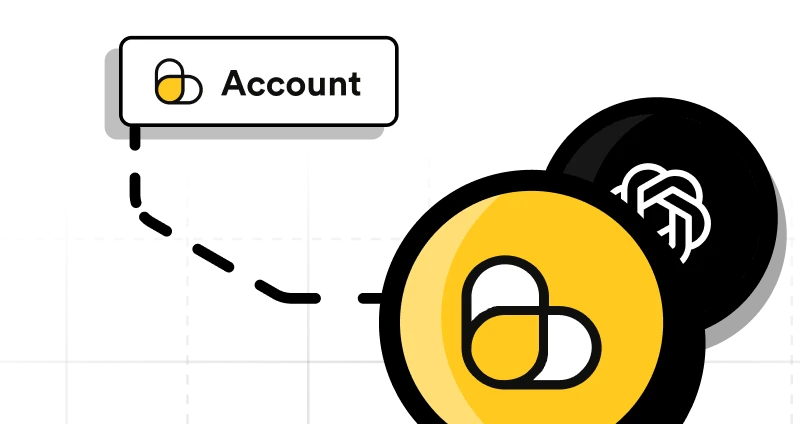
No OpenAI account required
Send prompts through your ScrapingBee account without managing a separate OpenAI account, API key, or billing setup.
Use cases
ChatGPT scraping use cases
Integrate
Integrate ChatGPT scraping into your workflow
Use the ChatGPT Scraper API from application code, command-line tools, automation platforms, and AI frameworks.
Use your preferred programming language
Send ChatGPT scraping requests from Python, JavaScript, or any other language with an HTTP client.
CLI and backend scripts
Run repeatable ChatGPT scraping requests from shell scripts, scheduled jobs, and backend services. With n8n, Make, and Zapier, add ChatGPT responses to automated workflows, then store, transform, route, or publish the returned data.
LangChain and MCP
Use ChatGPT response data in agent workflows, retrieval pipelines, and applications built around AI tools.
Developer Experience
Top-rated support &
documentation
Our team is here to help you scrape ChatGPT responses, in case you need assistance. And we're constantly working on new features to make your life easier.
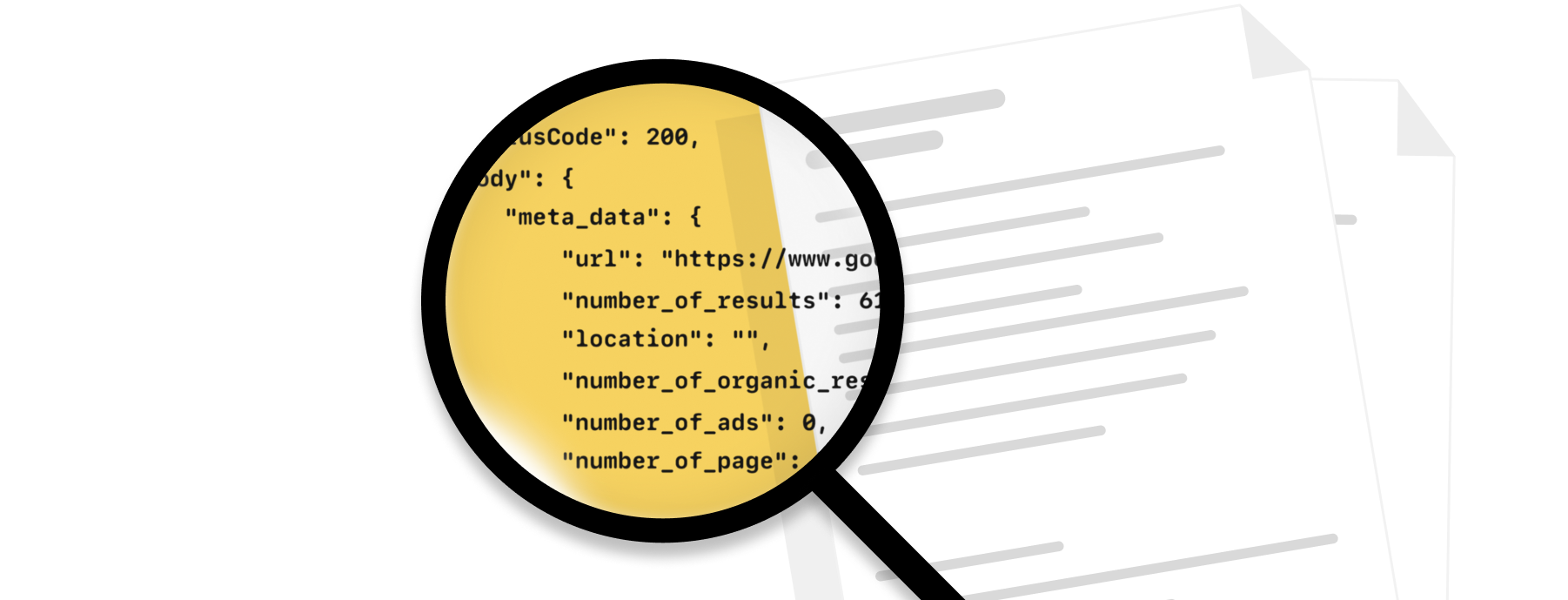
Fantastic documentation
Take a look at our documentation and get started in minutes!
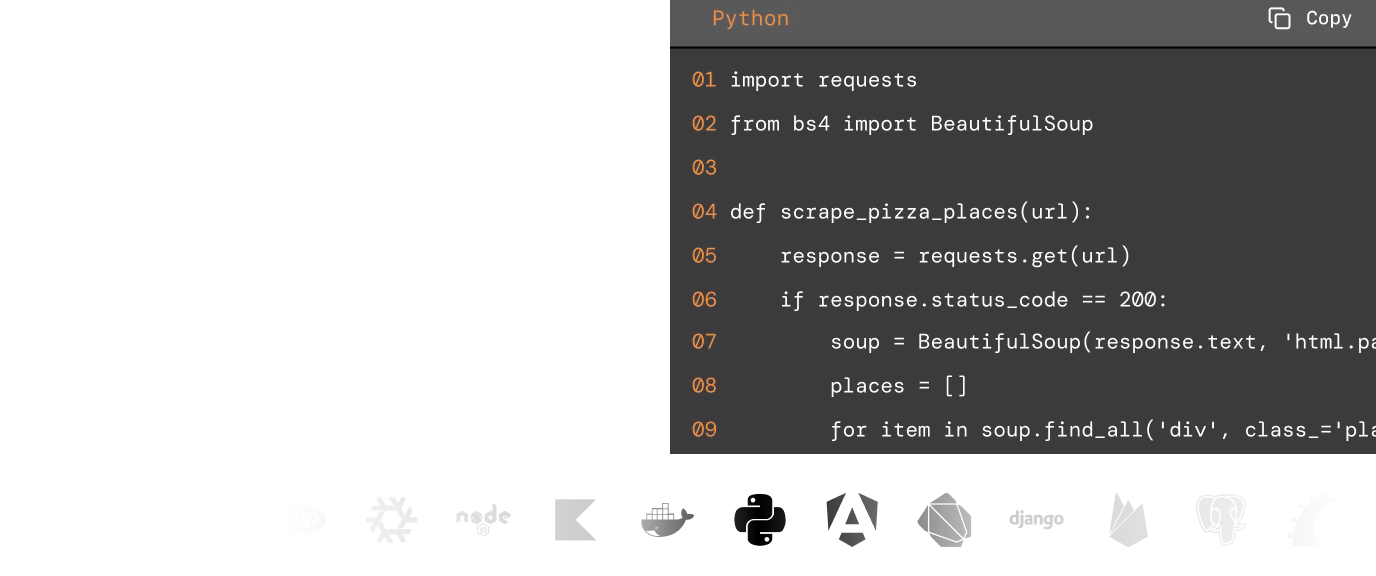
Code samples
Whatever the programming language you enjoy, we have written code samples ready.
Knowledge base
Web scraping ChatGPT answers is simple with our extensive knowledge base and code samples for best use cases.

Exceptional support
Fast, engineer-led support via live chat or email
Reliability, privacy and responsible use
Automatic retries
ScrapingBee retries unsuccessful attempts for up to 30 seconds before returning a failed request. For web-enhanced responses, use a sufficiently long client-side timeout.
Pay only for successful requests
Each successful ChatGPT Scraper API request costs 15 ScrapingBee credits. Failed requests are not charged.
Response retention
ScrapingBee does not store generated ChatGPT responses. Responses are returned directly through the API and are not retained by ScrapingBee.
GDPR-conscious data handling
ScrapingBee is designed to support GDPR-compliant workflows. It does not collect or store personal data unless the user explicitly includes or requests it as part of the API workflow. You remain responsible for ensuring that submitted prompts, generated responses, and downstream processing comply with applicable privacy and data protection requirements.
Private ChatGPT data is not accessed
The API sends a prompt and retrieves a newly generated response. It does not access private ChatGPT conversations, account history, or authenticated user sessions.
Production request handling
Use bounded concurrency, sufficiently long timeouts, and exponential backoff for temporary errors or rate-limit responses. Check the limits available for your ScrapingBee plan before running high-volume workloads.
ChatGPT scraper API pricing
Cancel anytime, no questions asked!
Standard plans
Hobby
$19/mo- API Credits: 75,000
- Concurrent requests: 25
- Geotargeting: Included
- Screenshots & Extraction Rules: Included
- Dedicated Scraping APIs: Included
- Priority Email Support: Not included
- Dedicated Account Manager: Not included
- Team Management: Not included
Freelance
$49/mo- API Credits: 250,000
- Concurrent requests: 50
- Geotargeting: Included
- Screenshots & Extraction Rules: Included
- Dedicated Scraping APIs: Included
- Priority Email Support: Not included
- Dedicated Account Manager: Not included
- Team Management: Not included
Startup (Recommended)
$99/mo- API Credits: 1,000,000
- Concurrent requests: 100
- Geotargeting: Included
- Screenshots & Extraction Rules: Included
- Dedicated Scraping APIs: Included
- Priority Email Support: Not included
- Dedicated Account Manager: Not included
- Team Management: Not included
Business
$249/mo- API Credits: 3,000,000
- Concurrent requests: 200
- Geotargeting: Included
- Screenshots & Extraction Rules: Included
- Dedicated Scraping APIs: Included
- Priority Email Support: Included
- Dedicated Account Manager: Included
- Team Management: Included
Business +
$599/mo- API Credits: 8,000,000
- Concurrent requests: 400
- Geotargeting: Included
- Screenshots & Extraction Rules: Included
- Dedicated Scraping APIs: Included
- Priority Email Support: Included
- Dedicated Account Manager: Included
- Team Management: Included
Enterprise plans
Enterprise 14
$999/mo- API Credits: 14,000,000
- Concurrent requests: 500
- Geotargeting: Included
- Screenshots & Extraction Rules: Included
- Dedicated Scraping APIs: Included
- Priority Email Support: Included
- Dedicated Account Manager: Included
- Team Management: Included
Enterprise 24
$1,599/mo- API Credits: 24,000,000
- Concurrent requests: 600
- Geotargeting: Included
- Screenshots & Extraction Rules: Included
- Dedicated Scraping APIs: Included
- Priority Email Support: Included
- Dedicated Account Manager: Included
- Team Management: Included
Enterprise 41 (Recommended)
$2,399/mo- API Credits: 41,000,000
- Concurrent requests: 700
- Geotargeting: Included
- Screenshots & Extraction Rules: Included
- Dedicated Scraping APIs: Included
- Priority Email Support: Included
- Dedicated Account Manager: Included
- Team Management: Included
Enterprise 69
$3,599/mo- API Credits: 69,000,000
- Concurrent requests: 800
- Geotargeting: Included
- Screenshots & Extraction Rules: Included
- Dedicated Scraping APIs: Included
- Priority Email Support: Included
- Dedicated Account Manager: Included
- Team Management: Included
Enterprise 120
$5,799/mo- API Credits: 120,000,000
- Concurrent requests: 900
- Geotargeting: Included
- Screenshots & Extraction Rules: Included
- Dedicated Scraping APIs: Included
- Priority Email Support: Included
- Dedicated Account Manager: Included
- Team Management: Included

Scale your ChatGPT scraping workload
Test the API with your own prompts
4,500+ customers all around the globe use ScrapingBee to solve their web scraping needs.ScrapingBee in numbers

Trusted by developers





Trusted by 4,500+ developers and data teams
Scraping is 50% dealing with ever-changing HTML files and 50% massaging data into a useable format. ScrapingBee’s incredible AI feature can do both much better than I ever could. Now I can spend 100% of my time on what matters most; my business.

Arvid Kahl,
Founder at Podscan
ScrapingBee helps us to retrieve information from sites that use very sophisticated mechanism to block unwanted traffic, we were struggling with those sites for some time now and I'm very glad that we found ScrapingBee.

Anton R,
CTO

ScrapingBee clear documentation, easy-to-use API, and great success rate made it a no-brainer.

Dominic Phillips,
Co-Founder at CodeSubmit
I'm a PhD candidate with absolutely no web scraping experience and needed to scrape some data for a dissertation project. ScrapingBee helped me get the job done quickly and easily. Excellent customer support too. Couldn't be happier!
Sam,
PhD candidate
So easy to set-up, straightforward and performance. They are reachable and kind, they introduced us properly their tool and offered the best solution for our need.

Maxime Y,
Product Manager @ NordFolk
Great SaaS tool for legitimate scraping and data extraction. ScrapingBee makes it easy to automatically pull down data from the sites that publish periodic data in a human-readable format.

Andy Hawkes,
Founder at Loadster
Good experience. I found this proxy service more effective compared to previous ones that were being used. It is fast and efficient.
Aayushi,
Senior analyst
Fantastic service: works flawlessly, best support I've experienced. It just works: and its parsing meta-language is wonderfully powerful. Most importantly, the support I've received has been superlative.
Mike P.,
VP
Excellent service, glad we made the switch! We could always dedicate resources and build our own systems for everything... or we could simply call the scrapingBee API and focus on the data. It makes our work so much easier.
Daniel L,
Lead dev
Our awards
from Capterra



ChatGPT scraping FAQs
Create a ScrapingBee account, copy your API key, and send an authenticated request containing your prompt to /api/v1/chatgpt.
The response includes the original prompt, model information, and the generated answer as plain text, Markdown, and parsed JSON. You can store these fields or process them directly in your application.
Yes. Set search=true to let ChatGPT search the web before generating its response. This is useful for prompts involving recent events, current prices, news, or other information that may have changed.
Web search is disabled by default when the parameter is omitted.
The API returns the generated response as plain text in results_text, Markdown in results_markdown, and a parsed JSON representation in results_json.
You can also set add_html=true to include the full HTML response. These formats can be used in databases, content workflows, applications, and downstream LLM processing.
ScrapingBee provides a focused prompt-to-response endpoint with consistent text, Markdown, parsed JSON, and optional HTML fields. It also supports optional web search and country-level targeting through simple request parameters — with no separate OpenAI account, API key, or billing setup required.
The official OpenAI API provides direct access to OpenAI models and broader developer controls, including model selection, tools, streaming, multimodal inputs, and schema-based structured outputs. The right option depends on the level of model control, output format, integration pattern, and pricing your application requires.
The dedicated ChatGPT endpoint sends prompts and retrieves newly generated responses. It is not designed to extract an existing conversation from a shared link.
A public chatgpt.com/share/... page may be collected through ScrapingBee's general Web Scraping API when the page is accessible and you are permitted to process its content. Private, restricted, or deleted conversations cannot be retrieved through a public scraper.
Public shared links can be less reliable as a permanent data source because the creator can update or delete the link or its original conversation.
Anyone with the URL can view a standard public shared link, but deleting the shared link or original conversation makes it unavailable through that URL.
No public scraper can access private ChatGPT history without authorized account access. The documented ScrapingBee endpoint accepts a prompt and returns a newly generated response; it does not expose parameters for signing into a ChatGPT account or retrieving conversation history.
Private conversations should only be processed through an authorized export or another method provided or approved by the account owner.
Public GPT pages may expose information such as the GPT name, description, creator details, and conversation starters. OpenAI states that public GPT pages may be visible without signing in, although users must sign in to start a conversation.
You may use the general Web Scraping API to collect publicly accessible page information when permitted. The dedicated ChatGPT endpoint sends prompts to its configured ChatGPT model; it is not a custom GPT or GPT Store scraper.
The best tool depends on the workflow:
- Use a prompt API for repeatable server-side response collection.
- Use browser automation for multi-step interface interactions.
- Use a shared-link scraper for accessible public conversation pages.
- Use a browser extension or no-code tool for small manual projects.
For production automation, compare response formats, retry handling, concurrency, documentation, integrations, and request costs.
No. You can call ScrapingBee's ChatGPT endpoint directly from any language or tool that can send HTTP requests.
ScrapingBee also provides a CLI command for ChatGPT prompts, an MCP tool, official n8n and Make integrations, and a LangChain ChatGPTTool.
There is no universal answer. Legality depends on the data being collected, the access method, the applicable jurisdiction, contractual terms, and how the resulting data is used.
Only access public information or data you are authorized to process. Respect privacy rights, intellectual property, access restrictions, and applicable platform terms. Seek qualified legal advice before running a high-risk or large-scale data collection project.
The right approach depends on whether you need newly generated responses, existing public conversations, direct model access, or browser-level interaction.
| Approach | Best for |
|---|---|
| ScrapingBee ChatGPT API | Collecting newly generated ChatGPT responses through one prompt-to-response request with consistent output fields — no separate OpenAI account, API key, or billing setup required |
| Official model API | Direct model access and model-specific controls |
| Browser automation | Logged-in, interactive, or multi-step interface workflows |
| Shared-link scraper | Collecting accessible public conversation pages |
| No-code scraper | Small or occasional workflows without application code |
| Browser extension or plugin | Individual exports and manual collection rather than server-side automation |
ScrapingBee's dedicated endpoint is designed for repeatable prompt collection. It accepts a prompt and returns the generated response as text, Markdown, parsed JSON, and optional HTML. It is different from an interface scraper that extracts existing content from ChatGPT pages.
The dedicated ChatGPT endpoint focuses on sending prompts and retrieving newly generated responses. Other ChatGPT data may require ScrapingBee's general Web Scraping API or may not be accessible through scraping at all.
| Task | Recommended route |
|---|---|
| Send prompts and collect ChatGPT responses | Use the dedicated /api/v1/chatgpt endpoint |
| Enable web-enhanced responses | Set search=true |
| Apply a country signal to web search | Set country_code to a supported two-letter country code |
| Return text, Markdown, or parsed JSON | Read results_text, results_markdown, or results_json |
| Include the rendered HTML response | Set add_html=true |
| Extract a public ChatGPT shared page | Test the URL with the general Web Scraping API and process it only when access is permitted |
| Collect public GPT Store page information | Use the general Web Scraping API after confirming that the required content is publicly accessible |
| Retrieve private conversation history | Not supported without authorized account access or an owner-provided export |
| Recover a deleted shared conversation | Not possible after the page is no longer available |
| Maintain a logged-in ChatGPT session | Not supported by the dedicated ChatGPT Scraper API |
The documented endpoint exposes parameters for prompts, web search, country targeting, HTML output, and request tagging. It does not expose authentication or session controls for accessing a user's ChatGPT account.
ChatGPT Scraper Tutorials
Learn how to use our ChatGPT API for various use cases