The best web scraper Mac users can choose depends on the workflow. Desktop tools feel simple and visual, especially for one-off jobs. Cloud APIs scale better, automate cleanly, and handle JavaScript-heavy pages without babysitting a laptop. Let's compare both so a web scraper for Mac fits the real use case, not just the feature checklist.
Quick Answer: What is the best Mac Scraper?
For developers, ScrapingBee is the best cloud option because it combines JavaScript rendering and proxy rotation behind an API, so automation works the same on macOS, Linux, or CI. That flexibility is the point. A solid web scraping API avoids heavyweight desktop installs and scales past "my Mac is awake" constraints.
Shortlist - Best Web Scrapers for Mac (2026 Comparison Table)
This table is how I shortlist a web scraper Mac setup quickly. Desktop wins on visual setup. Cloud wins on automation and scale. JavaScript rendering and proxy management are the usual deal-breakers for web scraping Mac projects.
| Tool | Type | Ease of use | JavaScript rendering | Proxy management | Scalability | Pricing model | Ideal user |
|---|---|---|---|---|---|---|---|
| ScrapingBee | Cloud API | Medium | Strong | Built-in rotation | High | Usage-based | Devs who need automations |
| Oxylabs | Cloud platform | Medium | Strong | Enterprise-grade | Very high | Enterprise | Teams scraping at scale |
| Instant Data Scraper | Chrome extension | Very high | Limited | None | Low | Free | Beginners, quick exports |
| Octoparse | Desktop + cloud | High | Mixed | IP rotation available (plan-dependent) | Medium | Tiered | Analysts who prefer visual flows |
| ParseHub | Desktop | High | Good | "Rotate IP" feature on paid plans | Medium | Tiered | Dynamic sites with a UI builder |
| Web Scraper | Chrome extension | Medium | Good | None by default | Low to medium | Free + cloud | DIY sitemaps, structured navigation |
| ScrapeSimple | Managed service | Very high | N/A | Managed | Medium | Service | Non-technical data teams |
| Mozenda | Cloud platform | Medium | Good | Managed | High | Enterprise | Data pipelines + governance |
| Kimurai | Open-source framework | Low | Good | Via your setup | High | Free | Ruby devs who want full control |
Top Rated Options
Selection criteria are based on macOS compatibility, performance, automation support, anti-bot handling, and scalability. Analysis of aggregated user feedback and industry benchmarks reveals specific patterns in how these tools handle modern scraping friction.
1. ScrapingBee
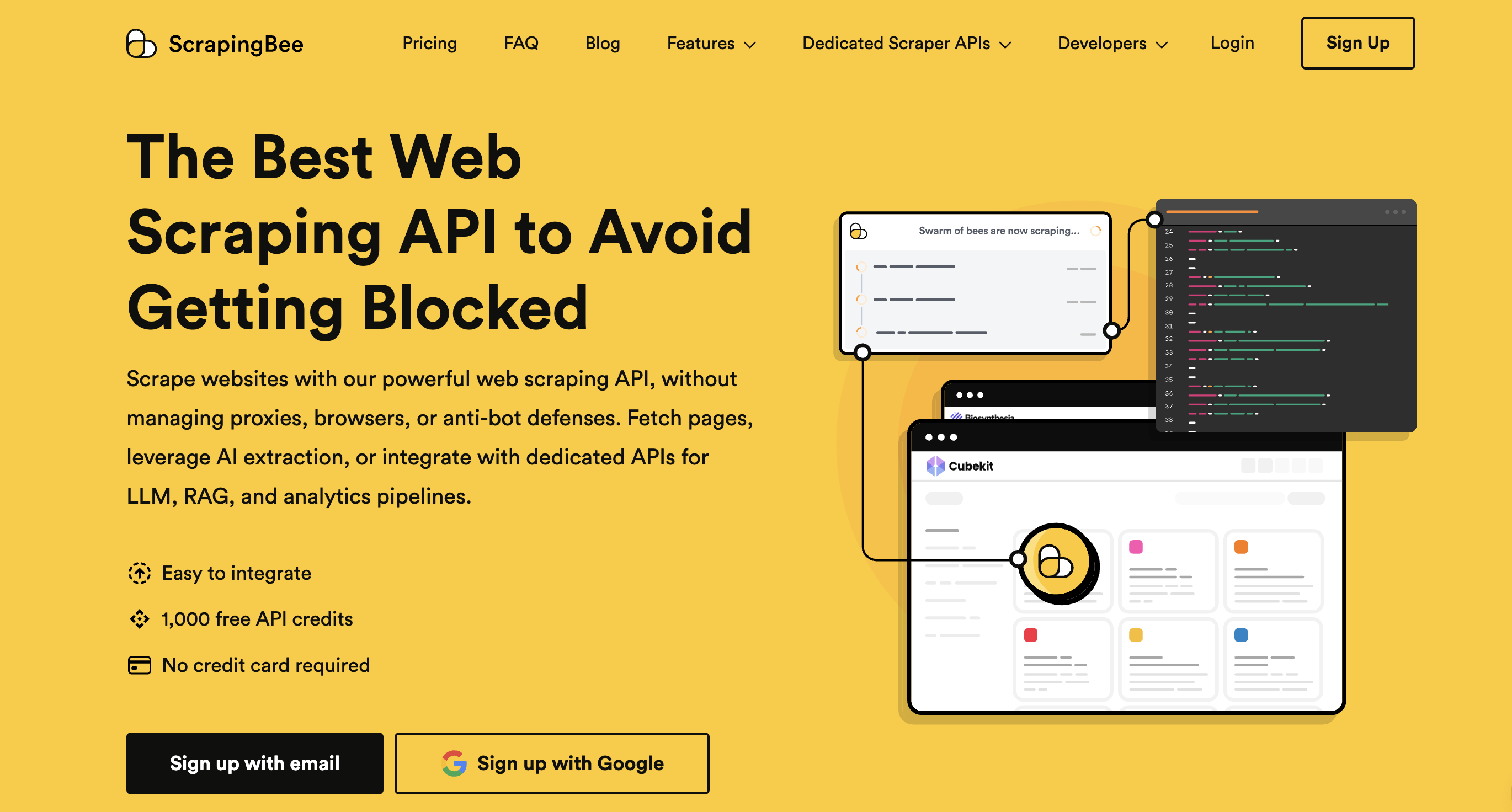
ScrapingBee is a cloud-based Mac web scraper designed for developers who require automation. The workflow is API-first, allowing the same script to run during macOS development and later move to a production server. JavaScript rendering is handled through headless browsers, and the service manages rotating proxies to bypass the anti-bot blocks common in macOS-based scraping projects.
Here at ScrapingBee, we focus on maintaining consistency between local development runs and scheduled jobs. This makes the API a practical choice when the goal is repeatable extraction. When page structures shift, AI web scraping can be used to minimize selector maintenance. Unlike desktop scrapers that tie throughput to a single machine, our cloud API supports high concurrency and integrates directly into monitoring stacks for uptime and health checks.
Pricing
Credit-based subscription model with four tiers: Freelance ($49/month), Startup ($99), Business ($249), and Business+ ($599+). A free trial offers 1,000 credits with no credit card required.
2. Oxylabs
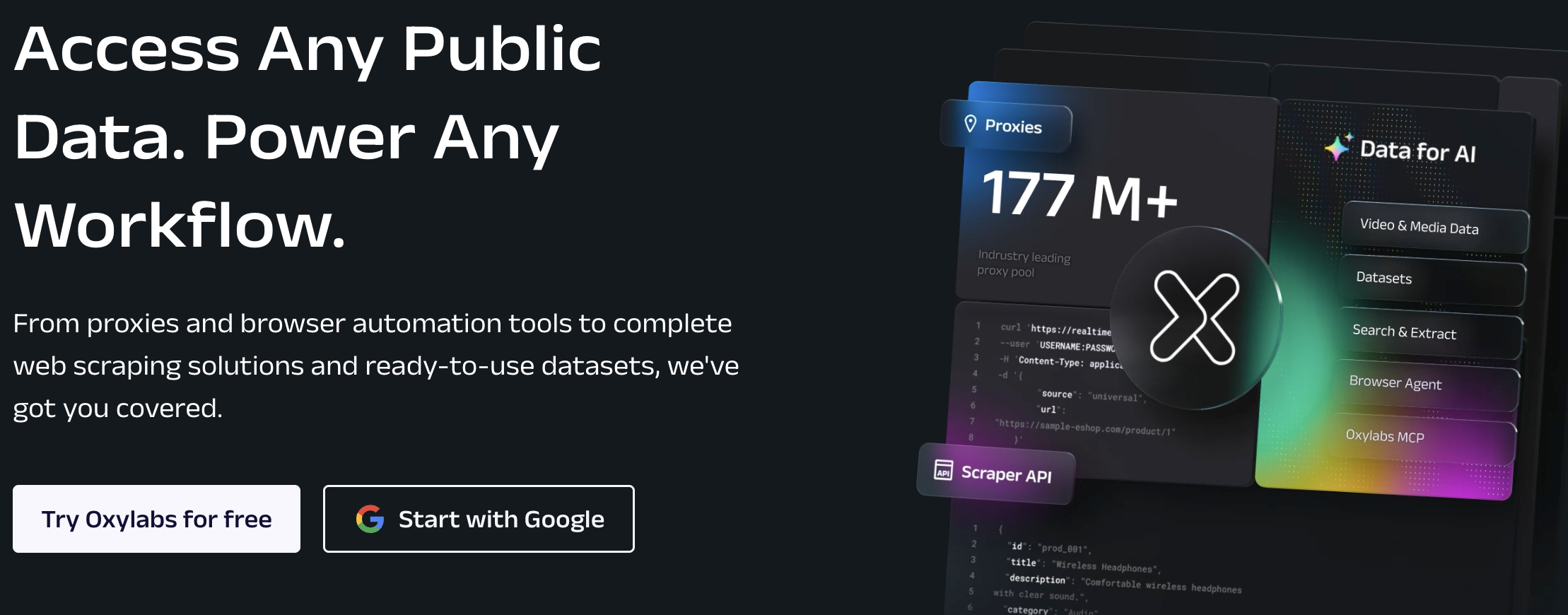
Oxylabs is an enterprise-grade platform built for high-volume workloads where proxy network depth and compliance are primary requirements. The infrastructure includes formal data-processing agreements and documented compliance with global data protection laws.
The platform excels in large-scale scraping where the priority is reliability at volume. For Mac users, the operating system serves as the client rather than the engine. All jobs execute in the cloud, which eliminates local scheduling issues and allows automation specialists to scale without maintaining active desktop agents.
Pricing
Oxylabs Web Scraper API runs on feature-based, result-based billing starting at $49/month (roughly $1.60 per 1,000 results). Residential proxies start at $6/GB. A free trial with 2,000 results is available.
3. Instant Data Scraper
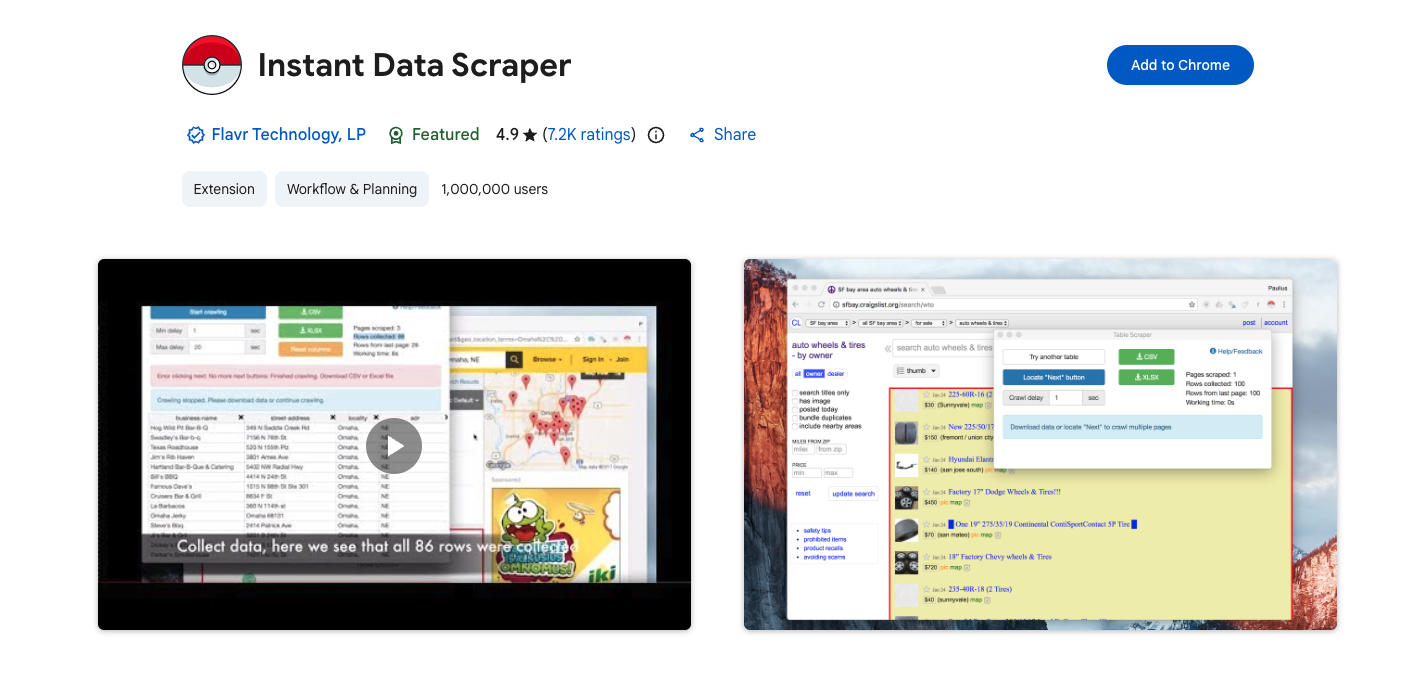
Instant Data Scraper is a Chrome extension that automatically detects tabular data. Data remains within the browser, offering a privacy benefit for sensitive tasks.
In directory pulls and simple research lists, this tool provides rapid results for clean, predictable pages. However, reliability decreases when sites utilize complex pagination, late-loading JavaScript, or aggressive anti-bot defenses. It remains a popular entry-level choice for analysts needing immediate CSV exports for Reddit-style research where the extraction logic is straightforward.
Pricing
Instant Data Scraper is a completely free Chrome extension with no paid tiers, no signup, and no usage limits. It uses heuristic AI to auto-detect tables and lists, exporting directly to Excel or CSV.
4. Octoparse
Octoparse is one of the better-known no-code scrapers, built around a visual workflow builder and templates. G2 reviews tend to praise the ease of use and templates, while noting complexity once workflows get advanced. While the platform has historically prioritized Windows, cloud extraction features allow Mac users to bypass local OS constraints.
In content collection and directory scraping scenarios, the visual builder functions well for consistent site layouts. However, friction can occur on sites with heavy JavaScript or complex timing requirements. For Mac users who are not developers, Octoparse is most reliable when utilizing pre-built templates for specific target sites.
Pricing
Octoparse has a free plan plus paid tiers: Standard ($119/month, $89 annually) and Professional ($299/month, $209 annually). Enterprise pricing is custom. Plans differ by task limits, cloud extraction, and concurrent device counts.
5. ParseHub
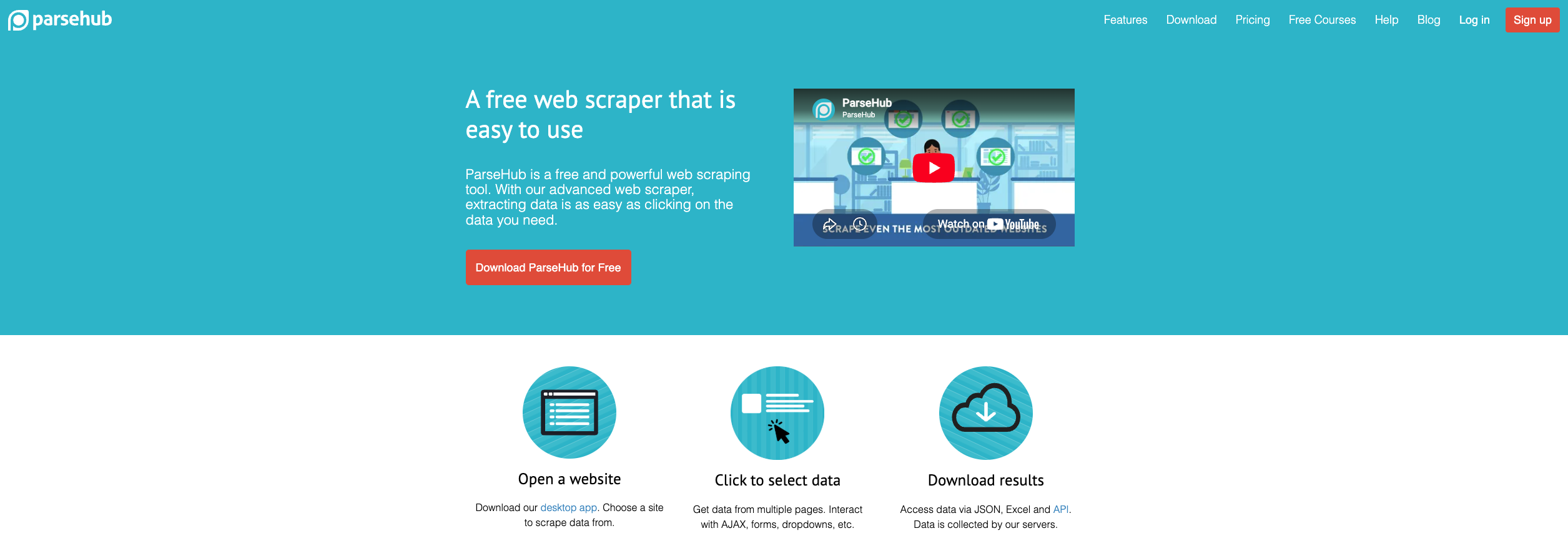
ParseHub is a visual tool designed for dynamic sites that load content via clicks, scrolling, or other user interactions. The workflow builder allows these steps to be mapped visually.
During analysis of dynamic pages with multi-step navigation, the UI makes the underlying logic visible. While desktop runs depend on local machine resources, ParseHub offers a smoother iteration process than browser extensions for users who require a visual interface but need to handle complex, interactive site structures.
Pricing
ParseHub offers a Free plan (200 pages/run, 5 public projects) plus paid tiers: Standard ($189/month) and Professional ($599/month), with custom Enterprise pricing. Annual billing discounts are available, and educational licenses are free.
6. Web Scraper
Web Scraper is a Chrome-based scraping extension that uses a sitemap model. The setup starts by defining pages to visit and selectors to extract, then the sitemap guides the crawl across similar pages. This makes it approachable for beginners because the workflow is visual and repeatable, especially for simple lists, directories, and category pages where the structure stays consistent.
G2 reviews commonly describe it as a useful free extension for collecting data without coding.
Pricing
Web Scraper's Chrome extension is free for unlimited local scraping. Cloud plans are credit-based: Project ($50/month, 5,000 URL credits), Professional ($100, 20,000), Scale (from $200, unlimited), and custom Enterprise. Residential proxy add-on costs $2.50/GB.
7. ScrapeSimple
ScrapeSimple is a hosted service built around simplicity. A target site gets specified, the fields get defined, and the output arrives as a CSV on a schedule. On macOS, that means no desktop setup and no local runner to keep alive.
Automation is handled through scheduled delivery, so it fits recurring reports and lightweight monitoring. Limitations show up when the spec changes often or the workflow needs deeper control. Custom parsing rules, complex interactions, and programmatic alerting usually require a more developer-centric tool.
Pricing
ScrapeSimple is a fully managed custom scraping service with no fixed pricing. Projects require a $250/month minimum budget, with the team building, maintaining, and delivering custom scrapers in CSV format on your chosen schedule.
8. Mozenda
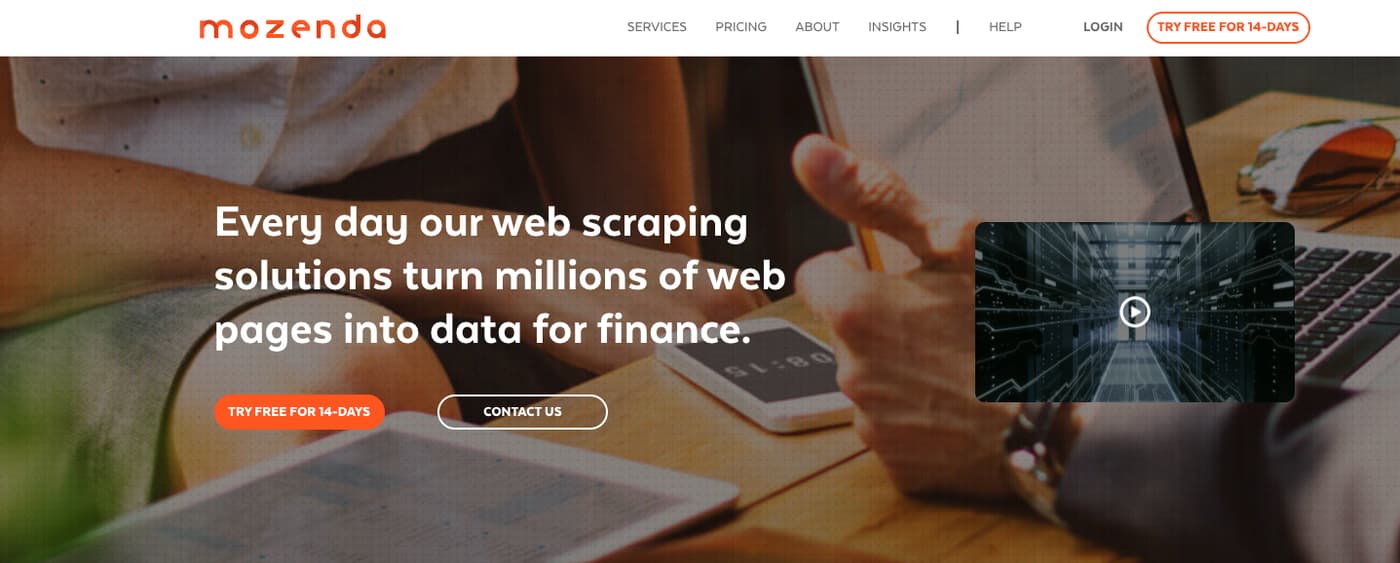
Mozenda is a cloud-hosted web scraping solution with automation workflows and exports, including API access for structured data delivery.
On G2, Mozenda has a smaller review footprint than the biggest no-code tools, but reviewers often mention usability and support.
This is the enterprise workflow choice when the organization wants a platform, not a pile of scripts. It fits research teams and operations groups that need repeatable pipelines, exports, and support, and that can handle enterprise-tier pricing.
Pricing
Mozenda uses quote-based pricing tied to credits, agents, and storage. A 14-day free trial is available, the entry-level Pilot plan starts around $500/month, and Enterprise pricing is custom and billed annually.
9. Kimurai

Kimurai is a Ruby web scraping framework. It's open-source and explicitly supports headless browsers and JavaScript-rendered pages via common Ruby tooling.
This is the technical-audience pick. It's ideal when full control matters: custom request logic, custom parsing, custom retries, and integration into a Ruby stack. The cost is setup time. There's no point-and-click comfort blanket here. For developers, that trade can be worth it.
Pricing
Kimurai is a free, open-source Ruby web scraping framework available as a gem - no subscription, no plans, no usage fees. Costs come only from your own hosting, proxies, and any browser automation infrastructure you set up.
How to Choose the Best Web Scraper for Mac
To find the best web scraper for Mac, here's a checklist you can follow.
Desktop vs Cloud
Desktop tools are easiest when the job is small, visual, and local. They shine for analysts who want results today, not a deployment plan. Cloud tools shine when the job needs scheduling, scaling, or reliability tracking.
A simple rule helps: if the pipeline should run while the laptop is closed, go cloud. If the work happens in short bursts and needs a UI, desktop is fine.
JavaScript rendering
JavaScript rendering is where many web scrapers for Mac fail quietly. A page can look correct in the browser while the raw HTML is empty. Tools that run a headless browser solve that. ScrapingBee explicitly supports headless browser behavior and JavaScript scenarios.
ParseHub also focuses on dynamic sites in its own guidance.
Proxy rotation
Proxy rotation is less about "being sneaky" and more about operational stability. Many sites rate-limit, fingerprint, or block repeat requests from a single IP. APIs that manage proxies reduce that maintenance burden. ScrapingBee positions proxy rotation and headless handling as built-in.
Enterprise platforms like Oxylabs emphasize proxy infrastructure and compliance artifacts.
Scalability
Scalability is not only throughput. It's also observability. Success rate, latency, retries, and schema drift should be measurable. Cloud APIs fit naturally into that monitoring model. Desktop tools can scale, but they tend to require more babysitting and more careful scheduling.
Budget
Budget is where use case matters most. A free extension can be perfect for a one-off CSV. A cloud API is usually cheaper than it looks once engineering time and failures are counted. Enterprise platforms cost more, but they can reduce operational risk for big pipelines.
Tips from Scraping Professionals
On macOS-based scraping projects, IP bans often occur when request patterns appear automated. Pacing is as important as proxy rotation; maintaining a steady request rate and adding jitter can keep a job alive longer.
Ethical boundaries are equally vital. While robots.txt is a signal rather than a law, it sets the boundaries for crawl intent. GDPR principles, such as data minimization, should be the baseline for any project involving personal data.
To maintain pipeline health, it is a standard practice to log two separate outputs: the dataset and a health log. The health log should track success rates, extraction completeness, and "valid page" checks to prevent corrupted data from entering the database.
Ready to Start Scraping on Mac Without the Headaches?
A good scraping workflow should feel predictable. Pages load, data validates, and retries stay rare and visible. ScrapingBee supports that kind of setup without adding desktop overhead, since the work runs through a web scraping API instead of a local app. JavaScript rendering covers dynamic pages, rotating proxies help keep runs steady, and production reliability is easier to track when jobs live in the same monitoring stack as the rest of the system.
For a best web scraper Mac setup that can move from a laptop script to a scheduled pipeline without extra friction, sign up today - get free credits.
Best Scraper for Mac FAQs
What is the best web scraper for Mac in 2026?
It depends on whether the job is a one-off pull or a pipeline. For visual, ad-hoc scraping, desktop tools like ParseHub and Octoparse are common picks, and G2 reviews often highlight usability. For developers needing automation, JavaScript rendering, and proxy rotation, a cloud API like ScrapingBee usually scales better.
Are there free web scrapers for Mac users?
Yes. Chrome extensions like Instant Data Scraper and Web Scraper are free and work well for small exports from stable pages. Free tiers also exist for some desktop tools, but limits around speed, projects, or scheduling tend to appear quickly once scraping becomes recurring.
Can I scrape JavaScript-heavy websites on macOS?
Yes, but the tool must render JavaScript. Headless-browser approaches handle this better than simple HTML fetching. ScrapingBee's documentation focuses on headless browser support and JavaScript scenarios. ParseHub also publishes guidance for scraping JavaScript content in dynamic pages.
Do I need proxies when web scraping on Mac?
Sometimes. For small, infrequent jobs, a single IP can be enough. For repeated scraping or higher volumes, rate limits and blocks become more likely, and proxy rotation helps stability. ScrapingBee explicitly positions proxy rotation as a built-in part of its API. Enterprise platforms like Oxylabs emphasize proxy infrastructure as a core capability.
Is web scraping legal on Mac?
macOS doesn't change the legal question. Legality depends on what is collected, how it is collected, and applicable laws and contracts. GDPR matters when personal data is processed, and the European Commission frames GDPR as part of the EU data protection legal framework. If data is used for outreach, CAN-SPAM governs commercial email practices in the US.
What's the difference between a desktop scraper and a cloud API?
A desktop scraper runs on the local machine with a UI, which makes setup easy but can limit scheduling and scale. A cloud API runs remotely and is called from code or automation, which makes it better for pipelines, retries, monitoring metrics, and running while the laptop is closed. The trade is that APIs usually require more engineering discipline around parsing and validation.
Which web scraper for Mac is best for developers?
For developers, I look for an API-first tool that supports JavaScript rendering and proxy rotation, then plugs cleanly into monitoring and deployment workflows. ScrapingBee is built around that model, with documentation that emphasizes headless browser support and proxy handling. For Ruby-first teams, an open-source framework like Kimurai can also fit when full control matters.

Jakub is a Senior Content Manager at ScrapingBee, a T-shaped content marketer deeply rooted in the IT and SaaS industry.