Open source web scraping is the fastest way to turn public web pages into something your app, dashboard, or model can use. At a basic level, the best open source web scraper sends HTTP requests, downloads HTML and XML documents, and then runs data extraction logic to pull the fields you care about.
But there's a catch. The "best" depends on what you're scraping and how you ship it. Some stacks shine on simple pages where you just need to scrape data with a few CSS selectors. Others are built for dynamic websites where the page only renders after JavaScript execution. And if you're running serious data collection at scale, anti-bot systems and infrastructure start to matter as much as code.
In this guide, I'll map the most popular open source options to real web scraping tasks, so you can pick the right tool without overbuilding.
Quick Answer (TL;DR)
For static HTML, use Requests with Beautiful Soup. For JavaScript-heavy pages, use Playwright (or Puppeteer if you're Chrome-first). For large crawling jobs, use Scrapy or Apache Nutch. Choose based on JS rendering, block risk, and scale, and use a web scraping API when infra becomes the bottleneck.
Best Open Source Web Scrapers: Quick Shortlist
Here's the fast pick list:
- Static pages (simple HTML): Requests and parser (Beautiful Soup / lxml)
- JS rendering + UI flows: Playwright (best balance) or Puppeteer (Chrome-first)
- Lots of pages + pipelines: Scrapy (Python framework)
- Discovery-first crawls: Apache Nutch (big crawl jobs), Heritrix (archival)
| Tool | Best for | JavaScript support | Learning curve | Typical use case |
|---|---|---|---|---|
| Scrapy | High-scale scraping pipelines | Via integrations | Medium | Large catalogs + structured extraction |
| Playwright | Reliable browser automation | Yes | Medium | Dynamic websites with heavy JS |
| Puppeteer | Chrome-first automation | Yes | Low–Medium | Quick scripts to control Chrome |
| Selenium | Compatibility + legacy setups | Yes | Medium–High | Cross-browser automation in older stacks |
| Colly | Fast Go scraping | No (HTML-first) | Low | High-volume HTML fetch + parse |
| Apache Nutch | Crawl and discovery | Limited | High | Large crawl jobs + indexing |
| Heritrix | Archival crawling | Limited | High | Preservation-style crawls |
If you need browser rendering, start with Playwright or Puppeteer. If you need a Python framework for lots of pages, start with Scrapy.
Best Open Source Web Scrapers: Detailed Reviews
1. Scrapy (Python)
Scrapy is a Python framework built for large-scale scraping with queues, retries, pipelines, and exporters. Best when you're scraping lots of pages and want a structured, production-friendly workflow.
Best for: production-grade scraping pipelines in Python.
Strengths
- Built for scale with retries, throttling, and item pipelines (high-level API).
- Mature ecosystem and strong patterns for structured output.
- Great fit when your scraper is more "job system" than script.
Limitations
- Browser rendering is not native; you'll add integrations to handle dynamic content.
- Can feel like a framework (more structure than a one-file script).
When to skip it: when you only need a tiny script for a few pages.
Mini example use case: crawl category pages, follow detail pages, and save structured items. Typical setup starts with pip install scrapy, then define spiders with def parse(self, response): for field extraction.
2. Playwright (Node.js, Python, Java, .NET)
Playwright is a modern browser automation toolkit that reliably renders dynamic sites and supports multiple browsers. Ideal for scraping JavaScript-heavy pages with stable waits, clicks, and selectors.
Best for: modern browser automation across multiple browsers with consistent tooling.
Strengths
- Renders pages reliably and supports Chromium, Firefox, and WebKit (built-in support for modern web apps).
- Great for JavaScript execution and realistic interactions (clicks, scrolling, waits).
- Strong debugging tools (traces, inspector) and frequent releases.
Limitations
- Heavier runtime than HTTP-only scrapers (CPU/RAM spikes).
- You still need a parser strategy after render (selectors/XPath).
When to skip it: when targets are simple HTML and speed matters most.
Mini example use case: scrape a React storefront by waiting for the network to be idle, then extract product cards with selectors.
3. Puppeteer (Node.js)
Puppeteer is a Chrome-first automation library for quick scripts that need JavaScript rendering and page interaction. Great for fast prototypes where controlling Chromium is enough.
Best for: Chrome-first automation and quick scripts on headless Chrome.
Strengths
- Simple mental model for browser control and page scripting.
- Great for JavaScript-heavy sites where you must run the UI.
- Easy to prototype: a few lines can open pages, click, and extract.
Limitations
- Primarily centered on Chromium; cross-browser is not the core story.
- Can get messy without structure if scripts grow.
When to skip it: when you need multi-browser parity or a stronger testing-style workflow.
Mini example use case: login, navigate, and capture HTML. Many examples start with const page = await browser.newPage() then query selectors for content.
4. Selenium (Multi-language)
Selenium is a long-running, widely supported WebDriver-based tool that works across many languages and browsers. Useful for legacy stacks and compatibility, but typically heavier and slower than newer options.
Best for: broad compatibility, legacy workflows, and teams already invested in WebDriver.
Strengths
- Works across languages and browsers; good for enterprise environments.
- Mature ecosystem and lots of tutorials.
- Flexible for UI-driven extraction when nothing else fits.
Limitations
- Typically slower and heavier than modern alternatives.
- Setup can be annoying; many guides still start with
pip install seleniumand driver management.
When to skip it: when you're starting fresh and want modern tooling (Playwright often wins).
Mini example use case: automate a multi-step flow (filters, sort, pagination) and extract a table after it loads.
5. Colly (Go)
Colly is a lightweight Go scraping library optimized for speed and high-volume HTML fetching. Strong choice for static pages and concurrent crawls without browser rendering.
Best for: fast Go-based scraping for large volumes of HTML pages.
Strengths
- Lightweight and quick—great for throughput-oriented crawls.
- Clean API for visiting pages, handling callbacks, and parsing responses.
- Easy to integrate with Go services and pipelines.
Limitations
- Not meant for browser rendering or scraping dynamic content.
- You'll bring your own parsing logic (often goquery) and string tools like regular expressions.
When to skip it: when your targets are SPA-style pages with client-side rendering.
Mini example use case: crawl a set of category URLs, extract links, and fetch details concurrently with controlled request rates.
6. Apache Nutch (Java)
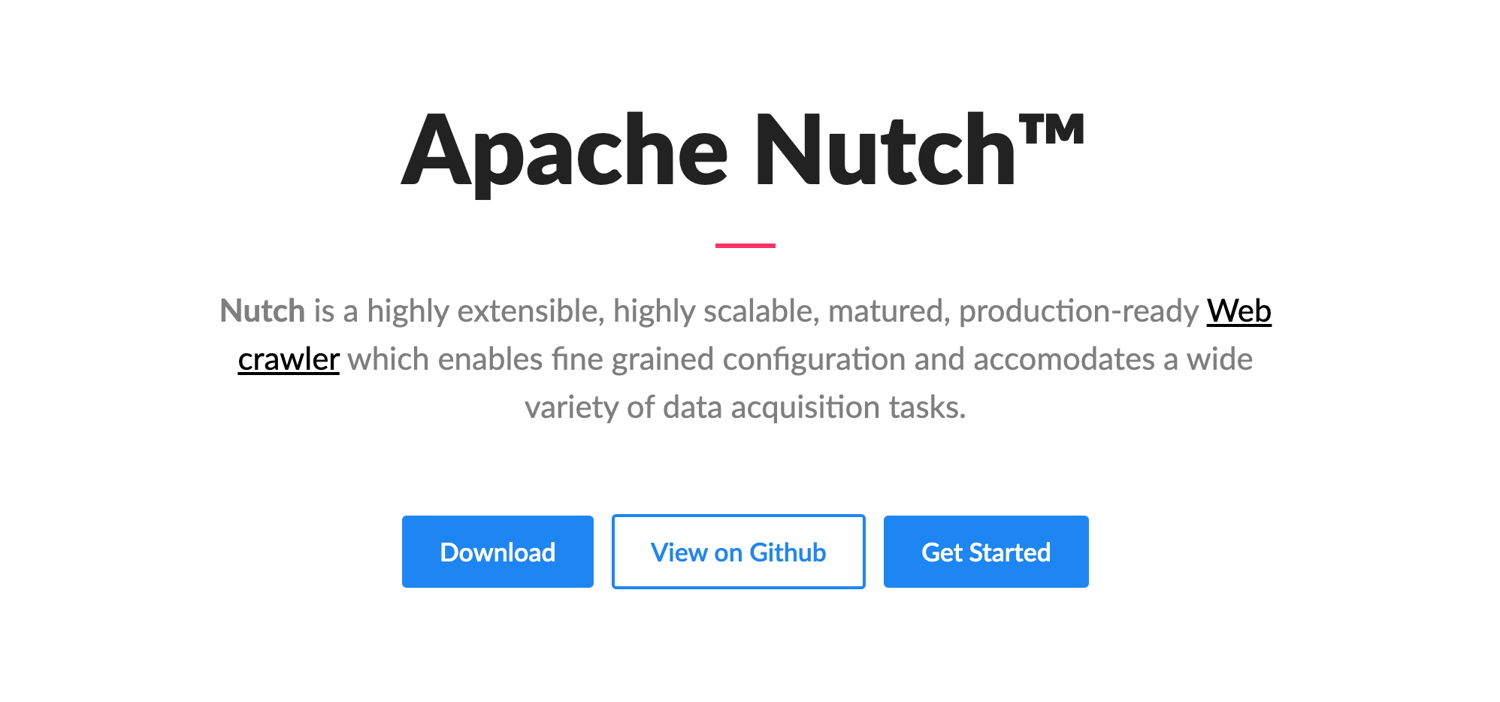
An open source crawler focused on large discovery and crawling jobs rather than field extraction. Best when you need to find and fetch lots of URLs at scale.
Best for: large, discovery-first crawl jobs and indexing pipelines.
Strengths
- Designed as a scalable crawler with extensive configuration.
- Strong fit for "find and fetch lots of URLs" workflows.
- Integrates well with JVM ecosystems and big data stacks.
Limitations
- Not focused on field extraction ergonomics; it's a crawler first.
- Setup/config can feel like a steeper learning curve compared to code-first tools.
When to skip it: when you mainly need structured extraction from a known list of URLs.
Mini example use case: discover pages across a domain, store fetched content, then run downstream parsers to extract fields.
7. Heritrix (Java)
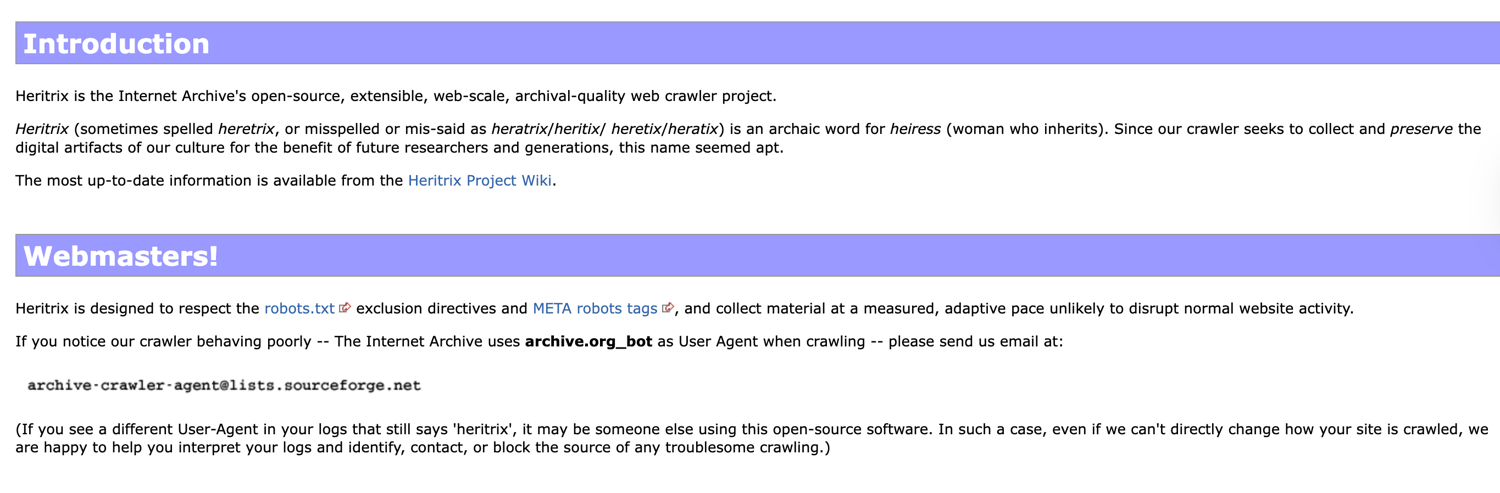
Heritrix is an archival-grade web crawler designed for long-running preservation-style crawls. Best for collecting and storing web content comprehensively, not for fine-grained data extraction.
Best for: archival-grade crawling and preservation-style projects.
Strengths
- Built for robust, long-running crawls and archival workflows.
- Mature approach to crawl policies, scopes, and WARC-style storage.
- Useful when completeness matters more than speed.
Limitations
- Not a friendly "extract fields" tool out of the box.
- More ops-heavy than typical developer scrapers.
When to skip it: when your goal is business data extraction rather than archiving.
Mini example use case: run periodic preservation crawls of a site and store crawl artifacts for later analysis.
Open Source Web Scrapers by Programming Language
If you already know your language, pick tools that match your ecosystem and deployment style.
Go Web Scraping Options
Web scraping in Go is the best option for a team that wants speed, small binaries, and easy concurrency. A common pairing is Colly (fetch and visit callbacks) with goquery for DOM parsing. It's ideal for many pages with mostly static HTML workloads and service-to-service pipelines. If you need browser rendering, you'll typically call a separate rendering service rather than running browsers inside Go.
Ruby Web Scraping Options
Ruby setups often look like: an HTTP client (Net::HTTP or Faraday) with Nokogiri for parsing. Ruby can be a great fit for quick internal tooling and ETL scripts, especially when you're already in a Rails ecosystem. For JS rendering, Ruby teams usually outsource rendering or run a Node-based browser worker. If you want a Ruby-focused parsing walkthrough, use this Ruby HTML parser guide.
Scala Web Scraping Options
Web scraping in Scala shines when scraping is part of a JVM data pipeline. You can use Java HTTP clients plus parsers like jsoup, then plug results into Spark or Akka-based jobs. This is useful for organizations that already run JVM infrastructure and want typed models around extraction.
C++ Web Scraping Options
C++ makes sense when performance and control are critical (embedded environments, custom networking, or extreme throughput). But the trade-off is higher complexity: more boilerplate, fewer "batteries included" scraping frameworks, and longer development time. Many teams keep C++ for downstream processing and use simpler languages for scraping. If you're determined to go low-level, start here: web scraping in C++.
OCaml Web Scraping Options
OCaml is niche but powerful for correctness. The typical approach is: fetch with an HTTP library, parse HTML with an OCaml-friendly parser, and enforce strict types for extracted fields. This reduces silent failures when page structure changes. It's a good fit for teams that value strong typing and reliable pipelines. For a practical starting point, see OCaml web scraping.
How to Choose the Right Open Source Web Scraper
Choosing a scraper is mostly about matching the process to your target sites. Let's take a look at the most important factors to consider when choosing the right tool.
1) Page type: static vs rendered
If your target returns full HTML in the first response, an HTTP client and parser are sufficient. If the site loads data after page load (React, Next.js, infinite scroll), you're dealing with dynamic content, and you'll need tooling for scraping dynamic content (usually a headless browser). Furthermore, for dynamic sites, expect more CPU usage and more moving parts.
2) Scale: 50 pages vs 50,000 pages
At a small scale, you can run a single script locally and be fine. At 50k+ URLs, you need concurrency, retries, and orchestration. Frameworks like Scrapy help you manage tasks like queues, throttling, and backoff. Meanwhile, crawlers help discover links so you're not manually building URL lists.
3) Anti-bot risk: rate limits, CAPTCHAs, bans
Now, if you're scraping a protected surface (login walls, aggressive rate limits, heavy bot detection), the scraper's "parser" matters less than how you fetch. In this case, you'll want proxy support, smart retries, and realistic browser behavior. Some teams keep open source parsing logic but outsource fetching and fingerprinting as "plumbing" when blocks become frequent. That's often where a simple script turns into a production system.
4) Data shape: lists, details, pagination, infinite scroll
Ask how the data is laid out:
- Category pages → many items
- Detail pages → rich fields
- Pagination → stable "next page" links
- Infinite scroll → requires scrolling and network capture in a browser
Your scraper should make it easy to target elements reliably and track states like the current page during pagination.
5) Your stack: language and team skills
If your team is Python-heavy (common for data scientists), you'll likely prefer a Python-first stack. If you're in Node.js, browser automation libraries feel natural.
If your team isn't comfortable with all the coding required for scraping, open source won't be the smoothest path. But if you have coding skills, open source gives you control and access to the source code.
6) Output needs: raw HTML vs structured data
Sometimes you want raw pages for later parsing. Sometimes you want ready-to-use JSON/CSV. Define your output early (your preferred format) so you don't end up rewriting everything at the end. Also, don't ignore maintenance: selectors drift, pages change, and you'll need constant updates over time.
Common Tool Categories (And When to Use Each)
Now that we've looked at common factors to consider, let's look at different groups. Most scraping tools fall into four buckets:
- HTML parsers and HTTP clients Use this when the site is simple and fast. Think Requests, beautiful soup (Python), or axios and cheerio (Node). Great for clean markup and basic pagination. Not great for JavaScript-heavy sites.
- Headless browsers Use this when you must render the page to see the data. Playwright, Puppeteer, and Selenium can load dynamic content, click UI, and capture pre-rendered content after scripts run. Ideal for single-site automations and complex sites.
- Crawlers Use this when you don't have all the URLs up front. A web crawler discovers pages (via links, sitemaps) and can feed them into extraction. Apache Nutch and Heritrix shine when discovery is the main job, not field extraction.
- Framework scrapers Use this when you need production-grade pipelines: queues, retries, throttling, item pipelines, and exporters. Scrapy is the classic Python option with a strong ecosystem. It can integrate with headless rendering, too, but you'll usually pair it with a browser tool for JS.
Pick the simplest category that can actually handle your target pages. Then add infra only when you need it.
Must-Have Features Checklist
Here's a quick checklist to make choosing a web scraping tool easier:
- Retries and timeouts (network failures happen)
- Concurrency controls (don't DDoS yourself, or get banned instantly)
- Proxy support or clean integration for scaling
- Cookie/session handling (logins, personalization, A/B tests)
- Optional robots.txt awareness (operational choice, not a magic shield)
- Parser ergonomics: solid CSS selectors, XPath, and fallback strategies
- Text extraction helpers (cleanup, normalization, decoding)
- Export options: JSON/CSV and the ability to export data to multiple formats
- Monitoring hooks (logs, metrics, selector health checks)
- Maintainability: clear selectors, tests, and simple deployment
Bonus points if the tool has strong docs, a healthy ecosystem, and real community support. Those matter the most when your scraper breaks and you're nearing your project's deadline.
Web Scraping vs Web Crawling: What You Actually Need
I've noticed that people often say "scraping" when they mean "crawling". So, what is the difference between web scraping and web crawling? Let me explain:
- Scraping is the process of extracting specific fields from known URLs. Here's an example: you already have a list of product pages and want the title, price, rating, and availability for each.
- Crawling means discovering URLs first, then scraping. This is the process that helps you find all product pages, blog posts, or job listings before extraction when you only have a domain homepage.
If you have stable URL patterns and a finite list, scraping is enough. If you need discovery (links, sitemaps, pagination trees), you need a crawler layer. Many production pipelines combine both: crawl, dedupe, queue, scrape, and store.
How to Scale Open Source Scrapers Without Managing Browsers and Proxies
Fetching HTML is only half the job. The second half is turning it into something consistent and usable.
Parsing vs extraction
Parsing builds a DOM model from HTML. Extraction pulls fields from that DOM using selectors. For predictable pages, CSS selectors work great. For messier layouts, XPath can be more precise. Keep selectors close to the data (labels, stable attributes), and avoid brittle paths that depend on deep nesting.
Cleaning text
Scraped strings are noisy. Normalize whitespace, trim prefixes, and standardize formats (dates, prices). When data varies, use lightweight patterns (including regular expressions) to clean without overfitting.
Output formats
Choose output based on the consumer:
- JSON for apps and APIs
- CSV for analytics
- Direct exports for business users (e.g., pushing rows into Google Sheets)
If you have downstream pipelines, validate early: check missing fields, enforce types, and log anomalies. This saves hours later.
Also, remember that rendered HTML and raw HTML aren't the same: for JS sites, you often need pre-rendered content (post-render) to extract reliably.
For a deeper breakdown of parsing strategies and common pitfalls, read the data parsing explained article.
Start Collecting Data Faster
If you keep getting blocked, or your targets are JS-rendered and slow, you don't need more hacks; you need a cleaner workflow.
- Pick the open source tool that matches your site (parser, browser automation, or framework).
- Define the fields you need and write an extraction that survives small HTML changes.
- Run it at scale without babysitting browsers and proxy pools.
Here is a good setup: an open-source scraper for URL parsing and logic, and a managed layer for rendering and proxy rotation. That's exactly where ScrapingBee fits in. Use it to handle headless rendering and API-based proxy rotation, while your code stays focused on extraction.
If you want to get started quickly, try ScrapingBee's free tier and build from there (1,000 free calls, no credit card required).
Frequently Asked Questions (FAQs)
What is the best open-source web scraper for beginners?
Start with Requests and Beautiful Soup in Python for simple pages, because it's straightforward and teaches fundamentals. If your target pages are interactive, jump to Playwright early. Beginners should prioritize clear selectors, good logging, and small scripts before adopting full frameworks.
Which open source scraper is best for JavaScript-heavy websites?
Playwright is usually the best starting point for JS-heavy websites because it's reliable and supports more browsers. Puppeteer is great if you only care about Chrome. Both let you wait for UI state, run scripts, and extract after render, critical for SPAs.
How do I avoid getting blocked when using open source scrapers?
Throttle requests, rotate IPs, handle retries, and mimic realistic browser behavior when needed. Don't hammer endpoints; spread tasks over time and watch error rates. For high block risk or scale, offload proxy rotation and rendering to a managed API so your scraper stays stable.
Do I need a crawler or a scraper for my project?
If you already know the URLs, you need a scraper: fetch pages and extract fields. If you must discover URLs first (links, sitemaps, categories), you need crawling or a crawler/scraper combo. Pick based on whether discovery is required or optional.

Jakub is a Senior Content Manager at ScrapingBee, a T-shaped content marketer deeply rooted in the IT and SaaS industry.