Scraping often starts with trial and error: enable JavaScript rendering, try a premium proxy, switch to stealth mode, and see what works. With the new Auto Mode, ScrapingBee can handle this process for you.
In this post, we'll explain how Auto Mode chooses the right scraping configuration, how much each request can cost, and how to keep that cost under control.
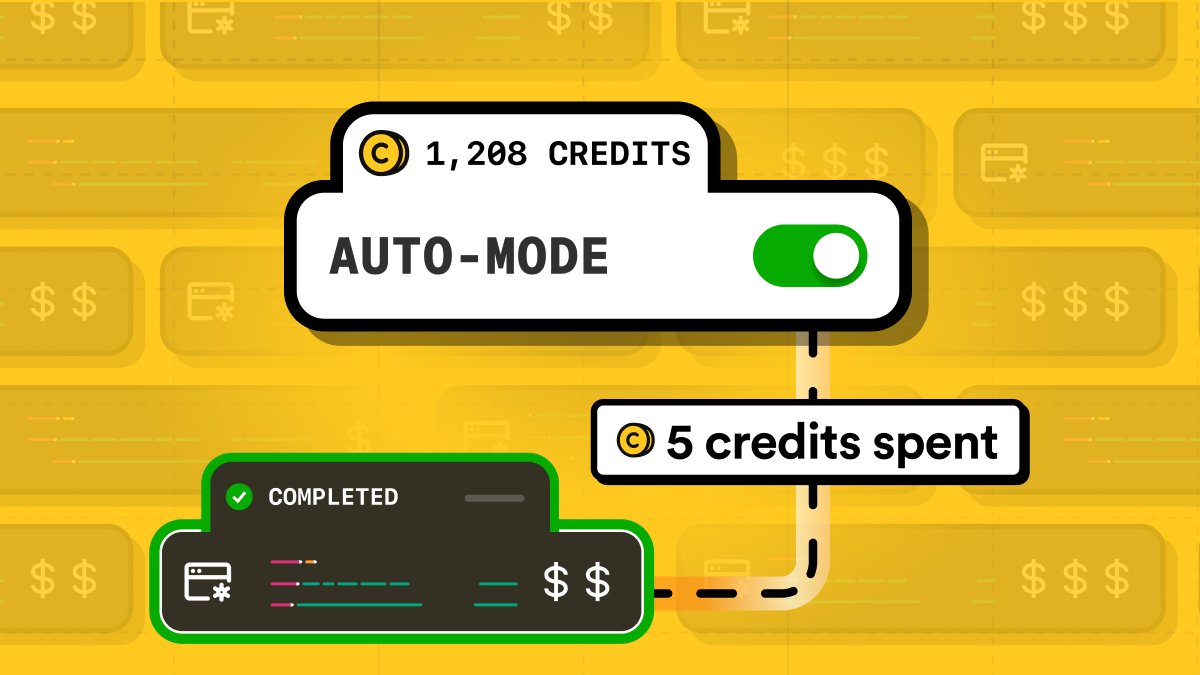
Stop guessing which mode to use
So, you want to scrape a page, but you may not know what it needs. Will a regular request work? Does the page require JavaScript rendering? Do you need a premium proxy or stealth mode? You could test every option yourself. But why guess when ScrapingBee can do it for you?
That is exactly what Auto Mode does. It starts with the simplest and least expensive configuration. If that does not work, it gradually tries more advanced options until it gets a successful response.
Once a configuration works, Auto Mode stops and returns the result. This means you do not need to choose a scraping mode upfront or build your own retry logic for the most common cases.
What Auto Mode actually controls
But enough talk — let's get specific.
Auto Mode does not randomly change every available ScrapingBee setting. It focuses on three things:
- whether to render the page with JavaScript;
- whether to use premium proxies;
- whether to use stealth proxies.
It tries different combinations of these options, starting with the simplest one and moving toward more advanced configurations only when necessary.
Everything else remains under your control. Auto Mode will not automatically add a JavaScript scenario, wait for a specific element, increase the rendering delay, select a country, or configure custom headers and cookies. If the page needs any of these options, you should still include them in your request. Auto Mode will keep them as provided while choosing the rendering and proxy configuration.
There are also two important rules to keep in mind:
- Auto Mode is currently available for
GETrequests only. - Do not pass
render_js,premium_proxy,stealth_proxy, ortransparent_status_codetogether with Auto Mode. These options conflict with its automatic selection and will result in a400response.
Quick start
Let's put Auto Mode to work. In this example, we'll scrape the Hacker News homepage and use ScrapingBee's AI extraction to return the first five stories.
First, install the Python client:
pip install scrapingbee
Set your API key in the SCRAPINGBEE_API_KEY environment variable, then run:
import os

from scrapingbee import ScrapingBeeClient


# Create the ScrapingBee client using an API key
# stored in an environment variable.
client = ScrapingBeeClient(
    api_key=os.environ["SCRAPINGBEE_API_KEY"],
)

# Send a request to the Hacker News homepage.
response = client.get(
    "https://news.ycombinator.com/",
    params={
        # Let ScrapingBee choose the rendering
        # and proxy configuration.
        "mode": "auto",

        # Describe the data you want in plain English.
        "ai_query": (
            "Return the first five stories displayed on the homepage. "
            "For each story, include its title, URL, score, author, "
            "and number of comments."
        ),
    },
)

# Raise an exception if the request failed.
response.raise_for_status()

# Print the extracted result.
print(response.text)
The two parameters to focus on in this example are:
mode=autotells ScrapingBee to find a working rendering and proxy configuration.ai_querydescribes the information we want to extract in plain English.
This means you do not need to decide whether the page requires JavaScript rendering, premium proxies, or stealth proxies before sending the request. Auto Mode tests the available configurations and returns the first successful result.
Once again: do not add render_js, premium_proxy, stealth_proxy, or transparent_status_code to the same request. These parameters are incompatible with mode=auto, and combining them returns a 400 error.
You can still use other ScrapingBee parameters when needed, including cookies, custom headers, country selection, waiting instructions, and JavaScript scenarios. Auto Mode keeps those settings while choosing the rendering and proxy configuration.
How much does Auto Mode cost?
Auto Mode may try several configurations behind the scenes, but here is the good news: you do not pay for every attempt. You only pay for the configuration that successfully returns the page. Auto Mode starts with the cheapest option and moves up only when needed.
The possible costs are:
| Configuration | Cost |
|---|---|
| Rotating proxy without JavaScript rendering | 1 credit |
| Rotating proxy with JavaScript rendering | 5 credits |
| Premium proxy without JavaScript rendering | 10 credits |
| Premium proxy with JavaScript rendering | 25 credits |
| Stealth proxy with JavaScript rendering | 75 credits |
For example, suppose the 1-credit and 5-credit configurations fail, but the 10-credit configuration works. You are charged 10 credits, not 16.
If none of the available configurations work, the request costs 0 credits.
You can check which tier was used in the Spb-auto-cost response header:
print(response.headers.get("Spb-auto-cost"))
This header contains the cost of the successful Auto Mode configuration, or 0 when every configuration fails.
Keep in mind that other paid features are added separately. In our Hacker News example, ai_query adds another 5 credits. So if Auto Mode succeeds with a 5-credit configuration, the complete request costs 10 credits. The Spb-cost header shows the total request cost, while Spb-auto-cost shows only the Auto Mode configuration cost.
Keep Auto Mode on a budget
Auto Mode can go all the way up to the 75-credit stealth proxy configuration. Sometimes that is exactly what you need. Sometimes it is more than you want to spend on a single request. The max_cost parameter lets you set a limit.
Auto Mode will only try configurations that cost no more than the specified value. For example, max_cost=25 allows regular and premium proxy configurations, with or without JavaScript rendering, but prevents Auto Mode from trying the 75-credit stealth configuration.
Here is our Hacker News example with a 25-credit limit:
import os

from scrapingbee import ScrapingBeeClient


client = ScrapingBeeClient(
    api_key=os.environ["SCRAPINGBEE_API_KEY"],
)

response = client.get(
    "https://news.ycombinator.com/",
    params={
        # Let ScrapingBee choose a working configuration.
        "mode": "auto",

        # Do not let Auto Mode use a configuration
        # that costs more than 25 credits.
        "max_cost": 25,

        # Extract the requested information using AI.
        "ai_query": (
            "Return the first five stories displayed on the homepage. "
            "For each story, include its title, URL, score, author, "
            "and number of comments."
        ),
    },
)

print(
    "Auto Mode cost:",
    response.headers.get("Spb-auto-cost"),
    "credits",
)

print(
    "Total request cost:",
    response.headers.get("Spb-cost"),
    "credits",
)

response.raise_for_status()

print(response.text)
The Spb-auto-cost header shows the cost of the configuration selected by Auto Mode. The Spb-cost header shows the total cost of the request.
This distinction matters because max_cost limits only the Auto Mode configuration. Other paid features are added separately. In this example, ai_query adds 5 credits, so a request that uses a 25-credit Auto Mode configuration costs 30 credits in total.
max_cost is optional and must be an integer of at least 1. When you leave it out, Auto Mode may try every available configuration, including the 75-credit stealth tier.
You do not have to use one of the exact tier values. For example, with max_cost=20, Auto Mode can try the 1-, 5-, and 10-credit configurations. If they all fail, the request fails without trying the 25- or 75-credit tiers.
Ready to scrape smarter?
Stop guessing which scraping configuration a page needs. Add mode=auto, set a cost limit when needed, and let ScrapingBee find a working setup for you.
Create your free ScrapingBee account and get 1,000 free API credits to try Auto Mode. No credit card required.
Frequently asked questions
What does Auto Mode choose automatically?
Auto Mode chooses whether to use JavaScript rendering, premium proxies, or stealth proxies. It tests configurations from the cheapest to the most advanced and stops when one works.
Does Auto Mode work with POST requests?
No. Auto Mode currently supports GET requests only.
Do I pay for every configuration Auto Mode tries?
No. You only pay for the configuration that successfully returns the page. If none of the available configurations work, the Auto Mode cost is 0 credits.
Can I limit how much Auto Mode spends?
Yes. Use the max_cost parameter to prevent Auto Mode from trying configurations above a specified credit cost. Other paid features, such as AI extraction, are charged separately.
Can I use other ScrapingBee parameters with Auto Mode?
Yes, in most cases. You can still use options such as cookies, custom headers, country selection, waiting instructions, JavaScript scenarios, and AI extraction. However, do not combine Auto Mode with render_js, premium_proxy, stealth_proxy, or transparent_status_code.

Ilya is an IT tutor and author, web developer, and ex-Microsoft/Cisco specialist. His primary programming languages are Ruby, JavaScript, Python, and Elixir. He enjoys coding, teaching people and learning new things. In his free time he writes educational posts, participates in OpenSource projects, tweets, goes in for sports and plays music.