ScrapingBee is adding two new ways to get more precise data from Google results: paid ads extraction and coordinate-based geolocation targeting.
You can now extract Google Ads directly from SERPs with search_type=ads and run Google searches from an exact point on the map using latitude, longitude, and radius parameters.
These updates are built for teams that need more control over Google data: PPC monitoring, competitor research, local SEO audits, and production search pipelines.
Extract Google Ads from SERPs
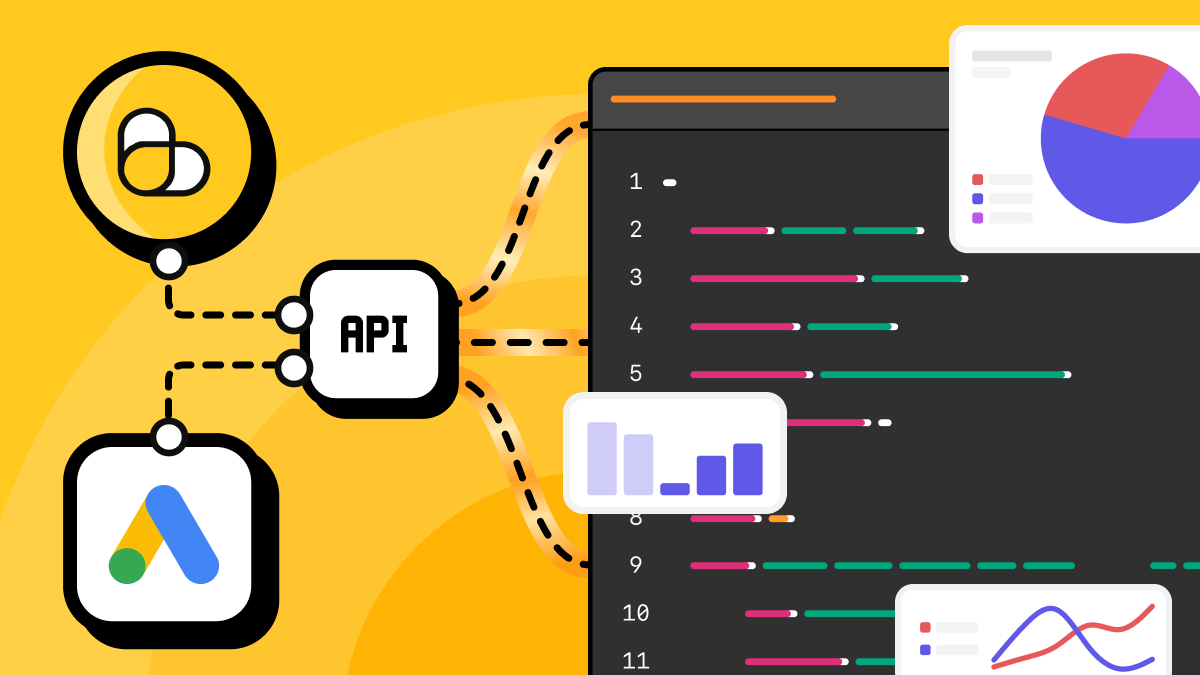
You can now extract paid ads directly from Google SERPs with ScrapingBee's Google API. Set search_type=ads, pass the query you want to monitor, and the API will return the ads shown for that search.
This is different from scraping regular results and trying to filter ads afterward. The ads search type is optimized for ad visibility, so you can capture more paid placements for each query.
Each response can include top ads, bottom ads, full ad copy, display URLs, sitelinks, and extensions, along with the organic results for the same SERP. This makes it useful for PPC monitoring, competitor ad research, landing page tracking, and paid coverage audits across countries.
The new ads search type uses the same parameters and credit cost as a standard Google search: 10 credits for light requests and 15 credits for heavy requests.
Example: extract Google Ads with Python
The example below sends a Google API request with search_type=ads, reads both top_ads and bottom_ads, and prints the main ad fields returned by the API. Google may place ads at the top, at the bottom, or in both sections of the SERP, so the script checks both arrays.
import os
import sys

import requests
from requests.exceptions import HTTPError, RequestException, Timeout


API_URL = "https://app.scrapingbee.com/api/v1/google"

# Store your API key in an environment variable when running this in production.
# You can also replace "YOUR-API-KEY" directly for a quick local test.
API_KEY = os.getenv("SCRAPINGBEE_API_KEY", "YOUR-API-KEY")


def fetch_google_ads(query: str, country_code: str = "us") -> dict:
    # search_type=ads tells the Google API to return paid ads for the query.
    # light_request=false runs a heavy request for more complete results.
    # Use light_request=true for a cheaper light request.
    params = {
        "search": query,
        "search_type": "ads",
        "country_code": country_code,
        "light_request": "false",
    }

    headers = {
        "Authorization": f"Bearer {API_KEY}",
    }

    try:
        response = requests.get(
            API_URL,
            params=params,
            headers=headers,
            timeout=60,
        )
        response.raise_for_status()
    except HTTPError as error:
        response = error.response

        status_code = response.status_code if response is not None else "unknown"
        response_text = response.text if response is not None else str(error)
        request_url = response.url if response is not None else API_URL

        raise RuntimeError(
            f"ScrapingBee API returned an HTTP error: {status_code}.\n"
            f"URL: {request_url}\n"
            f"Response: {response_text}"
        ) from error
    except Timeout as error:
        raise RuntimeError(
            f"Request to ScrapingBee API timed out after 60 seconds.\n"
            f"URL: {API_URL}\n"
            f"Query: {query}"
        ) from error
    except RequestException as error:
        raise RuntimeError(f"Request to ScrapingBee API failed: {error}") from error

    try:
        return response.json()
    except ValueError as error:
        raise RuntimeError(
            f"ScrapingBee API did not return valid JSON.\n"
            f"Response body: {response.text}"
        ) from error


def print_ads(data: dict) -> None:
    # Ads can appear at the top or bottom of the SERP.
    # Read both sections to avoid missing paid placements.
    top_ads = data.get("top_ads", [])
    bottom_ads = data.get("bottom_ads", [])
    all_ads = top_ads + bottom_ads

    print(f"Top ads found: {len(top_ads)}")
    print(f"Bottom ads found: {len(bottom_ads)}")
    print(f"Total ads found: {len(all_ads)}")

    for ad in all_ads:
        print("---")
        print("Title:", ad.get("title"))
        print("Display URL:", ad.get("visual_url") or ad.get("displayed_url"))
        print("Landing page:", ad.get("url"))
        print("Description:", ad.get("description"))


if __name__ == "__main__":
    try:
        result = fetch_google_ads("crm software", country_code="us")
        print_ads(result)
    except RuntimeError as error:
        print(error, file=sys.stderr)
        sys.exit(1)
Target Google searches by exact geolocation
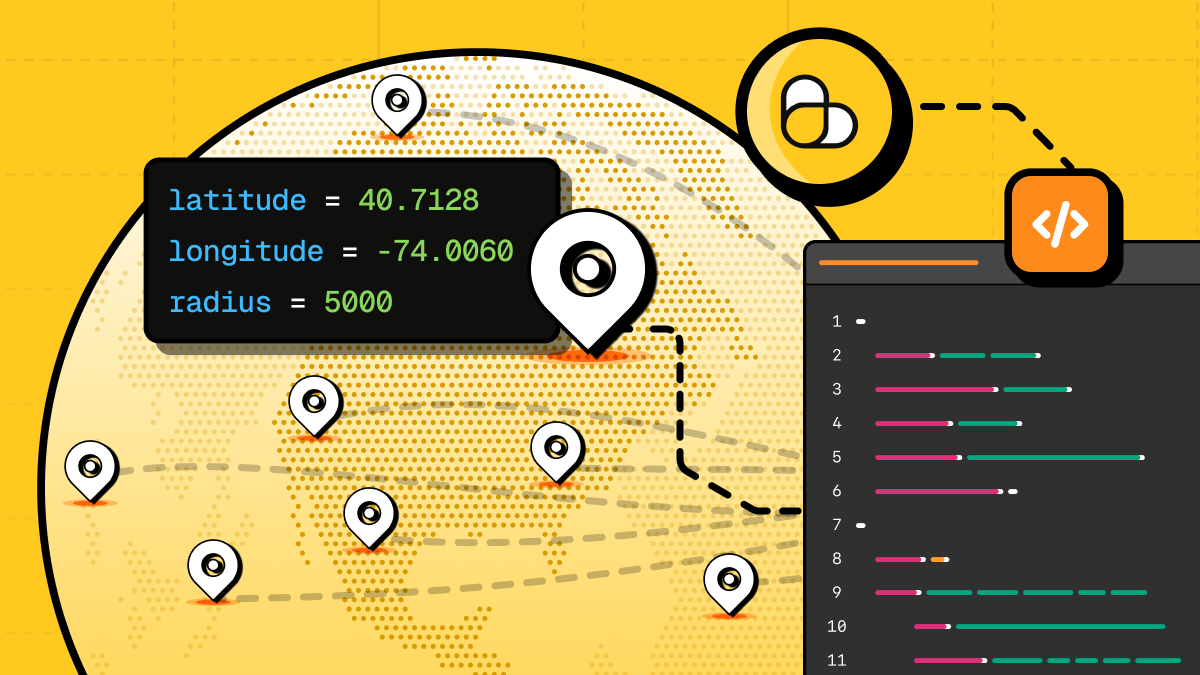
You can now run Google API searches from a precise point on the map instead of relying only on country-level targeting.
The new latitude, longitude, and radius parameters let you define the search origin in decimal degrees and set the surrounding search area in meters. For example, latitude=40.7128, longitude=-74.0060, and radius=5000 searches within 5 km of lower Manhattan.
This is useful for hyperlocal SERP tracking, local SEO audits, local pack monitoring, and comparing how rankings change between neighborhoods, cities, or store locations.
See the Google API documentation for the full geolocation parameter reference.
Example: search Google from exact coordinates with Python
The example below sends a Google API request from a specific latitude and longitude, sets a 5 km radius around that point, and prints local and organic results from the response.
import os
import sys

import requests
from requests.exceptions import HTTPError, RequestException, Timeout


API_URL = "https://app.scrapingbee.com/api/v1/google"

# Store your API key in an environment variable when running this in production.
# You can also replace "YOUR-API-KEY" directly for a quick local test.
API_KEY = os.getenv("SCRAPINGBEE_API_KEY", "YOUR-API-KEY")


def fetch_local_google_results(
    query: str,
    latitude: float,
    longitude: float,
    radius: int,
    country_code: str = "us",
) -> dict:
    # latitude and longitude set the exact search origin.
    # radius sets the search area around that point, in meters.
    params = {
        "search": query,
        "country_code": country_code,
        "latitude": latitude,
        "longitude": longitude,
        "radius": radius,
    }

    headers = {
        "Authorization": f"Bearer {API_KEY}",
    }

    try:
        response = requests.get(
            API_URL,
            params=params,
            headers=headers,
            timeout=60,
        )
        response.raise_for_status()
    except HTTPError as error:
        response = error.response

        status_code = response.status_code if response is not None else "unknown"
        response_text = response.text if response is not None else str(error)
        request_url = response.url if response is not None else API_URL

        raise RuntimeError(
            f"ScrapingBee API returned an HTTP error: {status_code}.\n"
            f"URL: {request_url}\n"
            f"Response: {response_text}"
        ) from error
    except Timeout as error:
        raise RuntimeError(
            f"Request to ScrapingBee API timed out after 60 seconds.\n"
            f"URL: {API_URL}\n"
            f"Query: {query}\n"
            f"Coordinates: {latitude}, {longitude}\n"
            f"Radius: {radius} meters"
        ) from error
    except RequestException as error:
        raise RuntimeError(f"Request to ScrapingBee API failed: {error}") from error

    try:
        return response.json()
    except ValueError as error:
        raise RuntimeError(
            f"ScrapingBee API did not return valid JSON.\n"
            f"Response body: {response.text}"
        ) from error


def print_results(data: dict) -> None:
    # Local-intent queries can return local_results.
    # Standard web results are returned in organic_results.
    local_results = data.get("local_results", [])
    organic_results = data.get("organic_results", [])

    print(f"Local results found: {len(local_results)}")
    for result in local_results:
        print("---")
        print("Local result:", result.get("title"))
        print("Address:", result.get("address"))
        print("Rating:", result.get("rating"))
        print("Reviews:", result.get("review_count") or result.get("reviews"))

    print(f"\nOrganic results found: {len(organic_results)}")
    for result in organic_results[:5]:
        print("---")
        print("Title:", result.get("title"))
        print("Domain:", result.get("domain"))
        print("URL:", result.get("url"))


if __name__ == "__main__":
    try:
        result = fetch_local_google_results(
            query="pizza near me",
            latitude=40.7128,
            longitude=-74.0060,
            radius=5000,
            country_code="us",
        )
        print_results(result)
    except RuntimeError as error:
        print(error, file=sys.stderr)
        sys.exit(1)
Try the new Google API features
These updates give you more control over the Google data you collect: paid ads for PPC research and coordinate-based targeting for local SERP tracking.
If you already use ScrapingBee, you can start testing these parameters in your Google API requests today. If you are new to ScrapingBee, you can create a free account and get 1,000 credits to try the API. No credit card required.

Ilya is an IT tutor and author, web developer, and ex-Microsoft/Cisco specialist. His primary programming languages are Ruby, JavaScript, Python, and Elixir. He enjoys coding, teaching people and learning new things. In his free time he writes educational posts, participates in OpenSource projects, tweets, goes in for sports and plays music.