
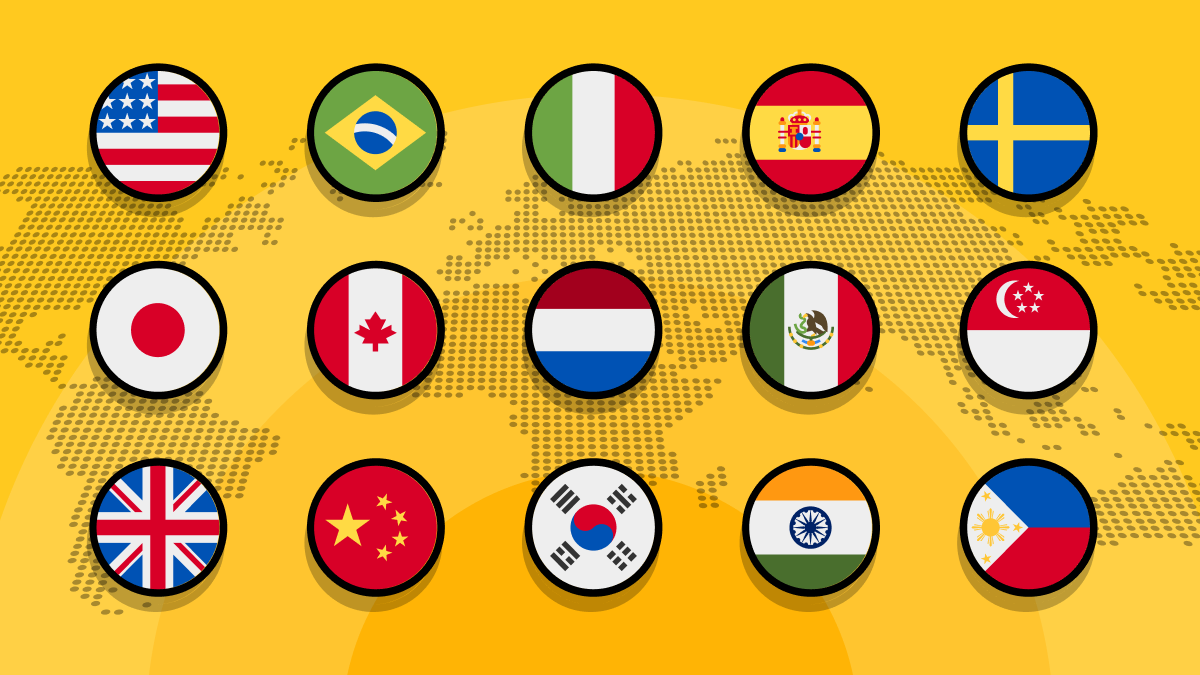
ScrapingBee classic proxies now support geolocation across more than 40 countries. Instead of routing every request through a US IP, you can select a supported country in the request builder or pass the country_code parameter directly in your API request.
This makes it easier to scrape localized pricing, retrieve country-specific search results, test geo-specific content, and run multi-market scraping jobs without switching to premium proxies.
Why proxy location matters
Here is the annoying part: websites do not always show the same content to everyone.
Prices, products, search results, language, shipping options, and even entire pages can change depending on the visitor's IP address. So if your scraper always connects from the US, you may get US pricing while trying to collect data for France, Japan, or Canada.
The request still succeeds, and the HTML still looks fine. But you just end up scraping the wrong market.
ScrapingBee already gives you different proxy options for different websites and scraping jobs. The change here is that country targeting is now available with classic proxies too. For requests that do not need a premium proxy, you can stay on the classic setup and still choose which market you want to scrape.
How classic proxy geolocation works
Classic proxy geolocation uses lowercase two-letter country codes from the ISO 3166-1 alpha-2 standard. To choose a location, pass the code through the country_code parameter in your API request.
For example:
frroutes the request through Francejproutes it through Japancaroutes it through Canada
You can also pick the country directly from the request builder in your ScrapingBee dashboard.
ScrapingBee then sends the request through a classic proxy in the selected location. You can find the complete list of currently supported locations in the classic proxy country code documentation.
One thing to keep in mind: if a country is not available for classic proxies, ScrapingBee falls back to us instead of failing the request. Premium proxies have their own, larger list of supported locations, which you can find in the full country code documentation.
Classic and premium proxies both support
country_code, but they use separate lists of available countries. If your target already works with classic proxies, you can now add country targeting without changing proxy pools. For harder targets, keep usingpremium_proxywith the same country code.
When classic proxy geolocation is useful
Country targeting comes in handy whenever the page you are scraping changes based on the visitor's location.
A few common examples:
- Comparing prices across markets. The same product may have different prices, currencies, discounts, or availability in France, Canada, and Japan.
- Checking localized product catalogs. Some stores show different products, shipping options, or stock depending on the country.
- Testing regional pages. You can check whether visitors are redirected to the right language, domain, or country-specific landing page.
- Collecting local search results. Search engines, directories, and marketplaces may return different results depending on the request location.
- Running one scraper across several countries. Keep the same API integration and change only
country_codefor each market.
It is also useful during development. Instead of asking someone in another country to check what a page looks like, you can send the request from that location yourself and inspect the response.
Using classic proxy geolocation with Python
You do not need a separate endpoint to use classic proxies. Requests sent through the standard ScrapingBee API use the classic proxy pool by default unless you explicitly enable another proxy type.
To make the location change easy to see, we will use country.is, a simple IP geolocation API that returns the country associated with the IP making the request.
Install the Requests library:
pip install requests
Then create the script:
import os
from typing import TypedDict

import requests


API_URL: str = "https://app.scrapingbee.com/api/v1"
TARGET_URL: str = "https://api.country.is/"


class Location(TypedDict):
    ip: str
    country: str


def get_proxy_location(country_code: str) -> Location:
    """Return the country detected for a ScrapingBee proxy."""

    response = requests.get(
        API_URL,
        headers={
            "Authorization": f"Bearer {os.environ['SCRAPINGBEE_API_KEY']}",
        },
        params={
            "url": TARGET_URL,
            # Route the request through the selected country.
            "country_code": country_code,
            # The target returns JSON and does not require a browser.
            "render_js": "false",
        },
        timeout=45,
    )

    response.raise_for_status()
    return response.json()


for requested_country in ("fr", "jp"):
    location = get_proxy_location(requested_country)

    print(
        f"Requested {requested_country} -> "
        f"detected {location['country']} "
        f"({location['ip']})"
    )
Set your API key before running the script:
export SCRAPINGBEE_API_KEY="YOUR-API-KEY"
python scrape.py
On Windows PowerShell:
$env:SCRAPINGBEE_API_KEY = "YOUR-API-KEY"
python scrape.py
The output should look similar to this:
Requested fr -> detected FR (<proxy IP>)
Requested jp -> detected JP (<proxy IP>)
The important part is the country_code parameter. The first request uses a classic proxy in France, while the second uses one in Japan. The target endpoint sees the outgoing proxy IP and reports its country.
Because the request does not enable premium_proxy or stealth_proxy, ScrapingBee uses the classic proxy pool. You can replace fr and jp with any country code supported by classic proxies.
Check the classic proxy country list before using a code. If the requested country is not supported, ScrapingBee falls back to us instead of failing the request.
Try classic proxy geolocation
Classic proxy geolocation is a small addition that solves a pretty common scraping problem. You can keep using the standard ScrapingBee API, add a country_code, and route the request through a supported location without changing the rest of your scraper.
Ready to try it? Create a free ScrapingBee account and get 1,000 API credits. No credit card is required. Try a few supported country codes and check which proxy location the target endpoint detects.
Frequently asked questions
Do I need to enable premium proxies to use geolocation?
No. Classic proxies now support the country_code parameter directly. When you send a standard ScrapingBee API request without enabling premium_proxy or stealth_proxy, it uses the classic proxy pool.
Do premium proxies still support geolocation?
Yes. Nothing changes for premium proxies. To use a premium proxy from a specific country, pass both parameters:
params={
    "url": url,
    "premium_proxy": "true",
    "country_code": "de",
}
This routes the request through a premium proxy in Germany.
Do classic and premium proxies support the same countries?
Not necessarily. Classic and premium proxies have separate lists of supported locations. Check the classic proxy country list before sending your request. The premium proxy country list contains the locations available with premium proxies.
What happens if a classic proxy country is not supported?
ScrapingBee falls back to us, so the request still runs. This means you should check the supported country list rather than assuming an unsupported code will return an error.
Can I use classic proxy geolocation in Proxy Mode?
Yes. Proxy Mode supports the same ScrapingBee API parameters. Pass country_code in the proxy password together with any other options:
render_js=False&country_code=fr
Proxy Mode only changes how your application connects to ScrapingBee. The request is still handled like a standard API request.

Ilya is an IT tutor and author, web developer, and ex-Microsoft/Cisco specialist. His primary programming languages are Ruby, JavaScript, Python, and Elixir. He enjoys coding, teaching people and learning new things. In his free time he writes educational posts, participates in OpenSource projects, tweets, goes in for sports and plays music.