The best sitemap crawlers turn a raw XML sitemap into something useful in minutes, catching broken links, redirect chains, and indexability bugs before they cost you rankings. But the phrase "sitemap crawler" hides two very different tools, and buying the wrong one is how teams lose a week.
One camp is SEO sitemap crawlers. You paste a sitemap URL and get an audit: status codes, canonicals, broken links, and what search engines will and won't index. The other camp is sitemap data pipelines, APIs and no-code builders that fetch every URL in a sitemap so you can pull structured data from each page.
This guide ranks both. Below you'll find the best sitemap crawlers for SEO audits, the best sitemap tools for data pipelines, honest pricing and free-trial notes, and a clear rule for knowing which type you actually need.
Quick Answer (TL;DR)
Sitemap crawler tools fall into two camps:
SEO sitemap crawlers - Paste a sitemap URL. Get an audit of broken links, redirects, and SEO bugs.
- Screaming Frog SEO Spider - Best for desktop SEO audits
- Sitebulb - Best visual reports for clients
- Lumar - Best for enterprise teams
- Ahrefs Site Audit - Best if you already use Ahrefs
- Semrush Site Audit - Best for marketing teams
- JetOctopus - Best for huge sites
- Oncrawl - Best for crawl budget work
Sitemap data pipelines - APIs and tools you use to pull data from each URL in a sitemap.
- ScrapingBee - Best API for sitemap pipelines
- Crawlbase - Best for hard anti-bot sites
- Octoparse - Best no-code option
| Tool | Category | Type | JS Rendering | Export | Free Trial |
|---|---|---|---|---|---|
| Screaming Frog | SEO crawler | Desktop | Paid | CSV, Excel | 500 URLs free |
| Sitebulb | SEO crawler | Desktop | Yes | PDF, CSV | 14 days |
| Lumar | SEO crawler | Cloud | Yes | CSV, API | Contact sales |
| Ahrefs | SEO crawler | Cloud | Yes | CSV, API | Free AWT / paid trial |
| Semrush | SEO crawler | Cloud | Yes | CSV, PDF | 7 days |
| JetOctopus | SEO crawler | Cloud | Yes | CSV, API | Free trial |
| Oncrawl | SEO crawler | Cloud | Yes | CSV, API | 14 days |
| ScrapingBee | Pipeline API | API | Yes | JSON | 1,000 credits |
| Crawlbase | Pipeline API | API | Yes | HTML, JSON, Markdown | 20,000 free requests |
| Octoparse | No-code | Desktop/Cloud | Yes | Excel, CSV | Free plan |
Best SEO Sitemap Crawlers
These tools take a sitemap URL and audit it. You paste, click, and get a report. No code needed.
1. Screaming Frog SEO Spider
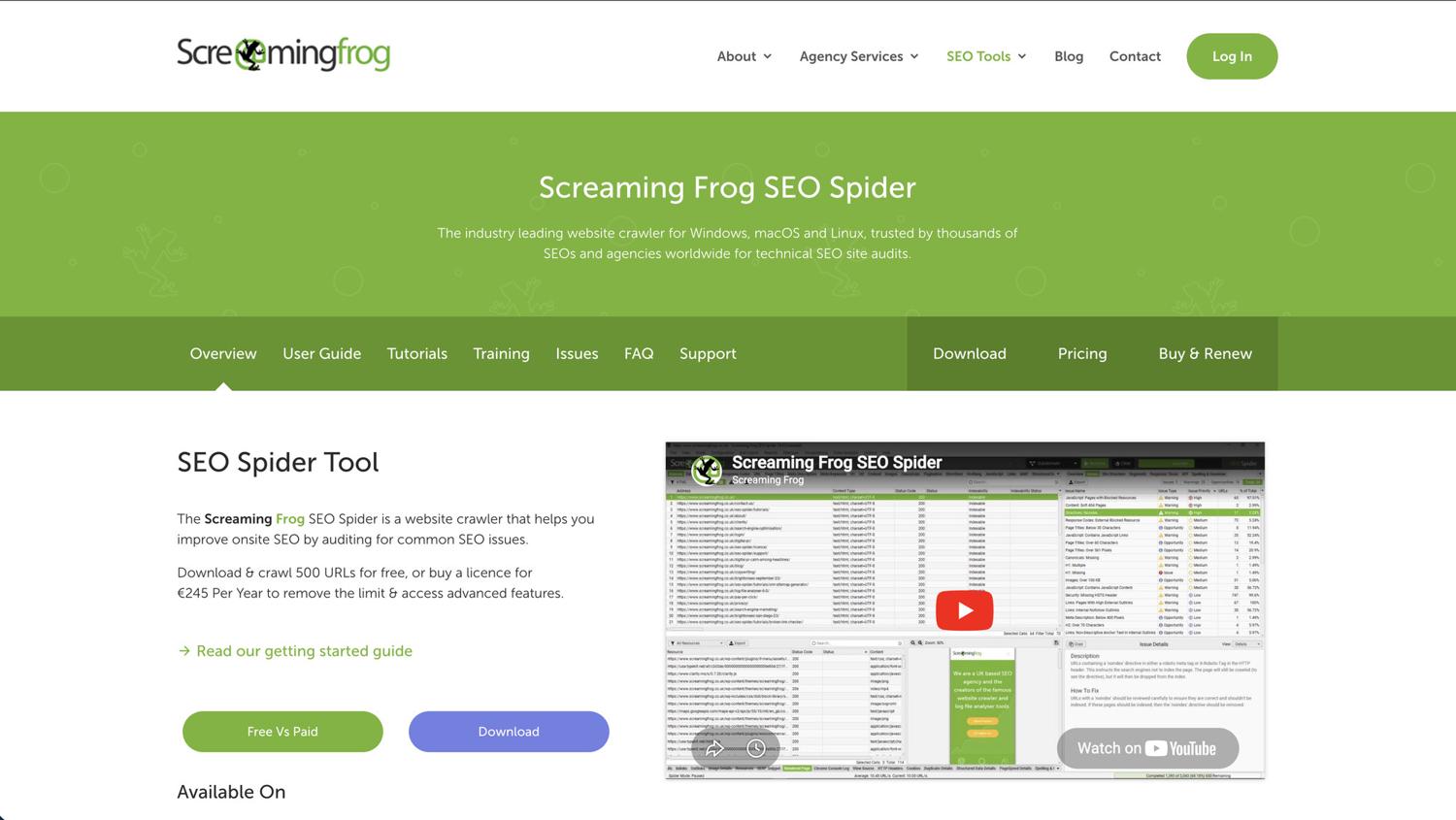
Screaming Frog is the desktop crawler most SEO professionals use and trust, used by agencies and in-house SEO teams for well over a decade. For sitemap crawling, the SEO Spider lets you audit only the URLs in your XML sitemap instead of discovering pages through internal links.
This is ideal for indexability audits and finding broken links fast. Instead of crawling every page on the site, you crawl what the site declares important.
Setup Workflow:
- Select "List" mode instead of "Spider"
- Paste your sitemap URL or upload the XML file
- For a sitemap index, use that same Upload → Download XML Sitemap option, as it pulls every child sitemap and its URLs in one go
- Set Configuration → Spider → Rendering to Text Only for static sites or JavaScript for SPAs (paid licence only)
- Run crawl and filter by status codes
Pricing: Free version up to 500 URLs. Paid license £199/year (~$279) per user. Bulk discounts on 5+ licenses.
Limits: Runs on your local RAM and CPU. Big sitemaps (500K+ URLs) slow it down a lot.
Best for: SEO pros auditing medium to large websites who want deep technical reports.
2. Sitebulb
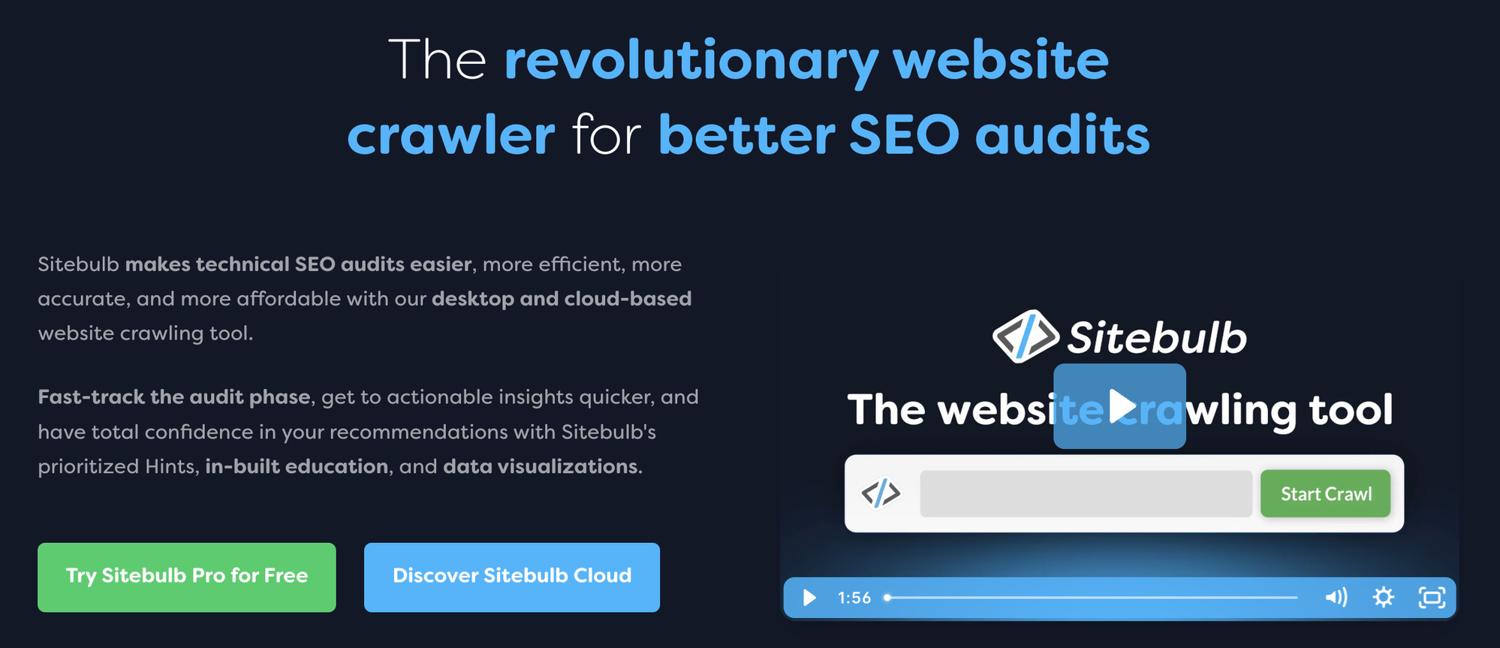
Sitebulb is a desktop crawler focused on visual reports. It's particularly useful when teams need polished deliverables they can share with stakeholders. The platform automatically identifies broken links and creates interactive visual sitemaps showing site structure.
It compares sitemap URLs against discovered pages, highlighting orphan pages and sitemap bloat. The automated hints explain each issue in plain language, which helps when working with non-technical teams.
Pricing: From $15/month for Lite ($180/year on annual billing; $18/month monthly). 14-day free trial, no credit card.
Best for: Agencies that need polished audit reports and visual sitemaps for clients.
When it beats Screaming Frog: Better visual reports.
When it loses: Less power than cloud tools like Lumar or JetOctopus at scale.
3. Lumar (formerly Deepcrawl)
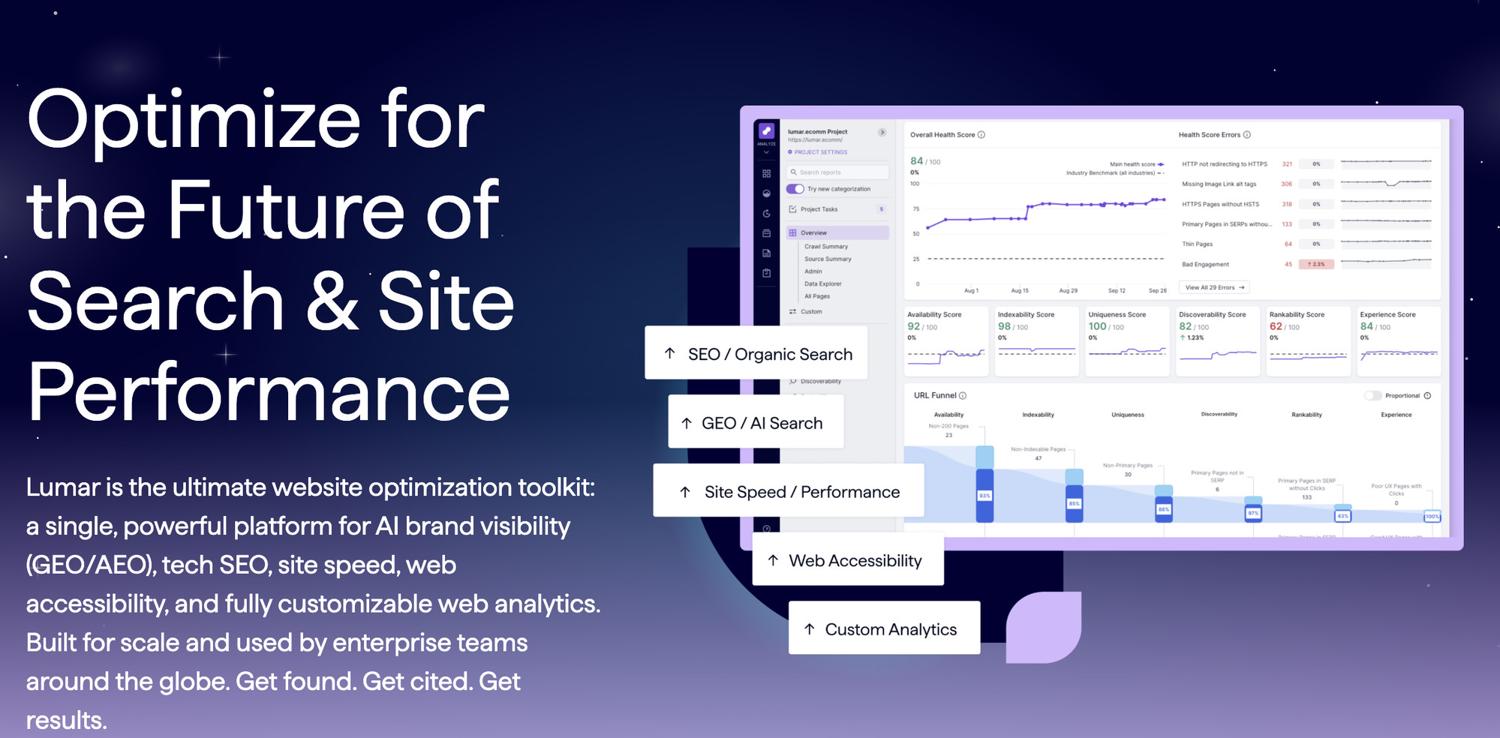
Lumar is an enterprise cloud platform for multi-domain SEO governance. It's built to serve as the technical SEO command center for global brands managing dozens of regional sites.
It handles massive sitemap index files (dozens of child sitemaps with millions of URLs) better than desktop alternatives. The segmentation features let you isolate issues by template type, subdomain, or custom rules.
Pricing: Contact sales. Built for enterprise budgets.
Key features: Scheduled cloud crawls, change tracking, multi-user access, Google Search Console and Google Analytics links.
Best for: Enterprise SEO teams with complex, multi-domain large websites.
4. Ahrefs Site Audit
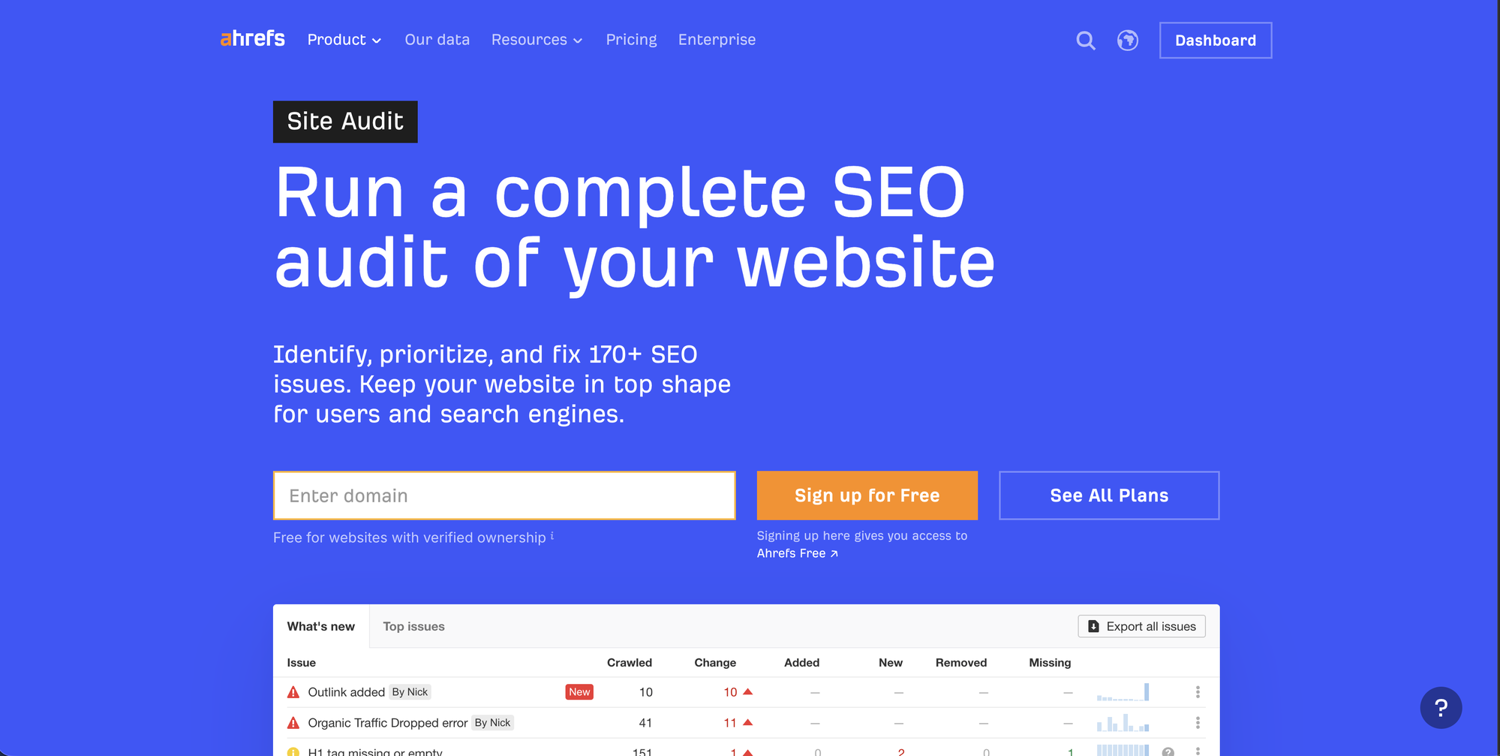
Ahrefs is best known for backlinks, but its Site Audit module provides full technical SEO crawling. It's the natural choice for teams already using Ahrefs for keyword research who want sitemap validation in the same dashboard.
It imports sitemaps during setup and cross-references them against discovered pages. The integration is the real value: you can overlay backlink data on audit findings. For example, if a 404 page has high-authority backlinks, that surfaces immediately.
Pricing: Site Audit comes with Ahrefs plans. Ahrefs offers no free trial, but the Ahrefs Free tier includes Site Audit on your own verified domains, with a monthly cap of 5,000 crawl credits per project.
Key checks: Indexability conflicts, redirect chains, broken links.
Best for: SEO pros already on Ahrefs who want sitemap audits in the same tool.
5. Semrush Site Audit
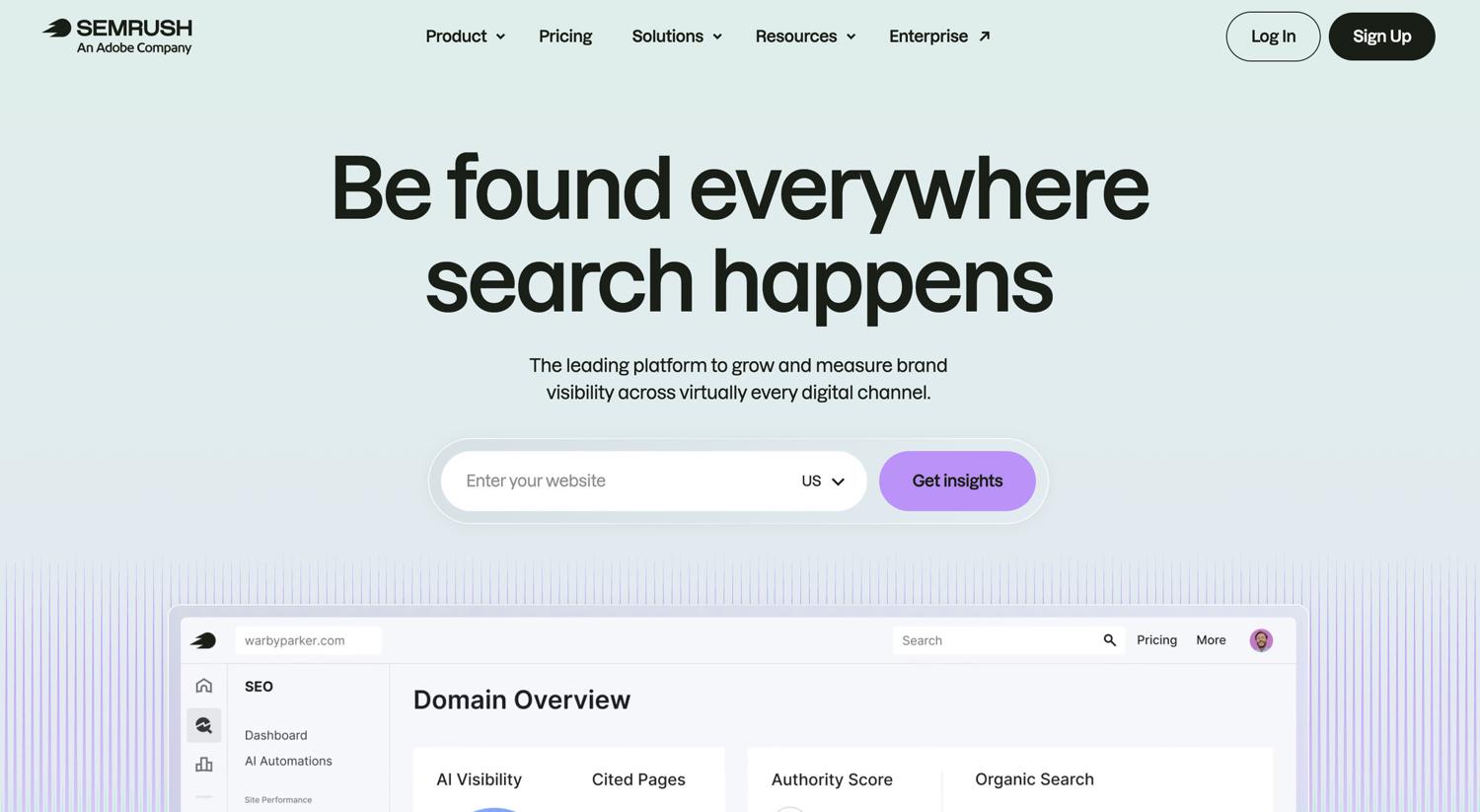
Semrush leans toward marketing teams rather than technical specialists. It schedules recurring crawls (weekly or monthly) and tracks issue trends over time. The platform identifies broken links and prioritizes fixes by severity.
It works best for in-house marketing teams that need technical SEO alongside content planning and PPC research.
Pricing: Site Audit comes with Semrush plans. A 7-day free trial, plus a free account capped at 100 crawled pages per month.
Pros vs Ahrefs: Broader marketing features, white-label reports.
Cons vs Ahrefs: Less backlink depth, fewer deep technical and audit-specific SEO features.
Best for: Marketing teams blending SEO with content and PPC.
6. JetOctopus
JetOctopus is a fast cloud crawler built for huge sites. It's the top pick when slicing data matters more than visual reports.
You can filter crawl data by any field: URL pattern, page template, word count, canonical status. This makes it great for finding patterns across millions of web pages.
Pricing: No free plan, but a 7-day free trial (10K URLs, all modules, no card) is available. Paid plans start around $337/month billed annually and scale by URL count.
Common workflows:
- Index status by template (products vs blog)
- Thin content checks across URL segments
- Duplicate audits by site section
Best for: Tech SEO pros on big sites (500K+ pages) who need deep filtering and SEO analysis.
7. Oncrawl
Oncrawl mixes site crawling with log file analysis. It joins three data sources: your sitemap, your crawl, and what search engines actually visit.
On enterprise ecommerce sites, this shows which pages eat your crawl budget. You learn which URLs Google sees vs which you wish it would see.
Segmentation examples: By template, crawl depth, status, indexability.
Pricing: 14-day free trial, no credit card. Paid plans are quote-only; contact sales.
Best for: Enterprise sites with millions of pages where crawl budget matters.
Sitemap Data Pipelines
These tools don't audit sitemaps. They help you pull data from each URL in a sitemap. You write the code or click through a no-code builder. The tool handles the fetch part.
1. ScrapingBee
ScrapingBee isn't a sitemap crawler in the SEO sense. Our web scraping API handles the full sitemap workflow: fetching the XML sitemap (including compressed .xml.gz variants), parsing URL entries, and crawling each page with configurable concurrency. Unlike desktop tools limited by local resources, we operate as a managed service with built-in proxy rotation and JavaScript rendering.
This setup works well for everything from competitor monitoring to content inventory systems where crawl results feed databases, especially when you need an XML sitemap extractor or sitemap scraper that also validates and processes the custom URLs it finds.
Pricing: Start with a 1,000-credit free trial. Hobby ($19/month), Freelance ($49), Startup ($99), Business ($249), Business+ ($599+).
Key Features:
- Works with sitemap-derived URL lists
- JavaScript rendering for dynamic sites
- Concurrent crawling with rate control
- Data extraction using CSS selectors, export as JSON
- Custom user agents
Pros: API scales horizontally, built-in proxy rotation, handles JS-heavy sites.
Cons: Requires API integration, usage-based pricing.
Best for: Devs building automated sitemap-monitoring or competitor-tracking pipelines.
Not for: One-off SEO audits - Screaming Frog wins there.
2. Crawlbase

Crawlbase is a managed crawling API. It focuses on anti-bot work. Use it when target sites block other web scrapers hard.
You parse the sitemap on your end. Then send each URL through the API. You get raw HTML back by default, with optional JSON and Markdown wrappers, and parsed JSON for the sites covered by Crawlbase's scraper library. For anything outside that library, you handle parsing yourself.
Pricing: Pay per request. Higher cost per call than ScrapingBee but stronger on hard anti-bot sites.
Best for: Teams pulling data from sites with heavy anti-bot defense.
Key difference vs ScrapingBee: Built for anti-bot first, less for general fetch work.
3. Octoparse
Octoparse is a no-code data extraction tool. It can take a sitemap URL as input, then crawl each URL with a point-and-click setup.
This works for non-coders who want to pull data from sitemap-derived URL lists. Think competitor monitoring or product catalog tracking.
Pricing: Free plan, Standard (from $83/month or $69/month annual), Professional ($299/month or $249/month annual), custom Enterprise.
Limits: Not for SEO audits. Templates break when sites change.
Best for: Non-technical teams pulling data from sitemap URLs without code.
For more no-code options, see our guide on the best free web scraping tools.
SEO Sitemap Crawlers vs Sitemap Data Pipelines
These two camps look similar but solve different problems.
- SEO sitemap crawlers audit your sitemap. They check status codes, canonicals, meta descriptions, and indexability. The output is a report. The buyer is an SEO pro or marketing team.
- Sitemap data pipelines extract data from sitemap URLs. They fetch each page and pull fields. The output is a dataset. The buyer is a developer or data team.
If you want to know "is my sitemap healthy?" → use an SEO crawler. If you want to know "what's the price on each product page?" → build a pipeline with a fetch API.
Many real projects use both. An SEO team runs Screaming Frog weekly to catch broken links. The same company's data team runs a ScrapingBee pipeline to track competitor prices. Different jobs, different tools.
How to Choose the Best Sitemap Crawler
Match the tool to your goal. Pick wrong and you waste weeks.
Goal first:
- SEO audit? → SEO sitemap crawler
- Data extraction? → Sitemap data pipeline
Sitemap Support:
- Sitemap index and nested child sitemaps
- Compressed .xml.gz handling
- Image, video, and news sitemaps
- Size limits per sitemap
Scale to check:
- Max URLs per crawl
- Concurrent request limits
- Scheduling options
- Queue management
Output formats to check:
- Export to CSV, JSON, Excel
- API access for automation
- Webhook alerts
- Database links
Cost model to check:
- Per-URL vs subscription pricing
- Free trial size
- Credit caps on free plans
How Sitemap Crawling Works (And What to Crawl)
A sitemap is an XML file that lists the web pages a site considers important, so search engines can find them. Most CMSs generate sitemaps for you. On WordPress, Yoast SEO or the Google XML Sitemaps plugin will publish and update one automatically as pages go live.
The standard defines two types:
<urlset>- single URL list<sitemapindex>- parent file that points to child sitemaps
Key tags inside a sitemap:
<loc>- the URL (required)<lastmod>- last modified date (often unreliable)<changefreq>- update rate (Google ignores it now)<priority>- priority (Google ignores it now)
Sitemap types:
- Standard URL sitemaps (most common)
- Image sitemaps for visual content
- Video sitemaps with metadata
- News sitemaps for publishers
- Hreflang for global sites
Where crawlers find sitemaps:
- robots.txt sitemap line
- /sitemap.xml or /sitemap_index.xml
- CMS paths (WordPress, Shopify)
What crawlers validate:
- Status codes (200, 404, redirects)
- Canonical tags
- Meta robots conflicts
- Redirect chains
- Broken links
What they can't do:
- Guarantee Google or other search engines will index a page (sitemaps are hints)
- Judge content quality or ranking power
When to crawl sitemap-only vs full site:
Sitemap-only works for:
- Big sites where full crawls take days
- Checking priority pages
- Spot checks on key sections
Full crawls with sitemap comparison work for:
- Finding orphan pages
- Mapping internal links and website structure
- Full content inventories
For programmatic workflows that extract structured data from crawled pages, a library like Ultimate Sitemap Parser or a fetch API handles parsing; see our Python web scraping tutorial.
Safe and Compliant Sitemap Crawling at Scale
The tool you use doesn't change your legal exposure. The way you crawl does.
Know the rules before you scale.
Disclaimer: This is general guidance, not legal advice.
Robots.txt: Fetch and respect the robots.txt file. Most tools do this by default. Always check.
Rate limits: Start slow.
- Small sites: 1-2 requests/second
- Medium sites: 2-5 requests/second
- Large sites: 5-10 requests/second
Watch for 429 (rate limit) and 503 (server overload) responses. If you see them, cut concurrency right away.
Retry strategy: Use exponential backoff.
- First fail: wait 1 second, retry
- Second fail: wait 2 seconds, retry
- Third fail: wait 4 seconds, retry
- Fourth fail: mark failed, log it
Data minimization: Only crawl what you need. For an indexability check, you don't need full page content. Use sitemap segments and limit depth.
Monitoring: Track success rates, response times, rate limit hits, and error patterns.
Safe crawl workflow:
- Start with 100-500 URLs
- Check robots.txt compliance
- Watch the first run
- Scale slowly (2 → 5 → 10 requests/second)
- Cache sitemap fetches
- Log everything
For pagination workflows across thousands of pages, see our web scraping pagination guide.
Common Sitemap Crawler Issues and Fixes
Scraping runs into problems eventually. Here are the common pitfalls and how to solve them:
- Issue: Sitemap index points to 404 child sitemaps
Fix: Audit the index manually, regenerate via the WordPress dashboard or a sitemap generation tool, update hardcoded paths. - Issue: Sitemap contains redirected URLs
Fix: Update the sitemap to final destinations, configure the CMS to use canonicals, test before deploying. - Issue: Non-200 pages in the sitemap
Fix: Validate before publishing, configure CMS filters to exclude drafts, and remove bad entries programmatically. - Issue: Huge sitemaps cause timeouts
Fix: Split into multiple child sitemaps, use compressed sitemaps, increase timeouts, switch to cloud crawlers. - Issue: Duplicate URLs (parameters, trailing slashes)
Fix: Normalize URLs during sitemap creation, use canonical tags, configure generation rules in your sitemap settings. - Issue: Mismatch between sitemap and discovered pages
Fix: Investigate orphan pages, audit sitemap-only pages, automate sitemap sync, run comparison crawls. - Issue: Hreflang errors
Fix: Use validators, audit return links, verify ISO codes, automate generation. - Issue: Blocked by a WAF despite the public sitemap
Fix: Reduce rate, customize the user agent, contact the site owner, use managed services.
Conclusion
Pick the right tool for the right job. SEO sitemap crawlers audit your sitemap. Sitemap data pipelines pull data from each URL.
For SEO audits, Screaming Frog is the safe pick for most teams. Sitebulb wins on visual reports. Enterprise teams need Lumar, Ahrefs, Semrush, JetOctopus, or Oncrawl based on their stack.
For data pipelines, you need a fetch API that handles JS, anti-bot, and proxies for you. ScrapingBee fits here: you write the sitemap parsing and queue logic, and the API handles the per-page fetch, with JavaScript rendering, proxy rotation and anti-bot handling included. Teams use it to build monitoring systems, content inventories, and competitive intelligence pipelines from sitemap URLs.
Start with 1,000 free API credits. Crawl your first sitemap in under 5 minutes. No credit card needed.
Best Sitemap Crawler FAQs
What is a sitemap crawler, and how is it different from a site crawler?
A sitemap crawler reads XML sitemaps to find URLs, then checks those pages. It trusts the sitemap as the source. A site crawler starts at the homepage and follows links to map the site structure. Both help SEO optimization, but they discover pages differently.
Can I crawl a sitemap index (and .xml.gz sitemaps) with these tools?
Yes, all SEO sitemap crawlers in this list handle sitemap index files and compressed sitemaps. For pipeline APIs, you parse the index yourself in your code, then fetch each child sitemap.
Which sitemap crawler is best for large sitemaps with millions of URLs?
For huge sitemaps, cloud tools win. Lumar, Oncrawl, and JetOctopus handle scale better than desktop options. For data pipelines on big sitemaps, use ScrapingBee with batch processing.
Do sitemap crawlers respect robots.txt and rate limits automatically?
Most respect robots.txt by default. Cloud crawlers auto-throttle. Desktop tools need manual rate settings. API tools let you set concurrency per request. Always verify your defaults.
Can I use a sitemap crawler to extract data from pages, not just audit SEO?
Yes, but not all tools support this. ScrapingBee and Crawlbase let you pull custom data. Screaming Frog's paid version has limited extraction. Most cloud SEO crawlers focus on validation, not data extraction. For data work, use a pipeline tool.
How often should I re-crawl my sitemap for SEO monitoring?
It depends on how often the site changes. Active sites: weekly. Stable sites: monthly. Ecommerce in peak season: daily or hourly. Enterprise sites: continuous. Use <lastmod> for smart incremental crawls.

Jakub is a Senior Content Manager at ScrapingBee, a T-shaped content marketer deeply rooted in the IT and SaaS industry.