Choosing the best screenshot API sounds simple until you need to capture websites reliably in production. Modern pages rely on JavaScript, lazy-loaded assets, cookie banners, and other elements that make automated screenshot capture harder than it looks. If you build that stack yourself, browser infrastructure, retries, and rendering issues can quickly turn into a maintenance burden.
A good screenshot API lets developers offload browser rendering and image capture to a service built for that job. In practice, these tools are used for link previews, visual archiving, competitor monitoring, automated QA, and page change tracking. The right choice depends on your workflow, whether you need clean captures, support for dynamic pages, bulk screenshot automation, or better handling of protected sites.
Quick Answer: What is a Screenshot API?
A screenshot API lets developers capture website screenshots programmatically through an HTTP request. Instead of opening a browser manually, you send a URL to the API and the service loads the page, renders it, and returns an image or file.
Most screenshot APIs rely on headless browsers behind the scenes. That matters because many modern websites depend on JavaScript, lazy-loaded assets, and client-side rendering. A simple HTML request often will not reflect what a real user sees in the browser.
The best screenshot API tools typically support JavaScript rendering, page load controls, full-page capture, and other options that make automated screenshots more reliable.
Shortlist - Best Website Screenshot APIs (2026)
| Provider | JavaScript Rendering | Full Page Capture | Proxy Support | Anti-Bot Handling | Pricing Model | Best For |
|---|---|---|---|---|---|---|
| ScrapingBee | Advanced (JS scenarios, click & scroll) | Yes (full & partial) | Residential & Premium | Advanced | Credit-based from $19/mo | Complex, dynamic & protected sites at scale |
| ScreenshotOne | Yes | Yes | Standard | Moderate (CAPTCHA bypass included) | Subscription from $17/mo | Polished, user-facing captures |
| Screenshot.fyi | Unconfirmed | Yes | None | Basic | Subscription from $20/mo | Simple design previews |
| ScreenshotAPI.net | Yes | Yes | Standard | Moderate | Usage-based from $9/mo | General automation |
| CaptureKit | Yes | Yes | Residential (stealth mode) | Moderate | Subscription from $7/mo | AI & content pipelines |
Top Picks To Get High Quality Website Screenshots
To compare these tools, we focused on the factors that matter most in real-world screenshot workflows: rendering quality, support for JavaScript-heavy pages, full-page capture, request controls, reliability, and pricing.
We also looked at how well each product appears suited to common use cases such as link previews, competitor monitoring, automated QA, visual archiving, and large-scale screenshot automation.
1. ScrapingBee
I wanted to see how ScrapingBee holds up against other APIs in the wild, so I put it through its paces myself, from simple website captures to complex automated workflows. Turns out it's not just a reliable web scraper API, but also a best way to capture web pages able to handle the most demanding parts of the modern web. But I already knew that, because we built ScrapingBee to do exactly that.
What I am most proud of is how well it deals with modern, JavaScript-heavy sites. I had a project where I needed nightly screenshots of a React-based analytics dashboard - the kind that only renders properly after several API calls and a login session. Other tools would return a blank page or a half-loaded spinner, while ScrapingBee waits for the page to fully settle, captures it cleanly, and delivers it. Every time, without fail.
I put it through a full day stress test at one point - 5,000 requests back to back against some of the heaviest sites I could find - and the success rate stayed above 99%. That test is actually what gave me the confidence to start offering it to teams running production workloads.
- Best For: Developers and teams who need dependable, high-fidelity screenshots at scale - whether that's one-off captures or thousands a day.
- Pros: Full JavaScript rendering, handles login-gated and dynamic pages, clean API with predictable responses, built-in anti-bot bypassing, residential proxy support, and easy Google Sheets integration - works consistently.
- Cons: Might be overkill for a simple static blog.
- Pricing: Starts at $19/mo; offers volume discounts for high-volume users.
2. ScreenshotOne
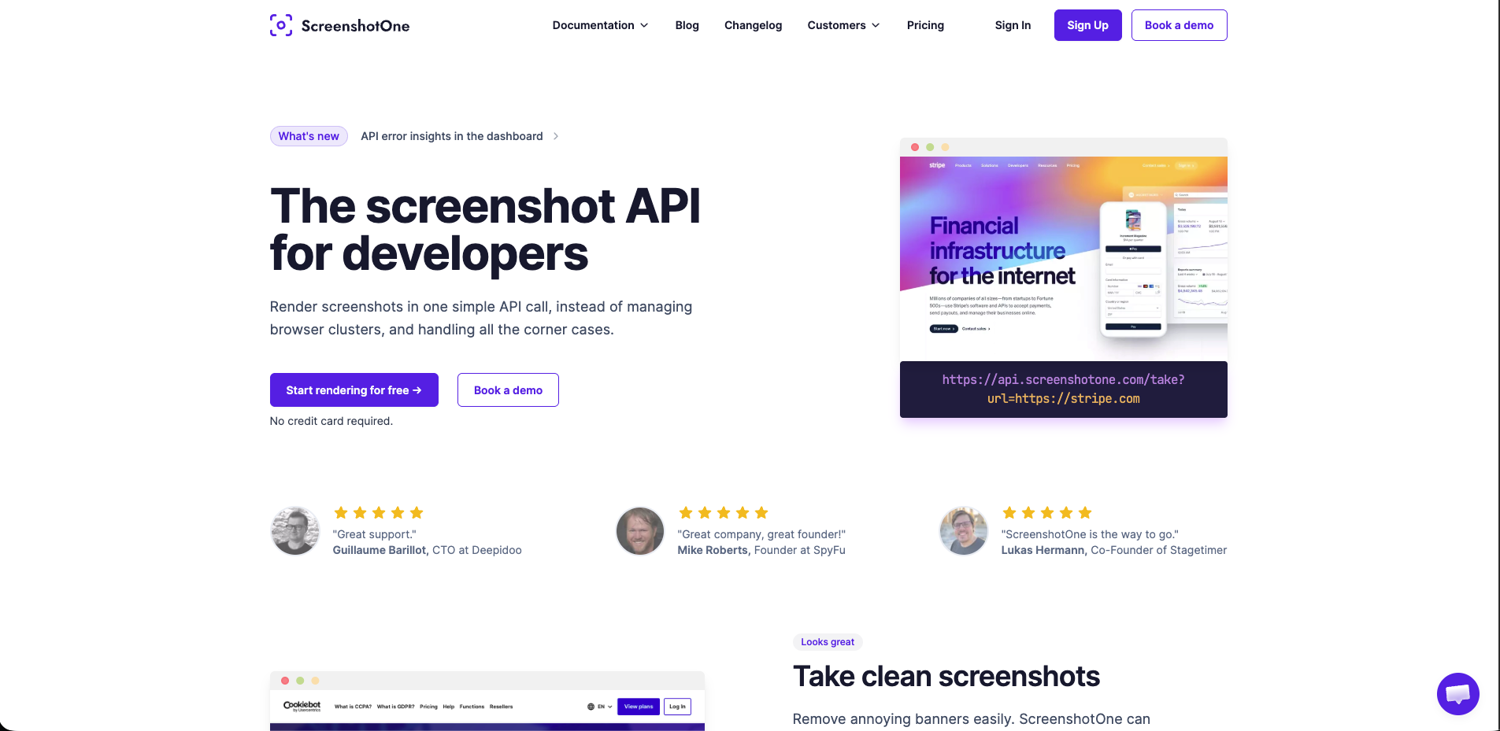
ScreenshotOne is one of the more feature-rich screenshot-focused products in this category. Based on its public documentation, it puts a lot of emphasis on output quality and screenshot-specific controls rather than broader scraping infrastructure. Features like cookie banner blocking, ad and chat widget removal, full-page capture, lazy-load handling, device emulation, and multiple output options make it well suited to workflows where the screenshot itself is the end product.
That makes it a practical option for use cases like competitor page monitoring, link preview generation, visual archiving, and other workflows where teams need screenshots that look clean enough to share directly with users or stakeholders. Its SDK coverage is also broader than most alternatives, with official support for several major languages, plus no-code integrations for teams that want to plug screenshots into existing workflows without building everything from scratch.
- Best For: Teams that need polished, user-facing screenshots and want a screenshot API with a broad set of rendering and cleanup controls.
- Pros: Cookie banner and overlay blocking, full-page capture, lazy-load handling, device emulation, broad SDK support, and useful delivery options for automation workflows.
- Cons: Better suited to screenshot-centric workflows than to broader scraping jobs that also need heavy anti-bot infrastructure, proxy strategy, or deeper browser automation.
- Pricing: Basic starts at $17/mo for 2,000 screenshots; All plans include a free tier of 100 screenshots/month with no credit card required.
3. Screenshot.fyi
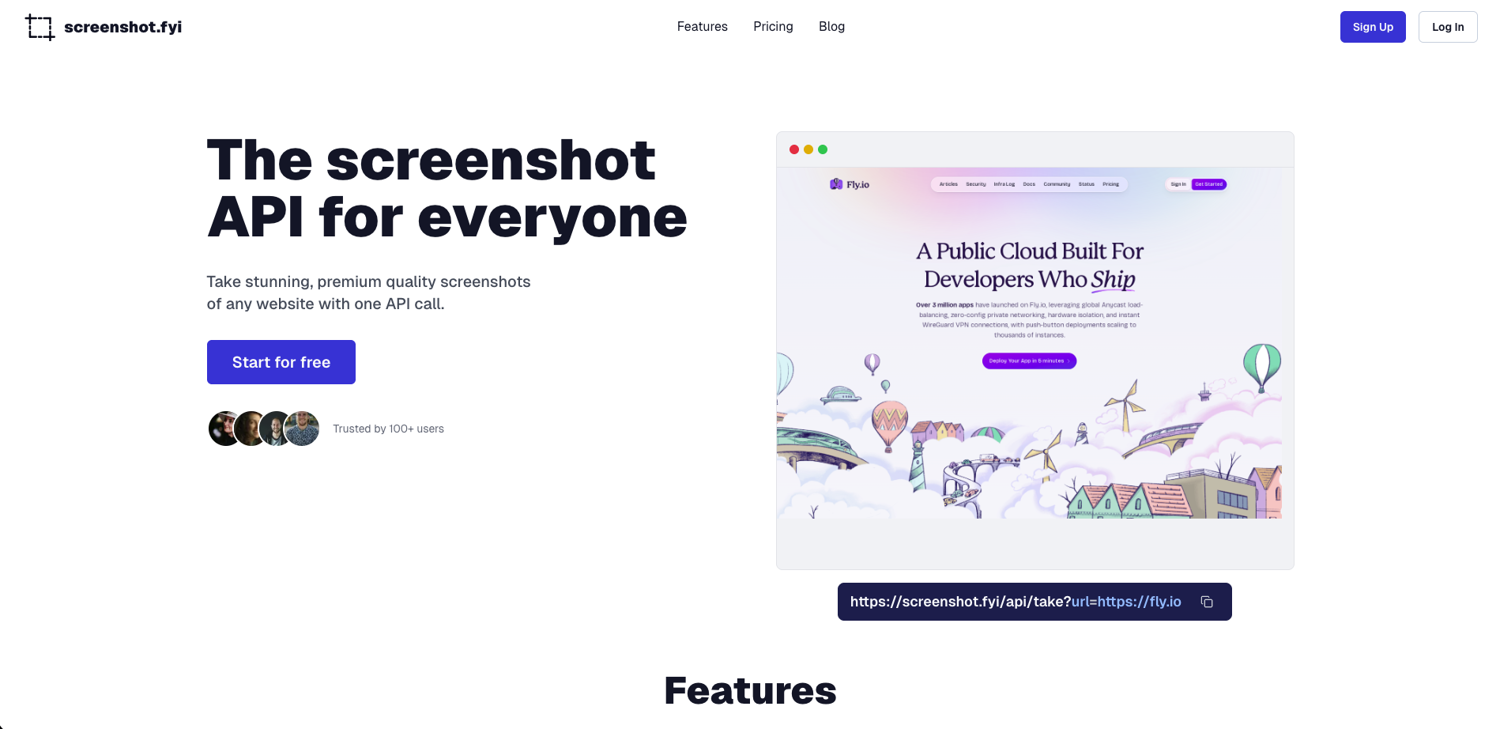
Screenshot.fyi appears to be positioned as a lightweight screenshot API for teams that want clean captures without a lot of setup. Based on its public site, the product focuses on straightforward screenshot generation with features like full-page capture, custom sizes, dark mode, and automatic removal of common page distractions such as cookie banners and chat widgets.
That makes it a more natural fit for simple visual workflows than for complex browser automation. Teams that need quick screenshots for previews, documentation, internal dashboards, or lightweight monitoring may find it appealing, especially if they value simple pricing and a low-friction setup.
At the same time, the public documentation is much thinner than what some other vendors provide, so it is harder to verify how well it handles more advanced needs such as login-gated pages, deeper request customization, or production-scale screenshot pipelines.
- Best For: Teams that want a simple screenshot API for clean captures, previews, and lightweight automation.
- Pros: Simple positioning, full-page capture, custom sizing, dark mode support, and distraction removal for cleaner screenshots.
- Cons: Public documentation is relatively limited, with less visible detail on advanced controls, integrations, and support for complex or protected pages.
- Pricing: Free tier includes 100 screenshots/month; Basic is $20/mo for 3,000; Pro is $60/mo for 10,000.
4. ScreenshotAPI.net
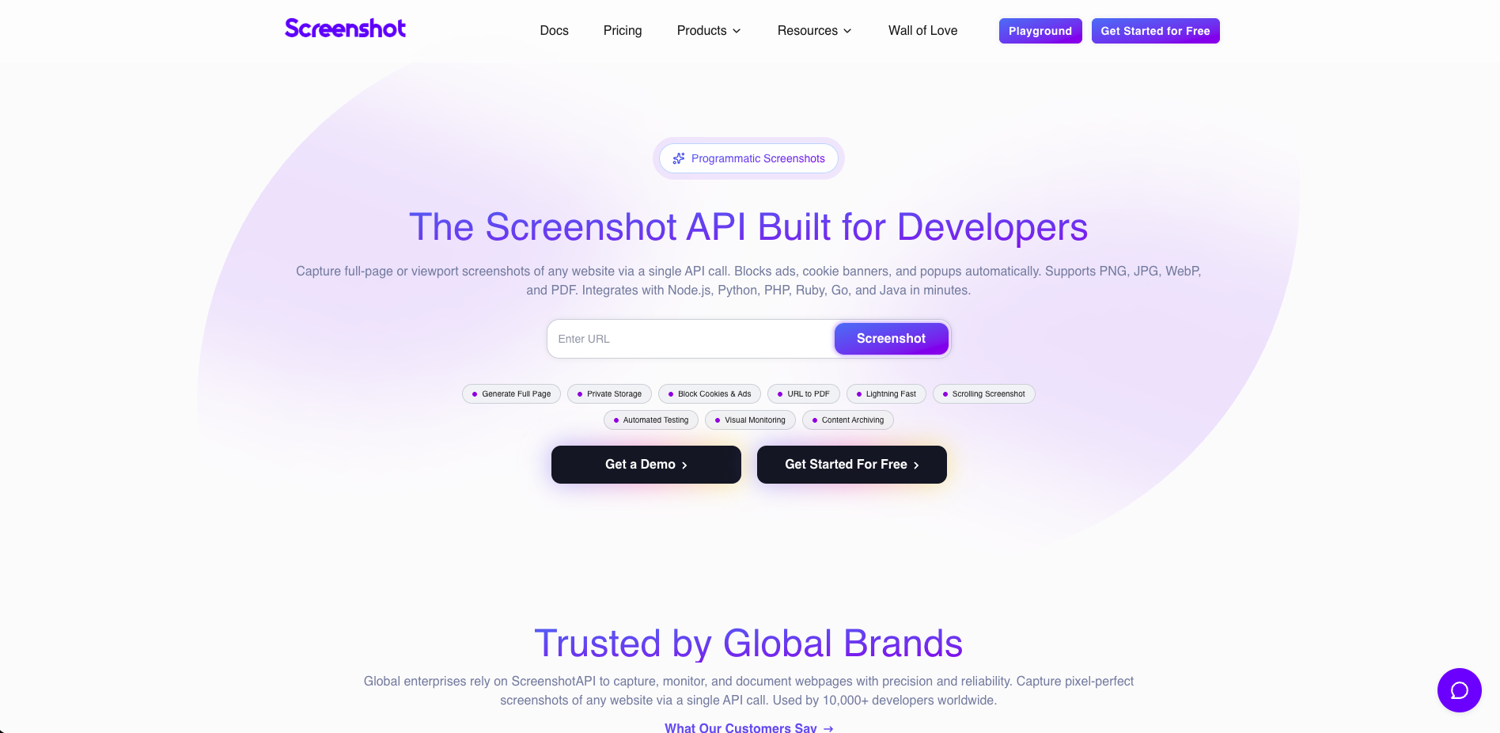
ScreenshotAPI.net stands out for the breadth of controls it exposes. Based on its documentation, it supports more than basic screenshot capture, including custom CSS and JavaScript injection, element targeting, clipping, blurring, cookies and headers, geolocation, caching controls, bulk screenshots, and scheduled captures. It also documents options for extracting HTML and text, which makes it more versatile than tools focused purely on image output.
That makes it a practical option for teams building operational workflows around screenshots rather than just one-off captures. Use cases like recurring competitor page monitoring, scheduled visual archiving, bulk screenshot jobs, and workflows that combine screenshot capture with page content extraction are a more natural fit here than simple preview generation.
The tradeoff is complexity: the product exposes a lot of options, which is useful for technical teams but may feel heavy if all you need is a straightforward website screenshot API.
- Best For: Teams that need a screenshot API for scheduled captures, bulk jobs, and more configurable automation workflows.
- Pros: Broad request customization, CSS/JS injection, content extraction options, scheduled screenshots, bulk capture support, and a strong set of controls for operational use cases.
- Cons: More feature-dense than some alternatives, which may be unnecessary for simple screenshot needs.
- Pricing: Free tier (100 screenshots); Essentials start at $9/mo for 1,000 end with Business Plan at $175/mo for 100,000.
5. CaptureKit
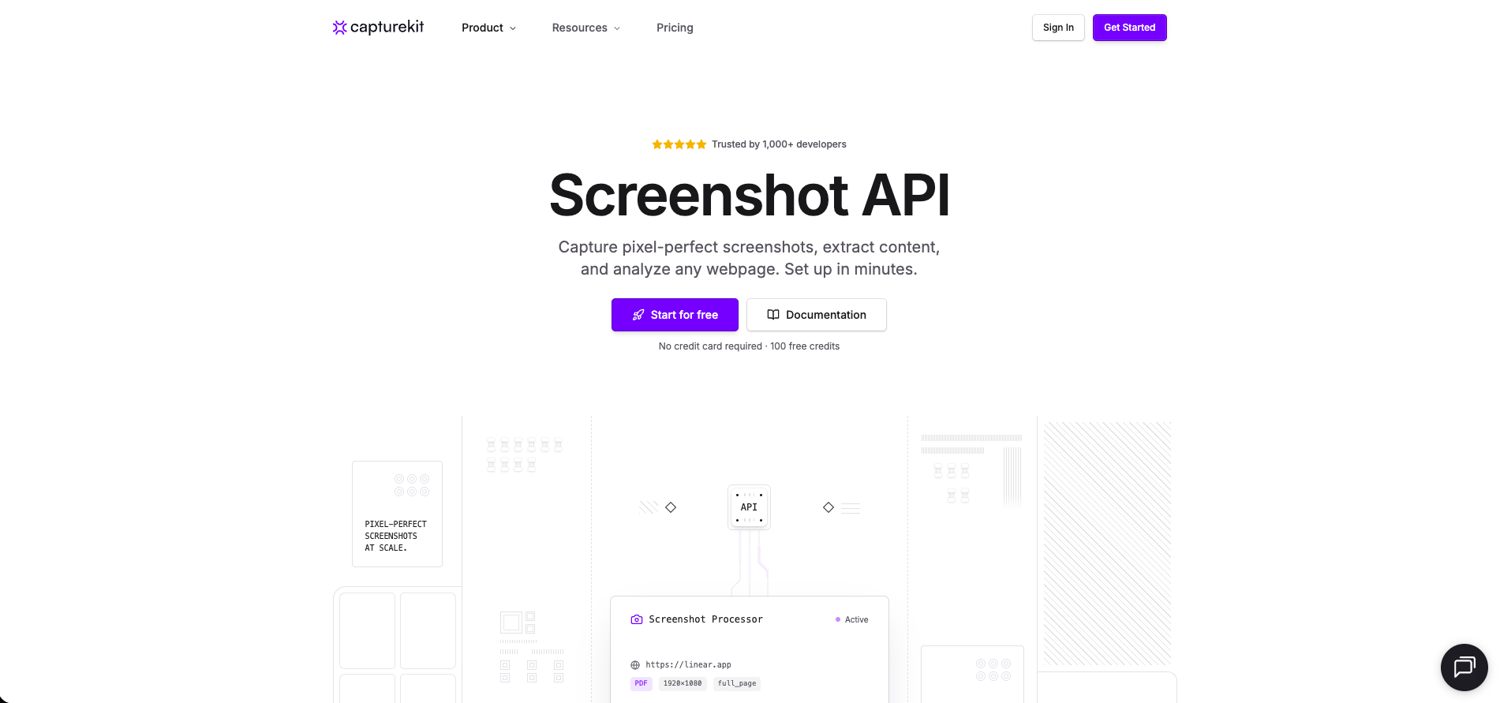
CaptureKit is broader than a screenshot-only API. Alongside screenshot capture, its public product pages and docs also promote content extraction and AI-oriented analysis features, which makes it more of a web data workflow platform than a tool built solely for image generation. On the screenshot side, the documented feature set includes full-page capture, selector-based capture, device emulation, resource blocking, cleanup options, caching controls, proxy support, and S3-compatible upload.
That wider product scope makes CaptureKit a sensible option for teams that want screenshots as part of a larger workflow rather than as a standalone output. It appears especially relevant for use cases like content monitoring, competitor tracking, internal research pipelines, and AI-assisted workflows where teams may want both a visual snapshot and page content from the same vendor.
The main caveat is that some product claims are easier to find on marketing pages than in the endpoint-level docs, so buyers may want to verify details such as stealth-related behavior, rate limits, and plan-level feature availability before committing.
- Best For: Teams that want screenshots plus content extraction or other downstream automation features in the same product.
- Pros: Screenshot capture combined with broader content workflow features, full-page and selector capture, cleanup and blocking controls, proxy support, caching, and S3-compatible delivery options.
- Cons: Less purely screenshot-focused than some alternatives, and some advanced feature details are not as clearly documented at the endpoint level as the overall product positioning suggests.
- Pricing: Free tier with 100 credits; Starter $7/mo for 1,000; Pro $29/mo for 10,000; Ultimate $89/mo for 50,000.
To Sum Up
Every tool on this list does something well. But after testing all of them, the gaps become clear fast.
Screenshot.fyi and ScreenshotOne are great for clean, polished captures. ScreenshotOne handles cookie banners and lazy-loaded images better than most. But both struggle when things get complex - login pages, heavy bot protection, or workflows that need more than a plain image.
ScreenshotAPI.net and CaptureKit go further. Both can extract content alongside screenshots. CaptureKit even adds an AI layer, which is handy for feeding LLMs. But neither is built to crack the hardest websites - the ones that actively block automated traffic.
That is where ScrapingBee stands apart. It's not a screenshot tool that bolted on extra features. It was built as a full web data platform from day one. Screenshots are just one part of it. You also get rotating residential proxies, stealth browsers, AI data extraction, and JS scenario support for clicks and scrolls - all in one API call.
For quick, simple captures, any tool here will work. But if you need to handle dynamic pages, protected content, or high request volumes - ScrapingBee is the only one built to do all of it, reliably, at scale.
Why Use a Screenshot API?
Building your own screenshot pipeline sounds straightforward until you actually try it. Spinning up a headless browser, keeping it stable under load, handling JavaScript rendering edge cases, and managing the infrastructure to do all of that at scale - it adds up quickly. A screenshot API offloads all of that to a dedicated service, leaving you with a single HTTP call and a URL.
The use cases have expanded significantly in recent years too. What used to be a niche developer utility has become genuinely useful across a range of automated workflows:
- Automated website monitoring and visual change detection
- Feeding page visuals into AI vision models for content analysis
- Archiving compliance pages, terms of service, and pricing snapshots
- Generating live page previews for link cards and integrations
You can get website screen grabs without an API - tools like Selenium, Playwright, and Puppeteer all support it. But running headless browsers in production comes with real costs: they are memory-hungry, temperamental under load, and require constant maintenance as sites evolve. A screenshot API handles all of that invisibly, and typically adds capabilities that would take weeks to build yourself - things like proxy rotation, anti-bot bypassing, cookie banner removal, and global edge caching.
For most teams, the question is not really whether to use a screenshot API. It is which one fits the workflow best.
How to Choose the Best Screenshot API
Choosing the best web page screen capture API depends on your specific needs. Here is what I look for:
- JavaScript Rendering Support: Does it handle SPAs built with React or Vue?
- Full-Page vs Viewport: Can it scroll to the bottom to capture the vast link index of a footer?
- Proxy Rotation: If you are scraping SERP data from Google or Yahoo, you need proxies to avoid IP bans.
- Speed and Reliability: I look for tools that can handle a single request in under 5 seconds.
- Anti-Bot Handling: Does the tool have the technical expertise to bypass Cloudflare or DataDome?
- Pricing Transparency: Avoid hidden costs for all the data or full access.
- Integration & Automation: Many integrate natively with no-code platforms like Zapier, Make, and n8n, meaning non-developers can build screenshot workflows without writing a line of code. If you are building anything beyond simple one-off captures, check how well the API fits into the tools you already use.
Advanced workflows today often combine screenshots with AI web scraping. For example, you might use an API to take a screenshot of search results and then use AI to identify the user intent behind specific keywords.
Ready to Get Your First Website Screenshots with ScrapingBee?
Stop wrestling with headless browsers and unstable rendering pipelines. ScrapingBee handles the infrastructure - proxies, browser clusters, anti-bot detection - so you get clean, reliable screenshots without the maintenance overhead.
Plug it into your stack in minutes. Our team is on hand if you need help. Sign up today and get free credits. Get website data your way.
Best Screenshot API FAQs
What is a Screenshot API?
At its core, a screenshot API is a web service that turns a URL into an image via a single HTTP request. It handles browser rendering, JavaScript execution, and image processing server-side - no headless browser setup required. The result drops cleanly into any application, workflow, or automation pipeline.
What is the best screenshot API for dynamic websites?
ScrapingBee is the strongest option for dynamic websites. It fully renders JavaScript, handles login-gated pages, and supports click-and-scroll JS scenarios - making it reliable for React and Vue-based apps that other tools struggle to capture correctly.
Can screenshot APIs render JavaScript-heavy pages?
Most modern screenshot APIs support JavaScript rendering, but quality varies. Basic tools wait a fixed delay and hope for the best. Better ones like ScrapingBee wait for the page to fully settle before capturing, which makes a significant difference on complex SPAs.
How do screenshot APIs bypass anti-bot protection?
By using a hybrid approach of different techniques: rotating residential proxies to avoid IP bans, browser fingerprint spoofing to mimic real users, and stealth headless browsers that behave like human traffic. The best APIs handle all of this automatically, with no manual configuration needed.
Are APIs better than running Puppeteer yourself?
For most teams, yes. Puppeteer requires you to manage infrastructure, handle scaling, maintain browser versions, and build your own proxy rotation. A screenshot API offloads all of that. You get a reliable result from one HTTP call, without the ongoing maintenance overhead.
How fast are screenshot APIs?
The best web screenshot API will return the screen grab in one to five seconds per request. Cached results are typically near-instant. Speed depends on page complexity - JavaScript-heavy pages take longer to render fully. For high-volume workflows, look for APIs with built-in concurrency and edge caching.

Jakub is a Senior Content Manager at ScrapingBee, a T-shaped content marketer deeply rooted in the IT and SaaS industry.