YouTube inherits Google's IP reputation database, which means a proxy flagged on any Google service is already flagged on YouTube. Datacenter ranges are pre-burned, public residential pools are already known, and free proxies died years ago.
This guide ranks the best proxies for YouTube in 2026 across residential, mobile, and ISP pools, with honest notes on what actually works.
Key Takeaways
- Bright Data is the best overall choice for residential proxies for YouTube scraping, with 400M+ IPs that keep block rates low at scale.
- Residential proxies pass YouTube's IP reputation checks; datacenter proxies share flagged ranges and get blocked quickly.
- Mobile proxies carry the highest trust score on YouTube because most real users access YouTube content from mobile devices.
- Teams who want reliable YouTube data without managing proxy rotation, session handling, and ban detection should evaluate a managed scraping API instead.
Quick Overview: Best YouTube Proxies in 2026
| Provider | Pricing |
|---|---|
| Bright Data | Residential proxies start from $4.00/GB, datacenter proxies start from $1.40/IP, ISP proxies start from $1.8/IP |
| Oxylabs | Residential proxies start from $2.5/GB, ISP proxies start from $1.2/IP, datacenter proxies start from $0.7/IP, mobile proxies start from $3.5/GB |
| Smartproxy | Residential proxies start from $2/GB, ISP proxies start from $0.27/IP, mobile proxies start from $2.25/GB, datacenter proxies start from $0.02/IP |
| IPRoyal | Residential proxies start from $7.00/GB, ISP proxies start from $1.80/proxy, mobile proxies start from $10.11/GB, datacenter proxies start from $1.57/proxy |
| Rayobyte | Residential proxies start from $0.50/GB, ISP proxies start from $4.60/IP, mobile proxies start from $0.50/GB, datacenter proxies start from $0.45/IP |
| iProxy Online | Basic $9/device/month, Pro $12.5/device/month |
| Webshare | Proxy Server from $0.0299/proxy, Static Residential from $0.27/proxy, Rotating Residential from $3.50/GB (promotional pricing, subject to change) |
The 7 Best Proxy Providers for YouTube in 2026
1. Bright Data - Best Overall for YouTube Scraping at Scale
The primary reason Bright Data leads this list is pool size: 400M+ residential IPs means lower IP reuse per target domain, which directly reduces block rates on sustained YouTube scraping runs. Pool size and rotation interval are the two variables most directly affecting YouTube block rates, and rotating and residential proxies for web scraping shows why this matters more than any other spec on a platform with YouTube's level of IP reputation scoring.
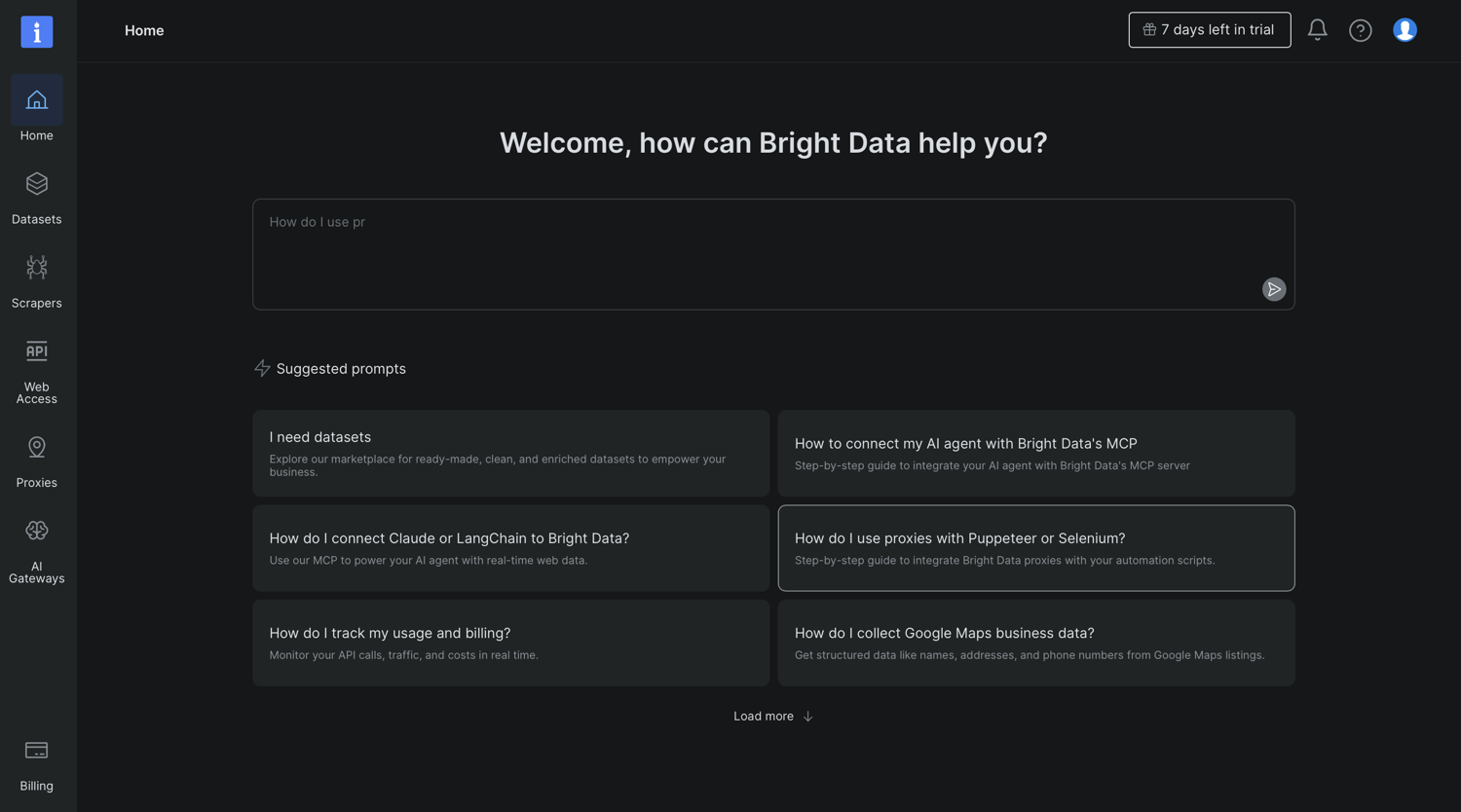
- Proxy types: Residential rotating, ISP (static residential), datacenter
- Network size: 400M+ residential IPs, 195 countries, city-level geo-targeting
- YouTube performance: Rotating and sticky sessions with configurable durations; large pool keeps individual IPs below YouTube's flagging threshold
- Pricing: Residential proxies start from $4.00/GB, datacenter proxies start from $1.40/IP, ISP proxies start from $1.8/IP. Verify current pricing at brightdata.com. Prices are subject to change.
- Best for: High-volume YouTube metadata scraping and search result collection at enterprise scale
Limitation: The pool size that makes Bright Data effective for YouTube also makes it one of the more expensive options at scale.
2. Oxylabs - Best for Teams That Want a YouTube Scraper API
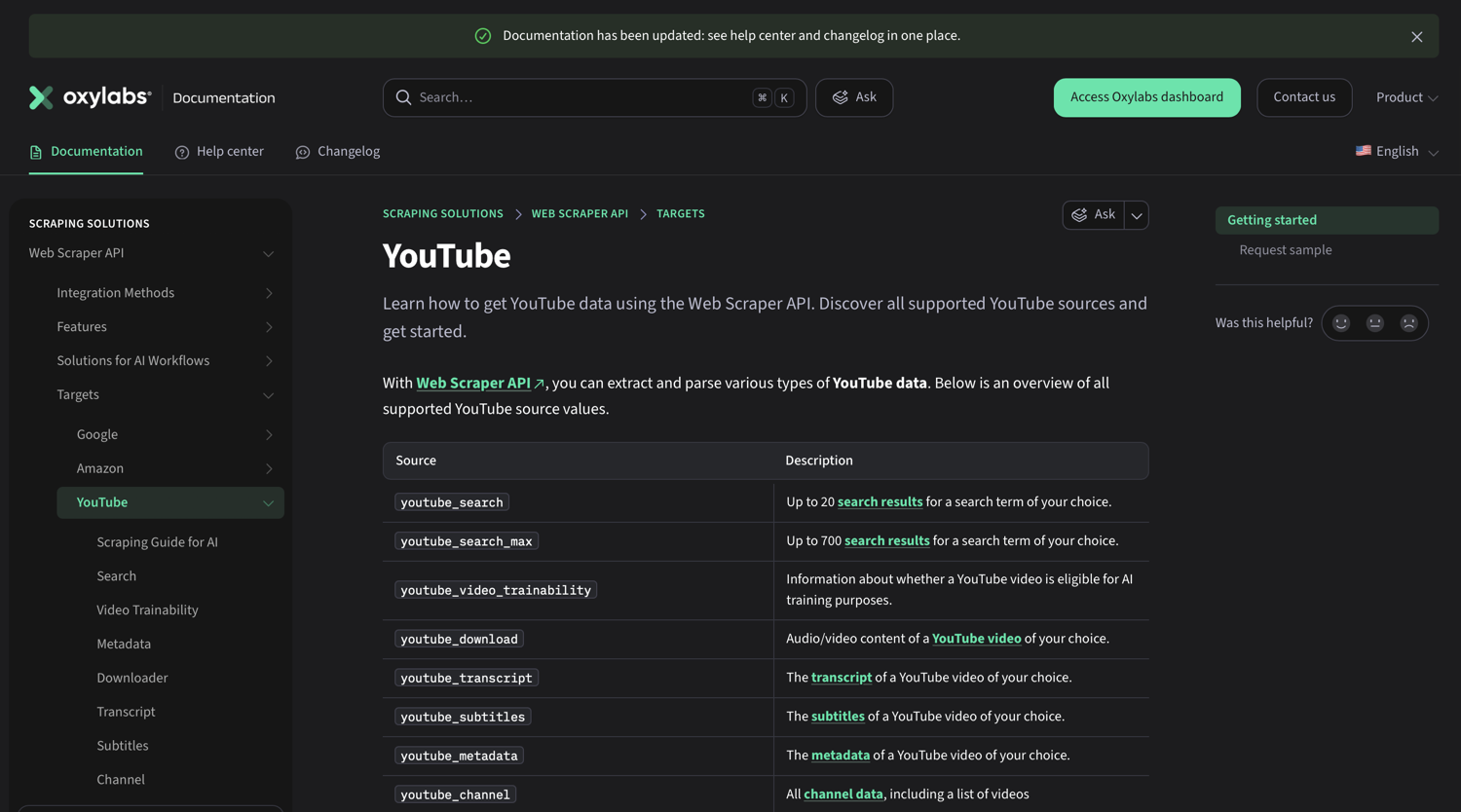
Oxylabs is the only provider on this list with dedicated YouTube scraping endpoints built into its Web Scraper API. Teams looking for the best YouTube scrapers hit the same proxy-layer failures regardless of which tool they choose, and the Oxylabs YouTube scraping endpoints within Web Scraper API close that gap directly.
- Proxy types: Residential rotating, ISP, datacenter, mobile
- Network size: 175M+ residential IPs, 195 locations, city-level targeting
- YouTube performance: Dedicated YouTube Scraper API within Web Scraper API that supports search results, metadata, transcripts, subtitles, and downloads; automatic IP rotation; 99.9% uptime SLA; sticky sessions supported
- Pricing: Residential proxies start from $2.5/GB, ISP proxies start from $1.2/IP, datacenter proxies start from $0.7/IP, mobile proxies start from $3.5/GB. Verify current pricing at oxylabs.io. Prices are subject to change.
- Best for: Teams wanting a managed YouTube scraping abstraction rather than raw proxy management
Limitation: Minimum spend on entry plans rules it out for occasional or low-volume YouTube data collection.
3. Decodo (Smartproxy) - Best Value for Mid-Size Scraping Projects
Decodo (previously known as Smartproxy) offers the best price-to-pool ratio for mid-size YouTube scraping workflows. At 115M+ residential IPs with city-level targeting, the pool sustains meaningful rotation across heavily scraped YouTube content categories without the per-GB cost of Bright Data or Oxylabs.
- Proxy types: Residential rotating, ISP, datacenter, mobile
- Network size: 115M+ residential IPs, 195 locations, city-level targeting
- YouTube performance: Rotating and sticky sessions with configurable durations; clean dashboard reduces integration time for best YouTube proxy servers 2026 setups
- Pricing: Residential proxies start from $2/GB, ISP proxies start from $0.27/IP, mobile proxies start from $2.25/GB, datacenter proxies start from $0.02/IP. Verify current pricing at decodo.com. Prices are subject to change
- Best for: Mid-size scraping projects where cost per GB matters but pool quality cannot be sacrificed
Limitation: Verify sticky session duration limits for multi-step YouTube workflows requiring extended session continuity
4. IPRoyal - Best Budget Residential Proxies for YouTube
IPRoyal makes a youtube proxy for data collection accessible for developers on a limited budget. The standout feature is non-expiring PAYG bandwidth; unused GB carries over indefinitely rather than resetting monthly, making it the most cost-efficient option for irregular scraping schedules.
- Proxy types: Residential rotating, ISP, datacenter, mobile
- Network size: 32M+ residential IPs, 195 countries
- YouTube performance: Sticky and rotating sessions supported
- Pricing: Residential proxies start from $7.00/GB, ISP proxies start from $1.80/proxy, mobile proxies start from $10.11/GB, datacenter proxies start from $1.57/proxy. Verify current pricing at iproyal.com. Prices are subject to change.
- Best for: Budget-conscious developers testing YouTube data collection workflows before committing to a larger plan
Limitation: At 32M+ IPs, pool reuse risk is higher on heavily scraped YouTube categories compared to Bright Data or Oxylabs.
5. Rayobyte - Best Datacenter Proxies for Lower-Risk YouTube Tasks
One honest caveat upfront: YouTube aggressively flags shared datacenter IP ranges. Industry testing consistently shows datacenter proxies face higher detection rates on YouTube and Instagram compared to residential or ISP alternatives.
- Proxy types: Datacenter (rotating and static), ISP, residential, mobile
- Network size: 40M+ residential IPs, 400K+ static IPs
- YouTube performance: Detection risk is high for datacenter proxies on YouTube; residential and ISP tiers perform significantly better for sustained access
- Pricing: Residential proxies start from $0.50/GB, ISP proxies start from $4.60/IP, mobile proxies start from $0.50/GB, datacenter proxies start from $0.45/IP. Verify current pricing at rayobyte.com. Prices are subject to change.
- Best for: Low-sensitivity public data checks where datacenter speed matters and detection risk is acceptable
Limitation: Do not use Rayobyte datacenter proxies for any YouTube workflow involving account access or sustained scraping.
6. iProxy Online - Best Mobile Proxies for YouTube Creators
iProxy Online works differently from most providers here: it offers both an Android app that turns your own device into a mobile proxy server and ready-made managed mobile proxies available directly from their store. The resulting proxies use real mobile carrier IPs, the same infrastructure most actual YouTube users connect through, giving them the highest trust score of any proxy type on YouTube. Compared to the best mobile and 4G proxy providers for web scraping, iProxy Online's device-based model sits outside the traditional provider categories entirely.
- Proxy types: Mobile only (3G/4G/5G/LTE)
- Network size: Determined by your own hardware; unlimited traffic per device
- YouTube performance: Real mobile carrier IPs carry the highest trust score on YouTube; most actual YouTube users access youtube content from mobile devices, making these IPs hardest to flag
- Pricing: Basic $9/device/month, Pro $12.5/device/month. Verify current pricing at iproxy.online. Prices are subject to change.
- Best for: YouTube creators managing multiple youtube channels or automating creator workflows where mobile IP trust scores matter
Limitation: If you choose their main, cost-effective app path, you need to own and manage the Android hardware yourself. While their storefront offers plug-and-play proxies from vetted third-party sellers, these come with different pricing and less direct control.
7. Webshare - Best Free-Tier Option for Small-Scale Data Collection
Webshare is the only provider on this list with a permanently free tier: 10 proxies and 1GB of bandwidth per month, no credit card required and no expiry. Be clear about what this means for YouTube: 1GB does not go far, and shared IPs carry reputation risk from other users on the same pool. The free tier is for testing, not production.
- Proxy types: Residential rotating, ISP
- Network size: 80M+ residential IPs, 195 countries
- YouTube performance: Shared IPs elevate CAPTCHA trigger rates on competitive targets; residential quality is solid on paid plans
- Pricing: Proxy Server from $0.0299/proxy, Static Residential from $0.27/proxy, Rotating Residential from $3.50/GB (promotional pricing, subject to change). Verify current pricing at webshare.io.
- Best for: Testing rotating proxies youtube unblock configurations against YouTube targets before committing budget
Limitation: Free tier shared IPs are not suitable for production YouTube scraping; upgrade to paid residential for reliable results.
If you want to skip proxy management entirely, you can use ScrapingBee's web scraping API to get rendered YouTube page data without configuring or maintaining a proxy pool.
Which Proxy Type Works Best for YouTube?
YouTube's detection systems assess incoming traffic across multiple signals simultaneously: IP reputation score from the ISP or ASN, behavioral fingerprints like request timing and header patterns, and cookie and session state. The architectural distinction in comparing forward proxies and reverse proxies directly affects how YouTube scores incoming connections.
| Proxy Type | Best YouTube Use Case | Detection Risk |
|---|---|---|
| Residential | High-volume metadata scraping, search results, comment scraping | Low |
| ISP | Bulk downloading, persistent session workflows | Low-medium |
| Mobile (4G/5G) | Account management, creator automation, logged-in workflows | Very low |
| Datacenter | Public video availability checks only | High |
Residential Proxies vs. ISP Proxies for YouTube Scraping
Residential rotating proxies work on YouTube because each IP is assigned by a real ISP to a real consumer device. YouTube's reputation scoring treats these addresses the same as ordinary user traffic. The tradeoff is that rotating proxies change IP between requests, which can break workflows requiring the same IP across consecutive calls.
ISP proxies (static residential) solve this. They use IP addresses sourced from internet service providers but hosted in data center infrastructure, giving them residential reputation with static stability. For bulk YouTube downloading or any session-continuity workflow, ISP proxies are the better fit. The best free proxy lists for web scraping pull public IPs that are almost always immediately flagged by YouTube's detection systems before the first request completes.
When to Use Mobile Proxies for YouTube Tasks
Mobile proxies carry the highest trust score on YouTube because most real YouTube traffic originates from mobile devices on carrier networks. This means a 4G or 5G IP from a real mobile carrier is effectively invisible to detection systems that flag datacenter ranges on sight. Mobile proxies are the correct choice for any YouTube workflow involving account access: managing multiple YouTube channels, automating creator actions, or verifying account-level content. Datacenter proxies should be avoided for all of these tasks.
How to Test a YouTube Proxy Before Deploying It
Running a proxy through a quick verification workflow before scaling prevents account-level flags from bad IPs contaminating your session state.
- Check IP reputation first. Run the proxy IP through a public reputation tool like IPQualityScore or Pixelscan before making any YouTube requests. Flag any IP with a fraud score above 75 and remove it from the pool. Free AI powered proxy scraper tools pull from public lists, but those IPs carry high fraud scores that YouTube's reputation system catches before the first request completes.
- Test against a simple YouTube search URL. Send a request to youtube.com/results?search_query=test through the proxy and check the response code. A 200 response confirms the IP is passing YouTube's initial check. A CAPTCHA redirect or 429 means the IP is already flagged.
- Verify geo-routing is correct. Check the resolved IP location against the country you configured. Mismatched geo-routing causes YouTube to return region-restricted responses. Pairing a clean proxy with the right headers from the best user agent list for scraping reduces the behavioral fingerprint YouTube uses to score automated traffic.
- Sample IPs before scaling. Test at least 5-10 IPs from the pool through steps 1-3 before deploying at volume. One compromised IP can poison session state and trigger account-level flags that persist beyond the bad IP itself.
What to Look for When Choosing a YouTube Proxy
Pool size. Larger pools mean lower IP reuse frequency per target domain. On YouTube, where the same content categories get scraped repeatedly, a small pool exhausts clean IPs faster. Look for residential pools in the tens of millions at minimum.
Rotation flexibility. Confirm whether the provider supports per-request rotation and session-based (sticky) rotation. YouTube metadata scraping works with per-request rotation, but pagination and session-dependent workflows need sticky sessions. Check maximum sticky session duration, since caps vary widely.
Geo-targeting granularity. Scraping region-specific YouTube content requires country-level targeting at minimum and city-level for precise results. Continent-level targeting is not sufficient for most YouTube use cases.
Trial and refund policies. Reputable providers offer trial periods or money-back windows. Avoid any provider with no refund option for IP quality failures.
IP sourcing compliance. Residential and mobile providers should source IPs through opt-in networks where device owners have explicitly consented. Non-consenting IPs carry worse reputation scores and more legal risk. The best webmaster unblockers sit in the same space as premium proxy services but handle the full anti-bot stack rather than just IP rotation.
Is Using a YouTube Proxy Legal?
Using a proxy server to access or scrape YouTube is legal in most countries. The proxy itself is a neutral networking tool; legality depends on what you do with it, not the connection method. Using a proxy to bypass geographic restrictions on YouTube sits in a legal gray area that varies by jurisdiction; some countries restrict circumventing geo-blocks, while others do not address it at all.
YouTube's Terms of Service prohibit automated scraping of content without permission from Google. Violating ToS is a contractual issue that can result in account termination, but it is not a criminal matter in most jurisdictions. Developers building scraping pipelines should review YouTube's ToS and applicable local laws, particularly the CFAA in the US and GDPR in Europe for any workflows that touch user data, before deploying at scale.
Proxy links (shared proxy connection strings) are not inherently illegal. The activity performed through the proxy determines legality, not the link format itself. Consult a legal professional for jurisdiction-specific guidance.
Stop Managing Proxies and Just Get the Data
Building reliable YouTube scraping infrastructure with raw proxies means writing and maintaining rotation logic, session management, IP ban detection, retry queues, and geo-targeting configuration, before writing a single line of business logic. Some of the best AI web scraping tools handle YouTube's JavaScript rendering natively, which removes the need for a separate proxy stack entirely.
ScrapingBee's web scraping API abstracts the entire infrastructure layer: it handles headless browsing, JavaScript rendering, automatic retries, and proxy rotation in a single API call. The right choice from the best Python web scraping libraries paired with a residential proxy reduces retries against YouTube's bot detection significantly.
If the infrastructure overhead is not worth building, try ScrapingBee commitment-free with 1,000 free API credits!
YouTube Proxy FAQs
Is using a YouTube proxy legal?
Proxy use is legal in most countries. What matters legally is what you do with the proxy, not the proxy itself. YouTube's Terms of Service restrict automated scraping, but violating ToS is a contractual issue rather than a criminal one in most jurisdictions. For jurisdiction-specific questions, consult a legal professional.
Can I use a proxy for YouTube?
Yes. Proxies work with YouTube for scraping public data, bypassing geo-restrictions, and automating certain workflows. The proxy type matters significantly: residential proxies and mobile proxies perform better on YouTube than datacenter proxies because their IP addresses carry genuine ISP reputation scores that YouTube's detection systems treat as normal user traffic.
Is IP Royal legal?
Yes. IPRoyal is a legitimate registered proxy provider that sources residential IPs through Pawns.app, an opt-in peer network where device owners explicitly consent to sharing bandwidth. Using IPRoyal proxies is legal in most countries, subject to the same activity-based legal considerations that apply to all proxy use.
Are proxy links illegal?
No. Proxy links are connection credentials; strings that route traffic through a proxy server, and they are not inherently illegal. Legality depends on the activity performed through the proxy, not the link format itself. Illegal activity conducted through a proxy remains illegal regardless of how the proxy is accessed.
What is the best type of proxy for scraping YouTube at scale?
Residential rotating proxies are the best option for scraping YouTube at scale. They use real IP addresses assigned by internet service providers, which pass YouTube's IP reputation scoring filters reliably. For workflows requiring persistent sessions such as bulk downloading; ISP proxies offer a strong balance of trust score and connection stability without rotating mid-request.

Jakub is a Senior Content Manager at ScrapingBee, a T-shaped content marketer deeply rooted in the IT and SaaS industry.