Data extraction tools help businesses collect data from websites, APIs, documents, and databases automatically. In 2026, these tools are no longer limited to simple web scraping. Modern data teams now run automated extraction pipelines that continuously collect, structure, and sync data into analytics systems and warehouses.
At the same time, extracting data has become more difficult. Many websites use JavaScript rendering, anti-bot protection, rate limits, and dynamic APIs that break fragile scraping setups. Enterprise teams also need reliable ETL and ELT pipelines that move extracted data into platforms like Snowflake, BigQuery, and Redshift without constant maintenance.
Because of this, the market now includes several different categories of data extraction tools:
- web scraping APIs
- browser automation frameworks
- ETL and ELT platforms
- enterprise data integration tools
- document extraction systems
Choosing the wrong category can create unnecessary infrastructure complexity, scaling problems, and high maintenance costs.
To help narrow the options, I compared the best data extraction tools in 2026 based on scalability, deployment complexity, browser support, integration capabilities, operational overhead, and enterprise readiness.
Quick Answer: What is the Best Data Extractor?
The best data extraction tool depends on the type of data you need to collect and how much infrastructure you want to manage yourself.
For large-scale web data extraction, managed web scraping APIs are usually the most practical option. They handle browser rendering, proxy rotation, retries, and anti-bot mitigation without requiring teams to maintain their own scraping infrastructure.
For ETL and ELT workflows, tools like Fivetran, Airbyte, and Matillion are better suited for syncing SaaS and database data into warehouses such as Snowflake, BigQuery, and Redshift.
For enterprise-scale governance and integration, platforms like Informatica and Qlik Talend Cloud are designed for organizations managing large internal data ecosystems, compliance requirements, and complex orchestration workflows.
This guide compares all of these categories so you can choose the right data extraction tool based on scalability, deployment complexity, customization needs, and operational overhead.
Shortlist - Top Data Extraction Tools for 2026
Here is a comparison of the leading data extraction tools across API, ETL, and enterprise categories. These data extraction services cover the full range of use cases from developer-built pipelines to no-code point-and-click extraction.
| Tool | Best For | Type | Starting Price | Key Strength |
|---|---|---|---|---|
| ScrapingBee | Dynamic website data extraction at scale | API | $49/mo | Headless + proxies managed |
| Airbyte | Warehouse syncing with many connectors | ETL/ELT | Free (self-managed) | Open-source flexibility |
| Fivetran | Low-maintenance SaaS data pipelines | ETL/ELT | Free trial | Managed connectors |
| Talend | Enterprise integration + data quality | Enterprise platform | Free trial (then Quote) | Governance + quality tooling |
| Integrate.io | Low-code data pipelines | ETL/ELT | $1,999/mo | Fixed-fee pipelines |
| Import.io | Point-and-click web extraction | Web extraction platform | Quote | No-code web capture |
| Hevo Data | Near real-time replication to warehouses | ETL/ELT | Free | Fast pipeline setup |
| Matillion | Cloud warehouse transformations | ETL/ELT | Free trial (then Quote) | Pushdown SQL transforms |
| Informatica | Complex enterprise data ecosystems | Enterprise platform | Quote | Governance and privacy |
| SAS Data Management | Analytics-heavy enterprises | Enterprise platform | Free trial (then Quote) | Metadata + rules |
Comparing the Best Data Extraction Tools
Not all data extraction tools solve the same problem. A developer building a large-scale job board monitor needs very different infrastructure than an analytics team syncing Salesforce data into Snowflake.
Some tools focus on web scraping and browser automation. Others specialize in ETL pipelines, warehouse synchronization, or enterprise data governance. The right choice depends on your data sources, scaling requirements, and how much infrastructure your team wants to manage internally.
1. ScrapingBee - Infrastructure API for Scalable Data Collection
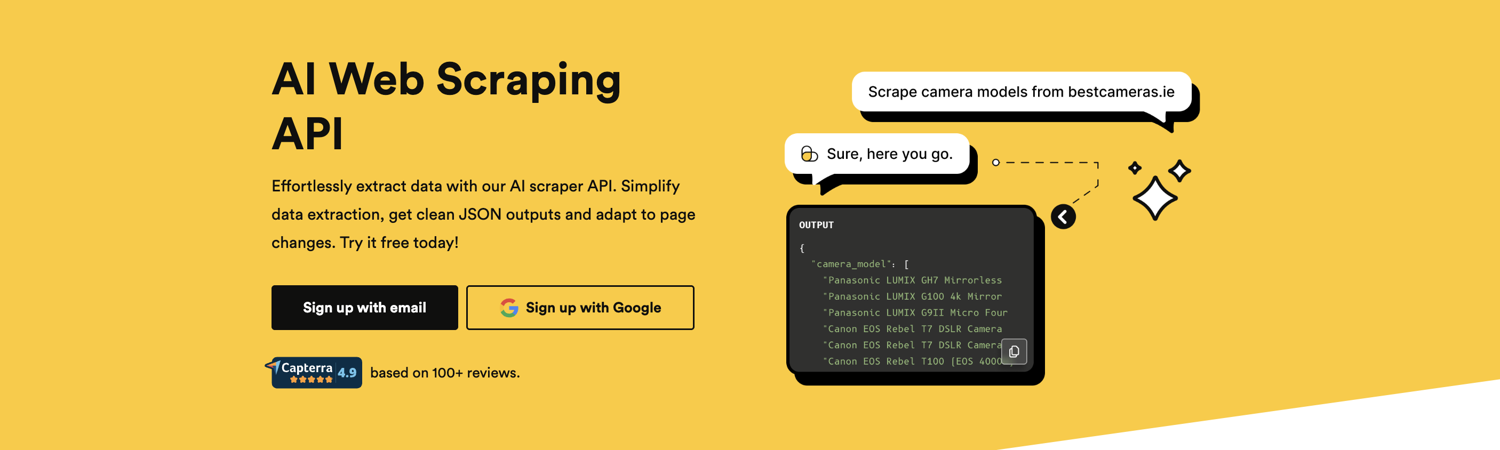
ScrapingBee is a managed web scraping API that handles headless browsers, proxy rotation, retries, and anti-bot mitigation on the backend. Instead of maintaining browser infrastructure yourself, you send a request to the API and receive the rendered HTML or extracted data response.
The platform is designed for developer-focused extraction workflows such as:
- price monitoring
- job aggregation
- SERP tracking
- competitor monitoring
- large-scale web data collection
ScrapingBee is particularly useful for teams scraping JavaScript-heavy websites or targets protected by aggressive rate limiting and anti-bot systems. Offloading browser rendering and proxy management reduces operational overhead significantly compared to maintaining a custom Playwright or Puppeteer infrastructure internally.
The platform uses usage-based pricing and charges only for successful requests, which can help control costs for high-volume extraction workloads. It also supports configurable geographic targeting and request-level customization for teams operating across multiple regions.
Pricing
Credit-based plans start at:
- Freelance: $49/month
- Startup: $99/month
- Business: $249/month
- Business+: $599+/month
A free trial includes 1,000 API credits.
2. Airbyte - Open-Source Data Integration Flexibility
Airbyte is an open-source data integration platform designed for syncing data between SaaS applications, databases, APIs, and data warehouses. It is primarily used for ETL and ELT workflows rather than public web scraping.
Unlike browser-based scraping tools, Airbyte does not manage JavaScript rendering, proxy rotation, or anti-bot mitigation. Instead, it focuses on moving structured data between known systems such as Salesforce, PostgreSQL, HubSpot, Snowflake, and BigQuery.
One of Airbyte's main advantages is its large connector ecosystem and flexible deployment model. Teams can self-host the platform for greater control or use the managed cloud version to reduce operational overhead. However, connector quality can vary, especially for community-maintained integrations, and self-hosted deployments still require ongoing maintenance.
Airbyte works best for data engineering teams building internal analytics pipelines, warehouse synchronization workflows, and centralized ingestion systems across multiple business tools.
Pricing
Airbyte offers both open-source self-hosted deployments and managed cloud plans. Cloud pricing starts with:
- Standard: Volume-based credit pricing starting at $10/month
- Plus: From $25,000/year (annual contract).
- Pro: Custom enterprise pricing.
Note: Plus, Pro, and Enterprise tiers shift from volume-based credits to capacity-based pricing measured through Airbyte Data Workers.
Best for
Teams building internal ETL and ELT pipelines between SaaS platforms, databases, and cloud warehouses.
3. Fivetran - Automated Data Pipelines for Analytics Teams
Fivetran is a fully managed data pipeline platform that connects SaaS applications and databases to analytics warehouses. It handles schema drift, incremental syncs, and connector maintenance automatically. Its strength is in structured, authenticated sources like HubSpot, Salesforce, and Google Ads rather than scraping public websites.
Fivetran is designed primarily for analytics engineering and warehouse synchronization workflows. Teams use it to centralize operational data in platforms like Snowflake, BigQuery, and Redshift without maintaining custom ingestion infrastructure.
One of Fivetran's biggest advantages is operational simplicity. Most connectors require minimal configuration and continue working automatically as upstream schemas change. The tradeoff is cost: usage-based pricing can become expensive at scale, especially for high-volume pipelines.
Pricing
Fivetran uses MAR-based (Monthly Active Rows) pricing across Free, Standard, Enterprise, and Business Critical tiers.
As of May 2026:
- deletes count toward paid MAR usage
- a $5 base charge applies per active connection
- pricing scales based on connector usage volume
The free plan includes limited monthly active rows and access to core platform functionality.
Best for
Analytics teams that want low-maintenance SaaS and database synchronization into cloud data warehouses.
4. Qlik Talend Cloud - Enterprise-Grade Data Management
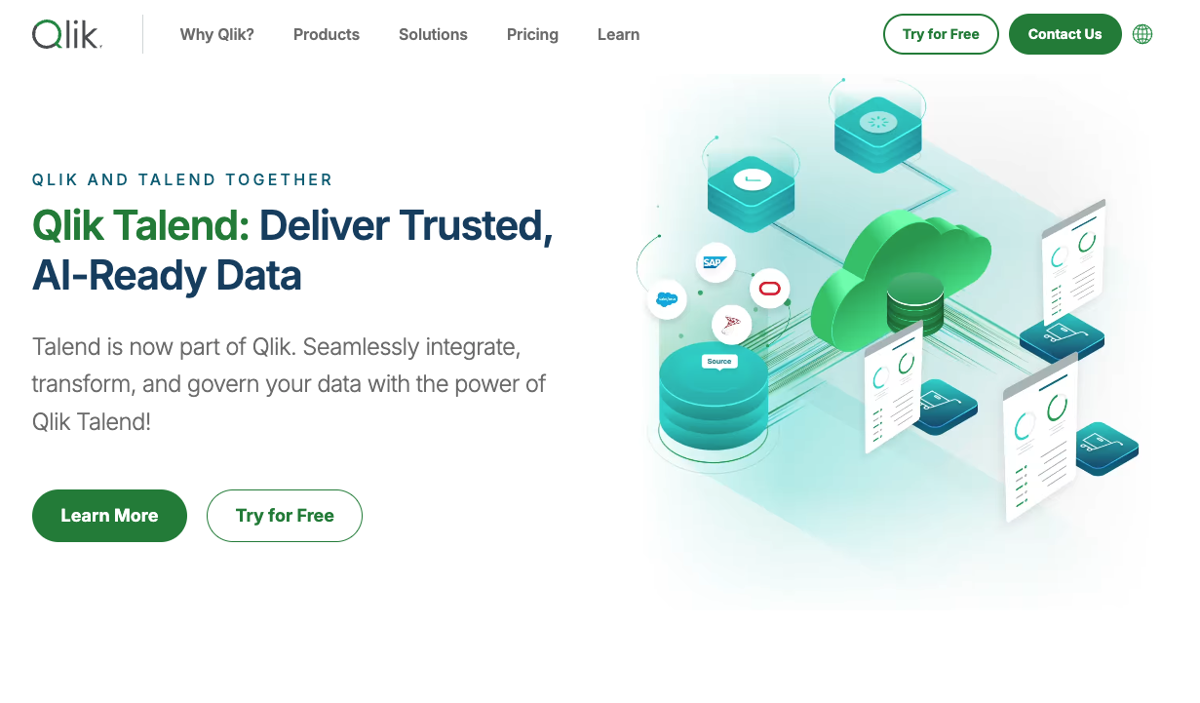
Qlik Talend Cloud is an enterprise data integration and governance platform designed for organizations managing large, complex data ecosystems. The platform combines data integration, transformation, cataloging, and data quality tooling in a single environment.
Unlike web scraping APIs, Qlik Talend Cloud is built for internal enterprise data management rather than extracting public web data. Organizations typically use it to standardize data pipelines across business systems, enforce governance policies, and maintain compliance requirements such as GDPR and HIPAA.
One of Talend's main strengths is its governance and data quality tooling. Large enterprises can use the platform to manage lineage, monitor data consistency, and centralize integration workflows across cloud and on-premise environments. The tradeoff is complexity: implementation and maintenance usually require dedicated data engineering resources and significantly more operational planning than lightweight ETL tools.
Pricing
Qlik Talend Cloud uses quote-based enterprise pricing that typically scales based on deployment size, connectors, and processing capacity.
As of May 2026:
- enterprise contracts commonly range from approximately $50,000 to $200,000+ annually
- pricing is generally capacity-based and customized per organization
- Talend Open Studio, the former free version, was retired in January 2024
Best for
Large enterprises that need centralized data governance, compliance management, and complex multi-system integration workflows.
5. Integrate.io - Low-Code Data Pipeline Automation
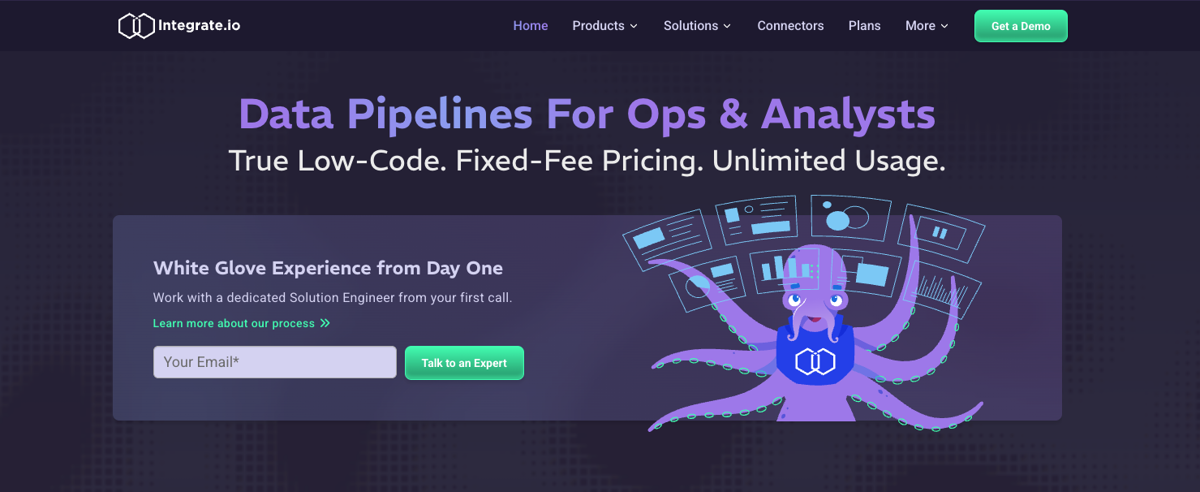
The platform focuses primarily on structured cloud data sources such as SaaS applications, databases, and cloud warehouses rather than public web scraping or browser automation. Teams typically use Integrate.io for ETL, ELT, CDC (Change Data Capture), and reverse ETL workflows across business systems.
One of Integrate.io's main advantages is accessibility. The visual pipeline builder reduces implementation complexity for teams that want faster deployment and less engineering overhead. The tradeoff is flexibility: low-code ETL platforms are generally less customizable than developer-focused pipeline frameworks and may become limiting for highly specialized workflows.
Pricing
Integrate.io uses quote-based pricing with plans that scale based on usage, connectors, and deployment requirements.
As of May 2026:
- unlimited usage plans start around $1,999/month
- annual contracts typically begin near $15,000/year
- pricing includes ETL, ELT, CDC, reverse ETL, and API integration workflows
Best for
Teams that want low-code ETL automation and faster deployment without maintaining complex internal data pipeline infrastructure.
6. Import.io - Point-and-Click Web Data Extraction
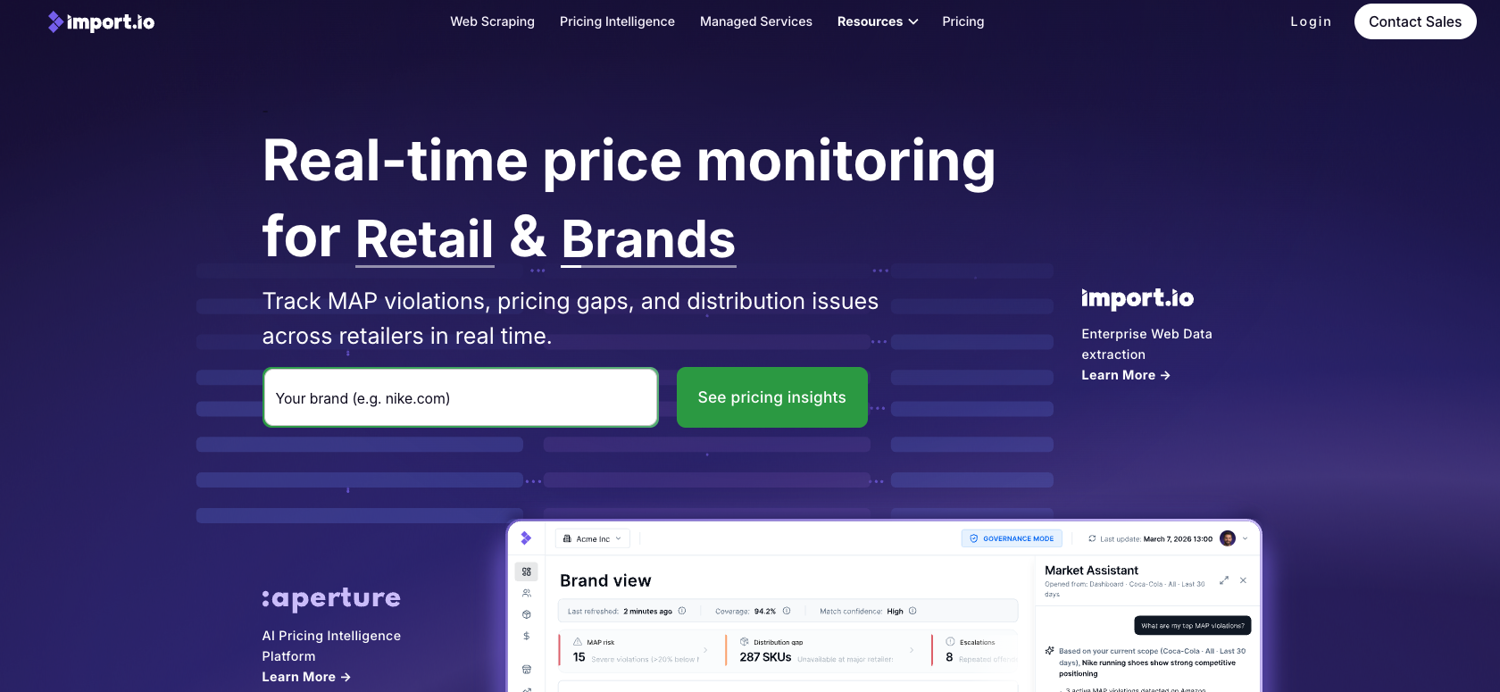
Import.io is a no-code web data extraction platform designed for teams that need structured data from websites without building custom scraping infrastructure. The platform uses a point-and-click interface that allows non-technical users to create extraction workflows without writing code.
Teams typically use Import.io for recurring extraction tasks such as:
- product catalog monitoring
- market research
- lead collection
- competitor tracking
- lightweight business intelligence workflows
One of Import.io's main advantages is accessibility. Non-technical teams can deploy extraction workflows much faster than with developer-focused scraping frameworks or browser automation stacks. The tradeoff is flexibility and long-term maintainability: no-code extraction workflows often rely on site-specific selectors and configurations that can break when websites change their structure or rendering behavior.
For large-scale extraction projects or highly dynamic JavaScript-heavy websites, developer-focused scraping APIs and browser automation frameworks are usually more reliable and easier to scale operationally.
Pricing
Import.io uses custom quote-based pricing for most deployments.
As of May 2026:
- enterprise contracts commonly start around $30,000+ annually
- historical self-serve plans previously started near $299/month
- pricing varies based on extraction volume, support requirements, and deployment scope
Best for
Non-technical teams that need recurring structured web data extraction without building custom scraping infrastructure.
7. Hevo Data - Real-Time Data Replication
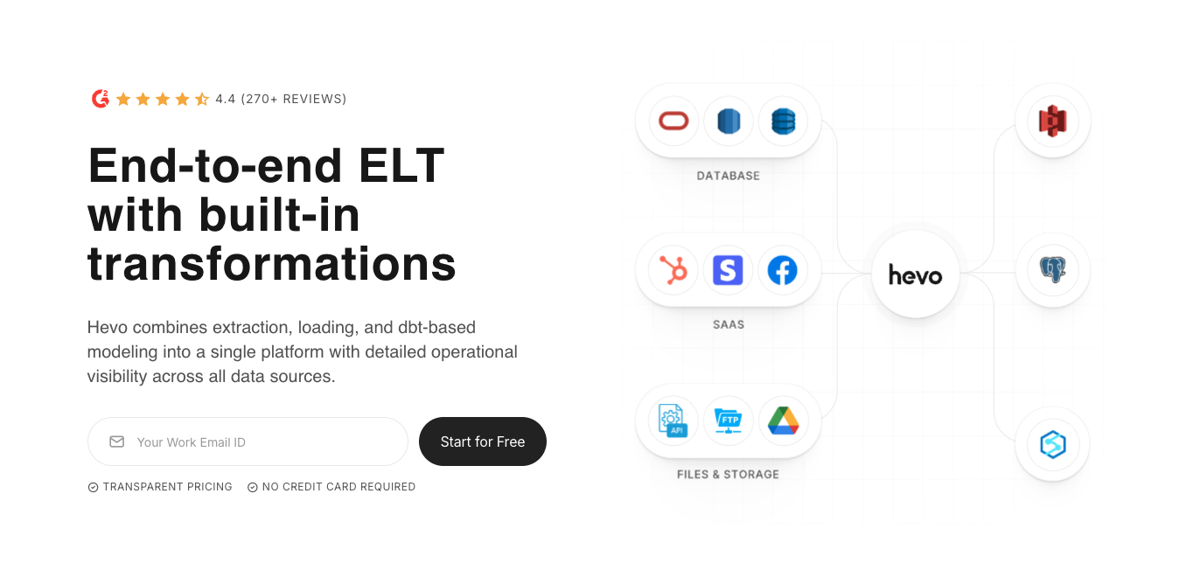
Hevo Data is a managed ELT platform focused on near real-time data replication to warehouses across a wide range of integrations. Like other tools in this category, it is built for structured data sources such as databases, SaaS applications, and event streams. Teams that need real-time public web data still need to pair it with a scraping API.
Pricing
Event-based pricing: Free includes 1M events/month, Starter starts at about $239/month annually or $299/month monthly with 5M events included and scales up, Professional starts at about $679/month annually with 20M events included and scales further, and Business/Business Critical is custom-priced. Hevo configures pricing through an events slider rather than a fixed small set of plans.
8. Matillion - Cloud-Native Data Transformation
Matillion is a cloud-native ELT and data pipeline platform built for cloud data warehouses such as Snowflake, BigQuery, Redshift, and Databricks. It is best known for pushdown transformation inside the warehouse, where teams prepare analytics-ready data after ingestion. It does not crawl websites or handle browser automation, so teams evaluating Matillion for public web data still need a separate scraping or ingestion layer.
Pricing
Credit-based consumption pricing across Developer, Teams, and Scale tiers. Developer is free to start, while paid plans use consumption-based credits tied to pipeline execution and usage. Teams using Matillion should also account for separate cloud warehouse compute costs from platforms such as Snowflake, BigQuery, Redshift, or Databricks.
9. Informatica - Enterprise Data Governance Leader
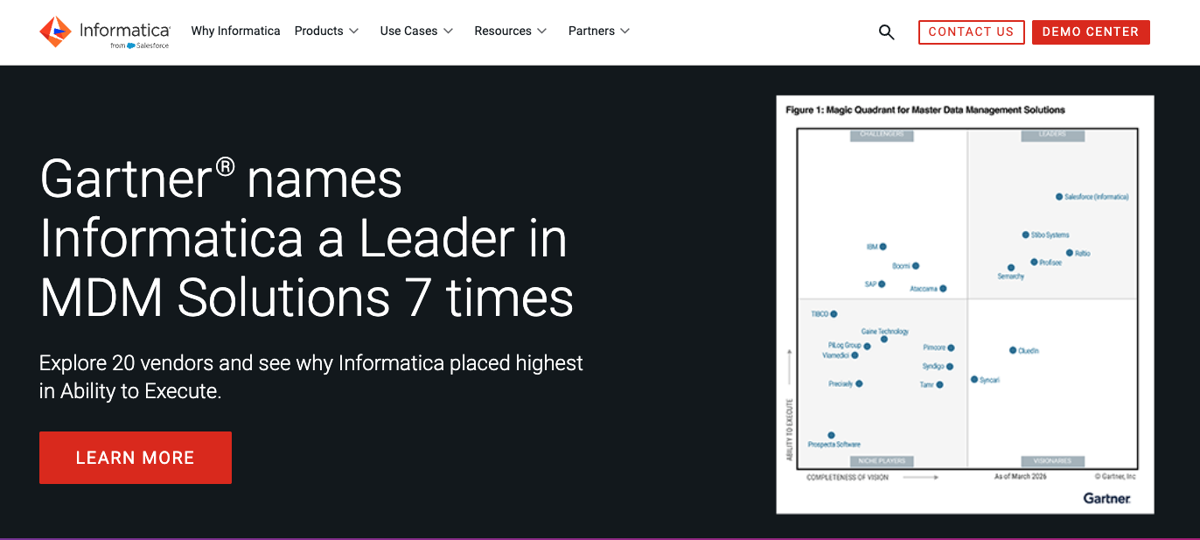
Informatica is one of the most established enterprise data management platforms on the market, covering data integration, data quality, master data management (MDM), governance, and compliance workflows. Large organizations in regulated industries such as financial services, healthcare, and government commonly use Informatica to manage complex internal data ecosystems across cloud and on-premise environments.
The platform is designed primarily for enterprise governance and large-scale integration rather than public web data extraction. Teams use Informatica to enforce data lineage, maintain compliance controls, standardize business data, and orchestrate integrations across hundreds of systems.
One of Informatica's biggest strengths is the depth of its governance and compliance tooling. Enterprises with strict regulatory requirements often rely on the platform for auditability, lineage tracking, role-based access control, and centralized data management. The tradeoff is complexity: Informatica deployments typically require significant implementation effort, dedicated engineering resources, and substantial long-term licensing costs.
Pricing
Informatica uses multiple enterprise pricing models depending on the product family and deployment approach.
As of May 2026:
- Informatica Intelligent Data Management Cloud (IDMC) uses consumption-based pricing through Informatica Processing Unit (IPU) credits
- PowerCenter uses traditional enterprise licensing models such as per-core and named-user pricing
- enterprise contracts are generally quote-based and can scale significantly based on deployment size and governance requirements
- PowerCenter standard support is scheduled to end in March 2026
Best for
Large enterprises that need advanced governance, compliance, lineage tracking, and centralized multi-system data management.
10. SAS Data Management - Advanced Data Integration & Analytics

SAS Data Management is part of the broader SAS analytics ecosystem and focuses on enterprise data integration, data quality, governance, and preparation workflows for analytics-heavy environments. Organizations in industries such as pharmaceuticals, financial services, healthcare, and government commonly use SAS to support large-scale statistical analysis and regulatory reporting.
Unlike web scraping APIs or browser automation platforms, SAS Data Management is designed for governed internal data environments rather than extracting public web data. Teams typically use it to standardize datasets, manage data quality, enforce governance policies, and prepare data for advanced analytics and machine learning workflows inside the SAS ecosystem.
One of the platform's main strengths is its deep integration with SAS analytics tooling and enterprise governance capabilities. Organizations with existing SAS infrastructure can centralize data preparation, compliance workflows, and statistical processing within a single ecosystem. The tradeoff is cost and complexity: SAS deployments often require specialized expertise, longer implementation cycles, and significant enterprise licensing commitments.
Pricing
SAS Data Management uses enterprise quote-based pricing that varies based on deployment size, modules, users, and infrastructure requirements.
As of May 2026:
- pricing is typically modular and subscription-based
- costs can scale significantly depending on analytics workloads and governance requirements
- enterprise deployments often include separate licensing for SAS analytics and processing components
Best for
Large organizations already operating within the SAS ecosystem that need governed data preparation and advanced analytics infrastructure.
What Are Data Extraction Tools?
Data extraction tools are software platforms that collect information from sources such as websites, APIs, databases, PDFs, and spreadsheets, then convert that data into a usable format for analytics, automation, or storage.
Some tools focus on structured data such as tables, JSON responses, or database records. Others are designed for unstructured content like webpage text, documents, or PDFs.
The category includes several different types of platforms:
- web scraping APIs for collecting public web data
- ETL and ELT tools for syncing structured business data
- browser automation frameworks for dynamic websites
- enterprise integration platforms for governance and compliance workflows
Common extraction sources include websites, REST APIs, relational databases, cloud storage systems, spreadsheets, and business SaaS platforms. The right tool depends on where the data lives, how frequently it changes, and how the data will be used downstream.
Benefits of Using Data Extraction Tools
The biggest advantage of data extraction tools is automation. Manual data collection does not scale well, becomes expensive quickly, and introduces formatting and consistency errors over time.
Automation improves efficiency first. Tasks that would normally require hours of manual work can run continuously in the background. Common examples include:
- pricing monitors tracking thousands of product pages
- job aggregation pipelines refreshing every hour
- SERP tracking across large keyword sets
- SaaS data synchronization into warehouses
Automation also improves data consistency. Well-configured extraction pipelines return structured output in a predictable format, which reduces manual cleanup and downstream processing issues.
The third major benefit is scalability. Once an extraction pipeline is operational, increasing collection volume is usually an infrastructure and configuration problem rather than a staffing problem. That changes the economics of large-scale data collection significantly for analytics, research, and growth teams.
Why Do Businesses Need Data Extraction Tools?
The best data extraction tools now underpin some of the most commercially critical workflows in modern businesses. The web scraping software market reached $1.17 billion in 2026 and is projected to reach $2.00 billion by 2030 at a 14.2% CAGR, according to Mordor Intelligence, a growth rate that reflects how central automated data collection has become across industries.
Competitive intelligence teams monitor competitor pricing, product launches, and job postings in real time. Market research teams pull review data, forum discussions, and news coverage to track sentiment. AI teams use extracted web data to build and fine-tune language models. Learning how to extract job data with no code shows how accessible these workflows have become even for non-technical teams.
E-commerce businesses track pricing across marketplaces to adjust their own positioning dynamically. Financial analysts pull earnings data, filings, and market signals from public sources to inform investment decisions. Recruitment platforms monitor job boards to surface opportunities for candidates.
The common thread is that all of these workflows depend on external data that is not delivered via a clean API. It lives on websites, inside PDFs, across databases, and extracting it reliably at scale is exactly what modern data extraction tools are built to do.
How to Choose the Best Data Extraction Tool
Choosing the best data extraction tool comes down to six factors. Working through each one will eliminate most options quickly.
Scale. How many pages or records do you need to process, and how often? At low volume, a lightweight library or no-code tool may be sufficient. At high volume, you need a solution built for concurrency and failure handling.
Technical expertise. Does your team have engineering capacity to build and maintain a custom scraper, or do you need a managed solution? API-based tools and no-code platforms reduce the engineering requirement significantly.
Anti-bot handling. Are your target sites actively blocking automated access? If so, a managed API that handles proxy rotation and fingerprint bypass is essential. Framework-based solutions require you to build and maintain that layer yourself.
Data volume. How much data are you extracting per run? This affects both tool selection and pricing. Some tools charge per request, others per GB transferred, others on a flat subscription.
Compliance. Are there regulatory requirements around how data is stored or processed? Enterprise platforms like Informatica and Talend are built with GDPR and data governance frameworks in mind. For web scraping, responsible rate limiting and terms-of-service awareness are the baseline.
Budget. Total cost of ownership matters more than sticker price. A managed API may cost more per request than a self-hosted solution but saves significant engineering time. For the best web data extraction tools, calculate what building and maintaining an alternative would actually cost before comparing prices.
Start Extracting Data with ScrapingBee Today
For teams building data extraction workflows that need to be reliable in production, ScrapingBee's web scraping API removes the infrastructure layer that slows most projects down.
The best way to handle web data extraction at scale is to not manage the proxies, browsers, and anti-bot handling yourself, and ScrapingBee handles all three. It integrates into any Python or Node.js project quickly, charges only for successful requests, and scales without additional DevOps overhead.
Sign up today and get free credits to test it against your target data sources before committing.
Data Extraction Tool FAQs
What is the best data extraction tool for large-scale web scraping?
For large-scale web scraping, a managed API like ScrapingBee is the most practical choice. It handles JavaScript rendering, proxy rotation, and anti-bot bypass without requiring you to manage infrastructure.
Are data extraction tools legal to use?
Extracting publicly available data is generally permissible in many jurisdictions, but depends on what is collected, how it is used, and the terms of service of the source site. Implement responsible rate limiting, avoid collecting personally identifiable information without a legitimate basis, and consult counsel for your specific use case.
Can I extract data from JavaScript-heavy websites?
Yes. Tools that include JavaScript rendering can extract data from sites that load content dynamically. Standard HTTP libraries like requests or BeautifulSoup will return incomplete data on those pages because they do not execute the page's scripts.
What are different types of data extraction?
The main types are web scraping (public websites), API extraction (structured endpoints), database extraction (relational or NoSQL), document extraction (PDFs, spreadsheets), and ETL pipelines (moving data between systems). Each requires different tooling depending on the source format and destination.
Do I need coding skills to use data extraction tools?
It depends on the tool. No-code options like Import.io require no coding at all, while managed APIs like ScrapingBee require basic integration work but have clear documentation. ETL platforms like Airbyte and Fivetran sit in between, configuration-driven rather than fully custom-coded.

Karolis is Head of Growth at ScrapingBee. Previously built and scaled technology products in data and e-commerce verticals.